Please try saving it in the latest version, there has been some important changed between beta2 and the current version which might’ve caused that issues. I don’t think I have seen a problem with brush presets saving in the latest version, but there always might be something I just haven’t noticed.
1 Like
It tried but still have the same problem.
I checked the preset folder and noticed the files sizes of all the recent ones are much larger i.e. 2-5MB whereas it’s kilobytes for the older presets.
The tips I’ve been using are quite big filesizes as they’re RGBA .gih tips.
I tried halving the dimensions of the biggest one and tested that with another new preset; That still didn’t work but I noticed the preset filesize was reduced.
I haven’t tried a default install yet - can that make a difference?
1 Like
Yeah, right now brush tips are embedded into the presets. I would like it to be configurable in the future - for example to reduce the sizes of bundles - but for now, it’s always on, so yeah, the presets will have somewhat heavy for some time in the nearest future (at least safer, I hope, and easier to share if you just share .kpp files).
I think I might still not be 100% clear on what the problem exactly is. Could you please rephrase it to be in steps format, for example like this:
- Open Brush Editor.
- Select an RGBA brush.
- Change the Diameter (Size?) to be much smaller or much larger.
- Use “Save a new Brush Preset”
- Use some unique name and unique thumbnail.
- Press OK.
- Try to paint, the preset size is as big or as small as the one from point 2 and it should be the one from point 3? ← or other description of the problem. Of course mention it in the first step that shows the problem.
1 Like
Okay - I’ll try! 
Task is to create and save a new preset.
- Select an existing preset as a start point (note: I made masked pixel engine brushes).
- Open Brush Editor.
- Choose the desired brush tip for main and masked tip (note: I used RGBA .gih animated tips).
- Change various parameters in the brush editor until desired behaviour is reached.
- ‘Save New Brush Preset’
- Load scratchpad thumbnail and enter unique name.
- Save.
- Reset base preset or select another pre-existing preset (just changing straight to new preset wont demonstrate the error if those properties are still loaded into the base preset).
- Now select the newly created one via its thumbnail in the Brush Presets Docker.
- Problem: New preset is not loaded; The previously selected one remains active but the new preset is highlighted.
- On right-clicking new preset the name displayed is the same as the previously selected one. That happens whether the new preset is selected or not.
- Assigning a tag to the new preset doesn’t work either; it’s applied to the active preset instead.
- If the new preset is selected via a different method i.e. In the brush editor or the preset chooser on the top panel, the preset doesn’t visibly change in the preset docker.
I think that covers everything I’ve noticed so far.
It does seem like these presets exist in the resources folder, but I can’t activate them in Krita except for that one preset as mentioned.
What you describe sounds as if the database thought there is a brush preset like that, but Krita couldn’t load it when you select it. So it either cannot find it, or it cannot load it at all (you can try if that preset works in Krita 4, if it doesn’t, then it’s a problem with the preset file; if it does work, then maybe it’s jsut the filename in the database that is wrong, or something similar).
However… I still cannot reproduce it on b58801a7ae (which is admittedly a bit old but if you had the issue both on beta2 and recent Plus, then I bet it’s in that git hash too, I just can’t seem to be able to trigger it). It’s masked (with Circle Hard Eroded), has RGBA animated tip (RGBA anim 01), and works fine… 
Can you please share your database file (resourcecache.sqlite from the resource folder) and the brush preset file (if you can find it)? Unless you know how to explore the database file, then I’d just need the entries about that preset in resources and versioned_resources tables.
1 Like
Okay - sent you a message! 
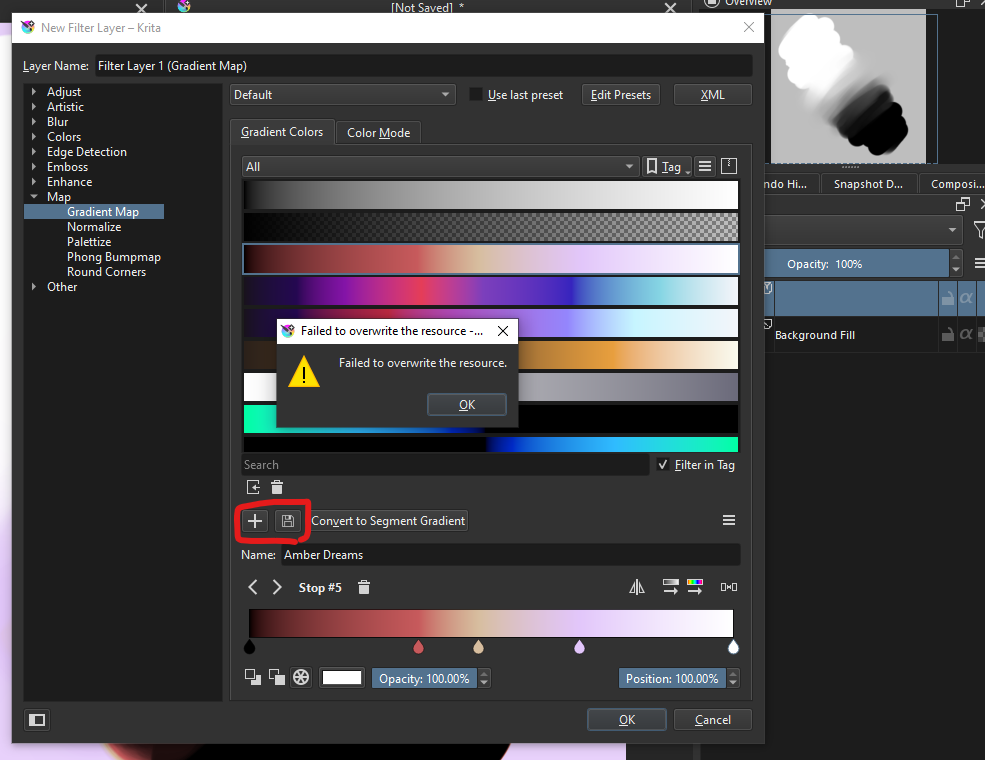
I can’t seem to update gradient maps on Krita 5.0 Plus on Windows 10.
How to reproduce the issue:
- I add a Filter Layer
- I try to edit a gradient map I have already made
- I click either the plus icon or save icon
- I get the error as seen in the image
Would it be possible for you to report it on bugs.kde.org? We’re finishing everything up and I’m afraid it could lead to this issue being forgotten. If it’s in bugzilla with appropriate keywords (which someone will add if you don’t have permissions), we will be checking it out.
2 Likes
Yes, will do!  Thank you
Uhh, while I wrote the bug report the problem solved itself, I am kinda confused why it suddenly works just fine, I tested on a newer plus and it works there too. Maybe it was a false alarm? I will keep working on my gradient maps and if the problem arises again I will report it on bugs.kde.org as soon as I experience it again!
(Edit Could it be that I had two Krita instances opened perhaps, I have a vague memory of there being two?)
1 Like
You gotta use the newest, also new Krita shouldn’t allow you to open another Krita unless it’s 4.x od something. Not two Krita 5.x.
I managed to recreate the problem, but perhaps the “bug” here is that I am able to open 2 Krita 5’s (one is Beta 2 and one is Plus), when those are opened I get the same error on Plus (the one first opened)
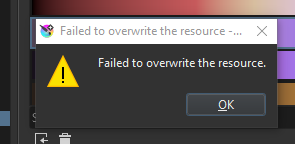
This bug is super specific and hard to recreate, when 5 releases I kinda doubt anyone will bump into it. I manage to open two Krita instances by having my Plus version running, and then opening a .PSD file by right clicking it and open with Krita while I set .PSDs to always open with Krita (unsure if that last step is needed), though most often it does not happen. Super weird haha
I forgot to test if the error message applies to other resources as well. If it happens again I will try that, and also see if I can note down how to reproduce it
1 Like
Maybe you can try with other resources and the 2 instances open to see if that is also a problem. Perhaps that issue will allow to know if that is a gradient only issue or resource system issue. At least it is not a crash.
Maybe the problem is that the 2 instances want to access the database and they can’t? (I don’t really know).
1 Like
It sounds like it! Although I have got to get it to happen again, it happens fairly randomly/rarely. Has only happened with the exam I am doing now where I work a lot with PSD files. So I will see if it happens again and test it out  !
!
Please report being allowed to open two Kritas at once (unless they are for different users and therefore using different resource folders).
It might ve just that. I remember I once had similar issues when I opened a database program alongside Krita and tried to made some changes (usually it’s fine for debughing pirposes, as read-only, but I clicked too many things  . So two programs tried to access the database at the same time to modify something, and something got locked up. If you encounter the situation again, try to create a new resource, or a new yag, or anything - it will all probably fail (if my understanding is correct).
I can’t change the brush presets used in Ten Brushes plugin in the latest Plus version of Krita, my productively has fallen as my favorite brush is not hotkeyable anymore, and might be for others as well so I reported it as “major” and “regression”.
Bug report: 446292 – Can't change Ten Brushes brushes
2 Likes
You might want to look out for the plugin that @Grum999 is just working on. This should be a great time saver for people who draw a lot. It might be available for testing as soon as tomorrow.
2 Likes
I’m noticing creating new documents is a bit slower while having many brush bundles installed in beta 5 compared to krita+ build from november 22 (7747b7f). De-activating the bundles makes no noticeable difference. Activating and de-activating bundles is also slower than before.
macOS 10.13.6 (7747b7f, beta5), openSUSE Tumbleweed in a VM (beta2, beta5)
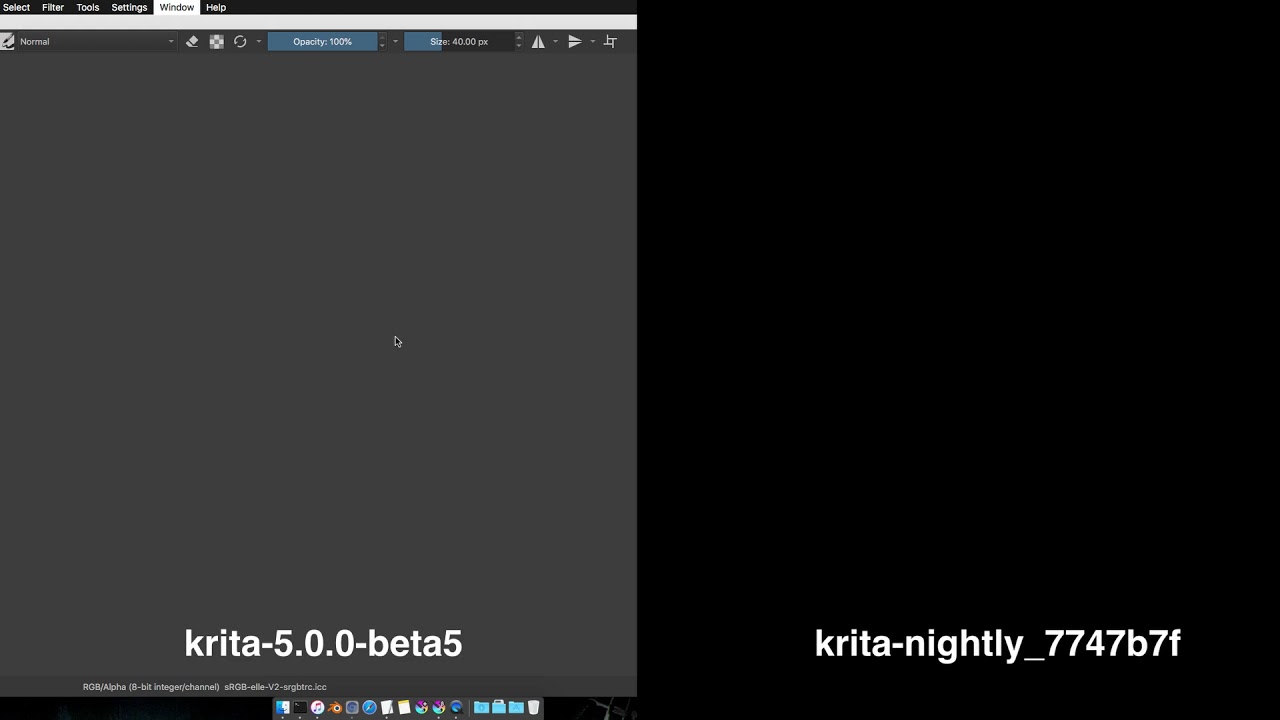
Related to this bug?: 446146 – Reloading a brush takes noticeably longer than before
2 Likes