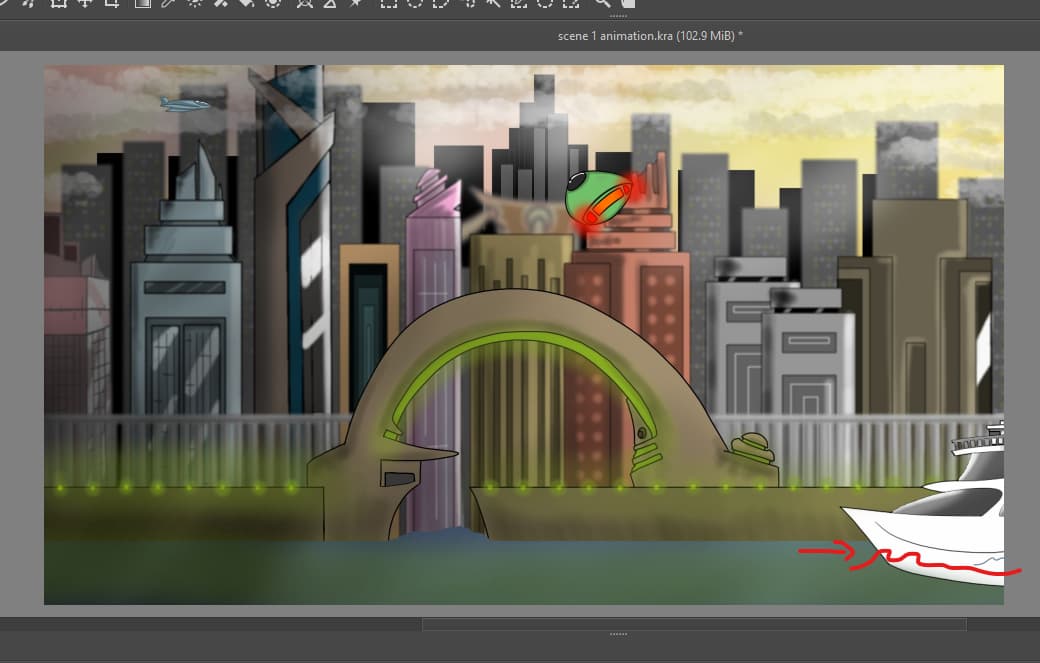
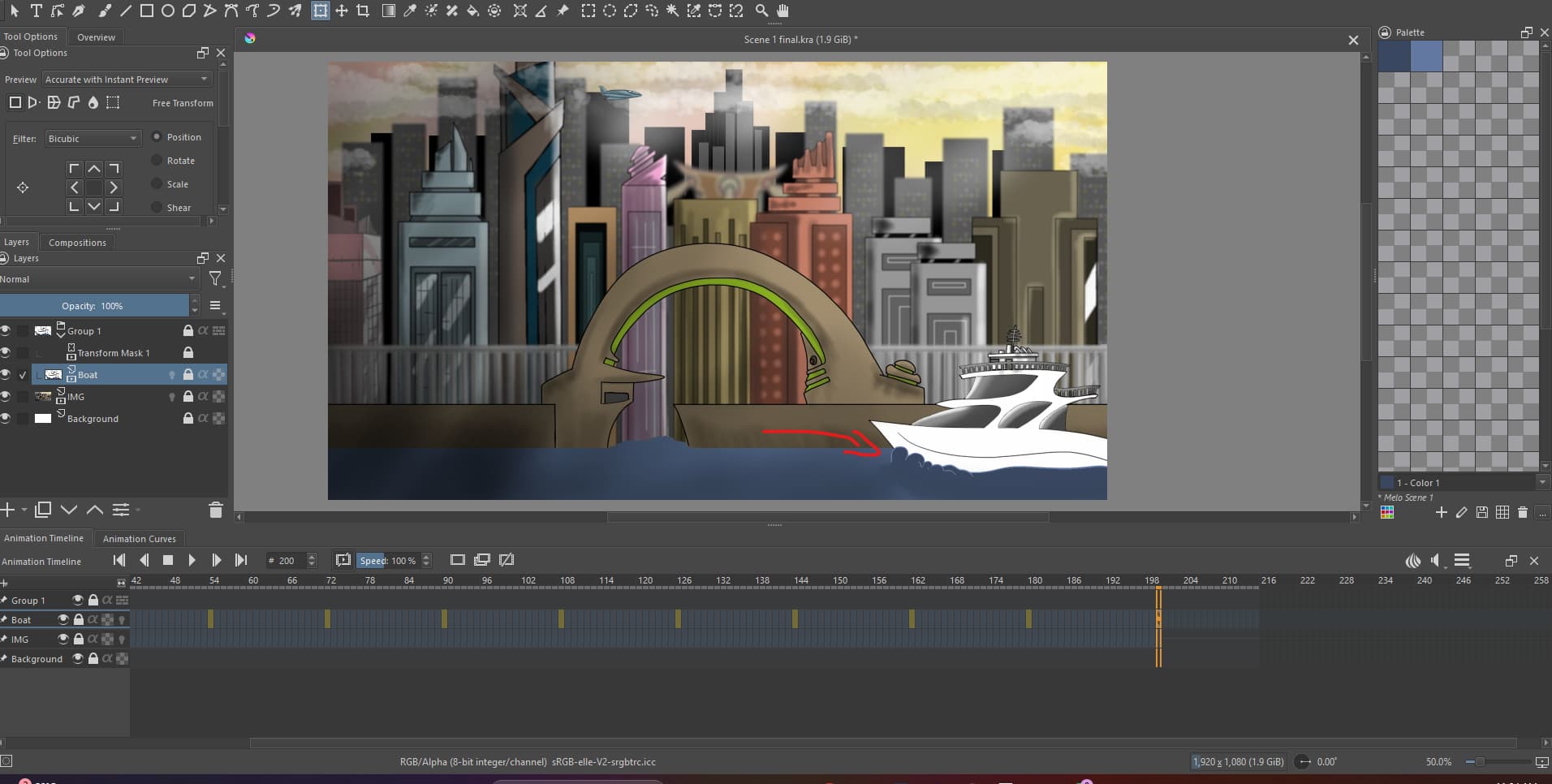
Hey Krita fam! In the scene below I have used a transform mask to move the boat through the water. Now I have to animate the water moving in front of the boat. I’m wondering if there is a way to animate a loop for the water but somehow connect it to the boats transform mask so it automatically moves with the motion of the boat.
The water movement in front of the boat is called a ‘bow wave’. The water movement behind the boat is called a ‘wake’. Along the side of the boat there will be some disturbance too.
You’ll find videos that show how their shapes and behaviour change at different boat speeds.
If you have an animation of the water around the boat, you can make it move with the boat by duplicating the animated transform mask of the boat movement then dragging it onto the animation layer of the bow wave and wake.
That would work well if the boat has only horizontal movement. If there is a vertical movement component then you might want to add another animated transform mask on top of that for some manual correction of vertical movement to give a more realistic bow wave and wake movement.
Or you may prefer to make manual adjustments to the vertical movement component of the duplicate of the boat movement animated transform mask.
You can stack multiple animated transform masks and they are applied in a bottom to top order.
I think the bow wave and wake animation would be on a shorter loop than the boat movement and so you could render it out as an image sequence then import it back in and manually repeat the sequence to give the entire duration bow wave and wake animation as a fully frame painted animation layer, then place the duplicate of the boat movement animated transform mask on it.
There may be some appearance problems with blending the edges of the bow wave and wake with the static water underneath it.
Wow, thank you @AhabGreybeard! I wish we could connect so you could show me in more detail, if this is possible please email me at (amazinganimationstation@gmail.com) also I find the more transform masks I add the slower Krita runs, and sometimes even crashes. I’m using a 32GB RAM computer, I built myself, but is there optimal settings for Krita when animating that I should know about, that might make it move a little smoother? Because of this I do render a lot of my animations as an image sequence.
Yess! I got it to work. I had to do it a little differently. I created a new document for just the boat and the water looping in place and removed the background. Then I rendered it as a image sequence without any movement of the boat. Once I imported the boat and water back into the the main Scene, I put them in a group and added the transform mask. The bow wave now moves with the boat. Thank you!
I don’t and won’t do private discussion because I hardly have time nowadays for krita related activities.
Also, I strongly urge you to remove your personal email address from your post before an email harvesting bot grabs it and sends you annoying/unsavoury spam.
I’ve used multiple (3) animated transform masks on layers before with no problems but they were simple Z-rotation only transforms.
I think problems happen if you have many parameter changes involved, such as X+Y movement and X+Y scaling combined. I’ve had crashing problems with multiple animated X+Y+Z rotation transform masks.
I think it’s some kind of internal krita overload problem because the total RAM usage at the time was well short of my total RAM amount.
The technique of separating different aspects of the animation into different .kra files is a good one because it simplifies what you have to do in any .kra file and reduces krita load and CPU load as well as RAM load if that’s becoming a problem.
Then combining the different parts via stored image sequence intermediate files is boring but not difficult.
If you’ve reached a solution after reading my short explanation and then decided to use separate .kra files for separate things, you obviously have a good understanding of the problems and the ways of soving them. You shouldn’t have too many further problems apart from tolerating the very boring ‘separation then combination’ activities.
I wish you well and I’ll try to remember to watch your animation when it premiers in about 26 hours from now. Good luck with future animations