Brand and version of the device: XP-Pen 15.6
System: Windows 10
Version: 5.1
hello, I’ve had a few problems with the bucket tool since I downloaded Krita, even with the updated version it doesn’t seem to work all that well. My friends and I have been working on an animation for months and it would have helped if we didn’t have to color the same thing over and over, and that’s not even the problem, it doesn’t fill any shapes, like a simple square, it just fills the whole page.
I really enjoy working in Krita, but colorings been a bit difficult, but otherwise everything else is good.
I’m not sure what you mean by that, can you say more about it?
Re filling the whole page, that will happen if there are gaps in your shapes. On my end I’m not having that problem. Can you show us an example?
Are you on the same layer when filling the colour. if you want you can make it take into account all layers rather than current layer. Check the tool options for more .
No, i mean it does work in thick lines, but mostly i use thin lines for my projects, thick lines aren’t always appealing…
And it gets a little frustrating working on animation too with this problem…
Hi @lemon1 - It should work just fine with thin lines as well as thick – unless your thin lines have gaps. Are you able to share an example? I’m sure we can help you figure this out. As @raghukamath pointed out, there are adjustments you can make in Tool Options.
No, i place the coloring layer below my lineart, but the problem was not in the squares and other shapes…some programs seem to catch the lineart and color it accurately, and I’ve tried not to leave any open spaces in my drawings but somehow it always slips and colors the whole page, so for about a year I’ve been coloring with brushes, and finally i decided to ask for help…


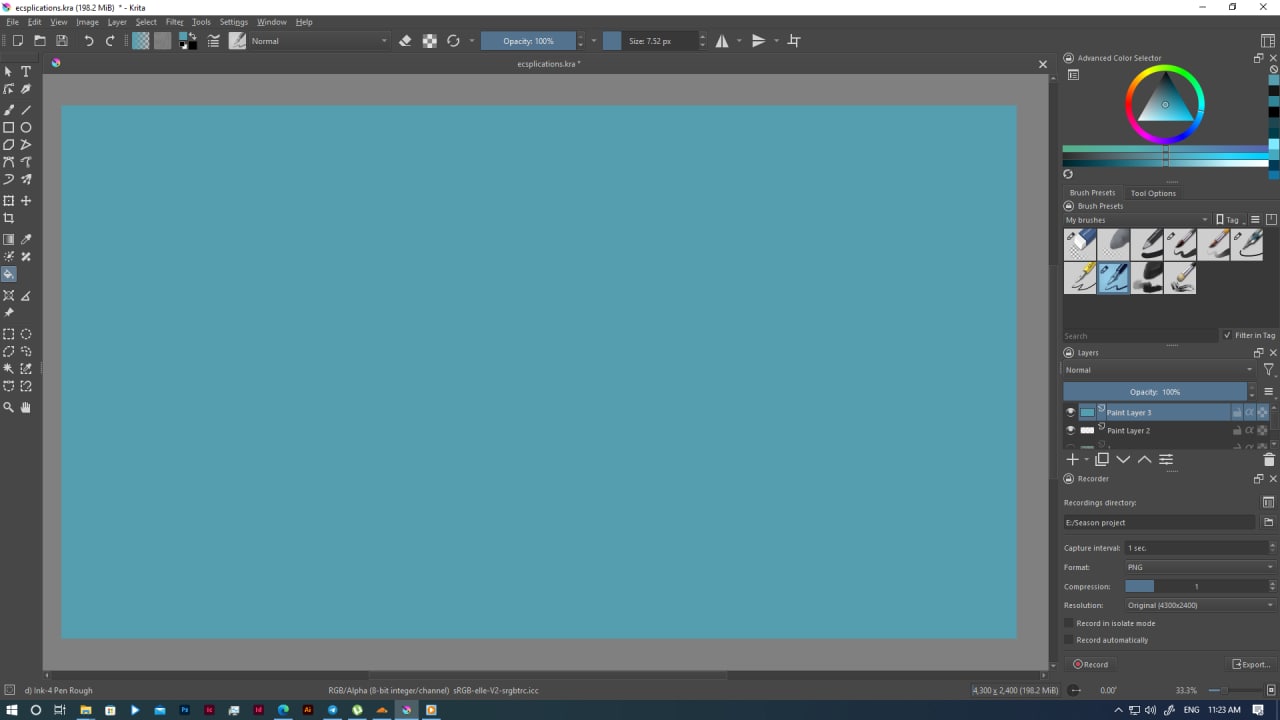
Keeping the colour layer below the lineart layer is expected, no problem with that. Did you choose to target entire document so that krita knows to seek for enclosed shapes for all layer in the tool options docker. I think by default it only targets the current layer hence it will fill entire layer. in your screenshot I can;t see what options you have in the tool options docker
A screenshot or example of your line art, tool options panel and layer docker would be helpful for us to determine the issue. Here in the video below you can see that I have a 1 pixel thick enclosed box and I am at first filling the entire document, because the reference layer is current layer and then I choose the merged layer as reference then it fills correctly
it even fils extremely thin lines with grayscale for me. The below is the recording of the stable version
The gist is look into the tool option docker
1 Like
Since the lines seem to be light gray, it may be also that you need to lower the threshold to avoid treating them as similar color as the white.
2 Likes


You’re using version 5.0.6, which is outdated. Also, you’re sampling the Current Layer instead of All Layers.
1 Like
Okay I’ll quickly update it then, but i tried the all layers in the options and it worked, thank you
Glad that it worked out for you. That is what I have been saying from the first comment I made in the thread 
I’m sorry, i didn’t understand at the start, but i updated it and it’s working perfectly now, thank you so much,
3 Likes
This topic was automatically closed 30 days after the last reply. New replies are no longer allowed.