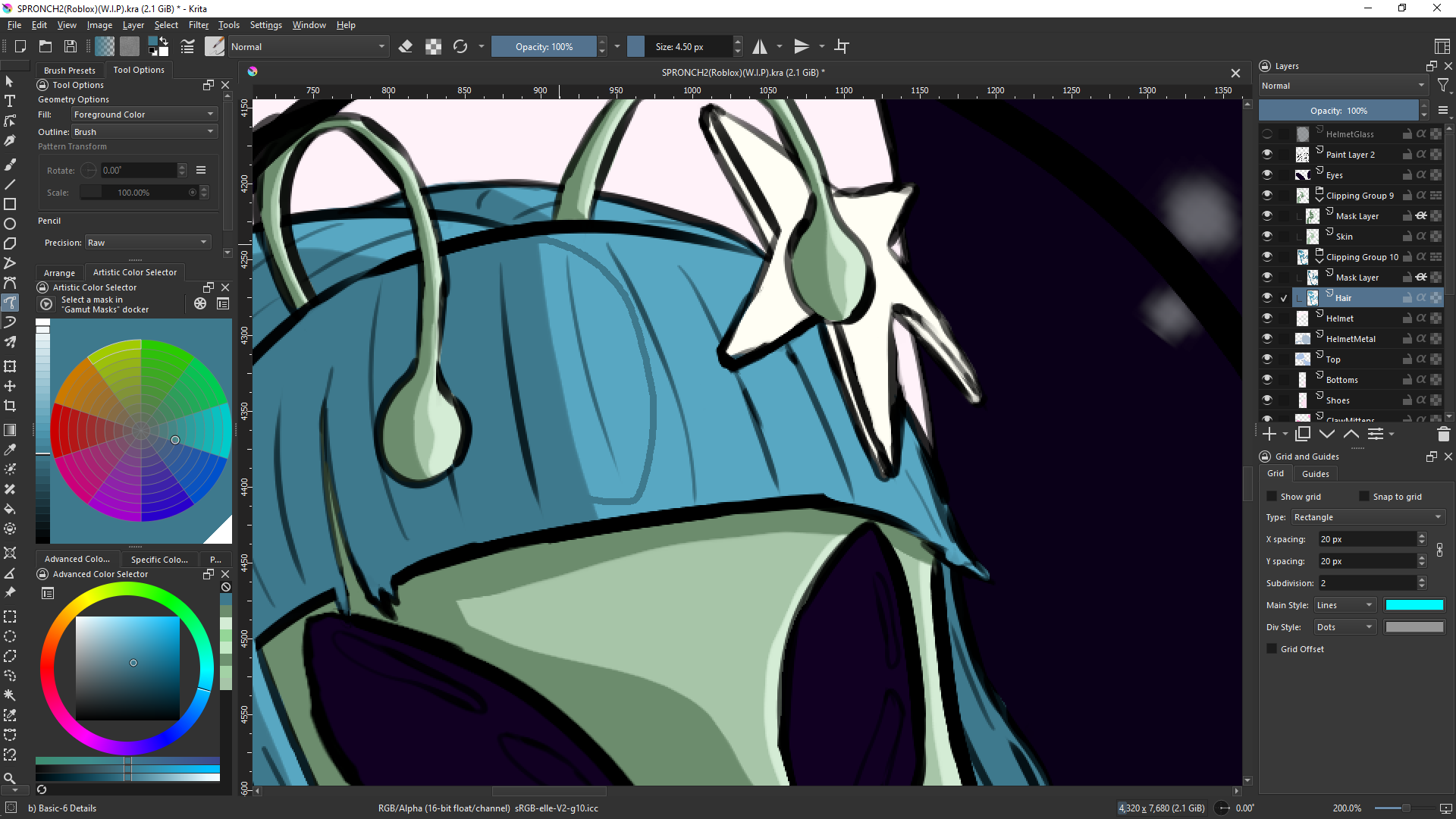
I’m using the Freehand Path tool to color in my piece but the outline of the tool keeps matching the color of the canvas making it impossible to know where my line is. (In the image, the line is visible in the lighter blue area but disappears in the darker (matching color) blue.) Is there a way for me to make it so it a different color? Black, white, red, pink, just something other than the color I’m using?
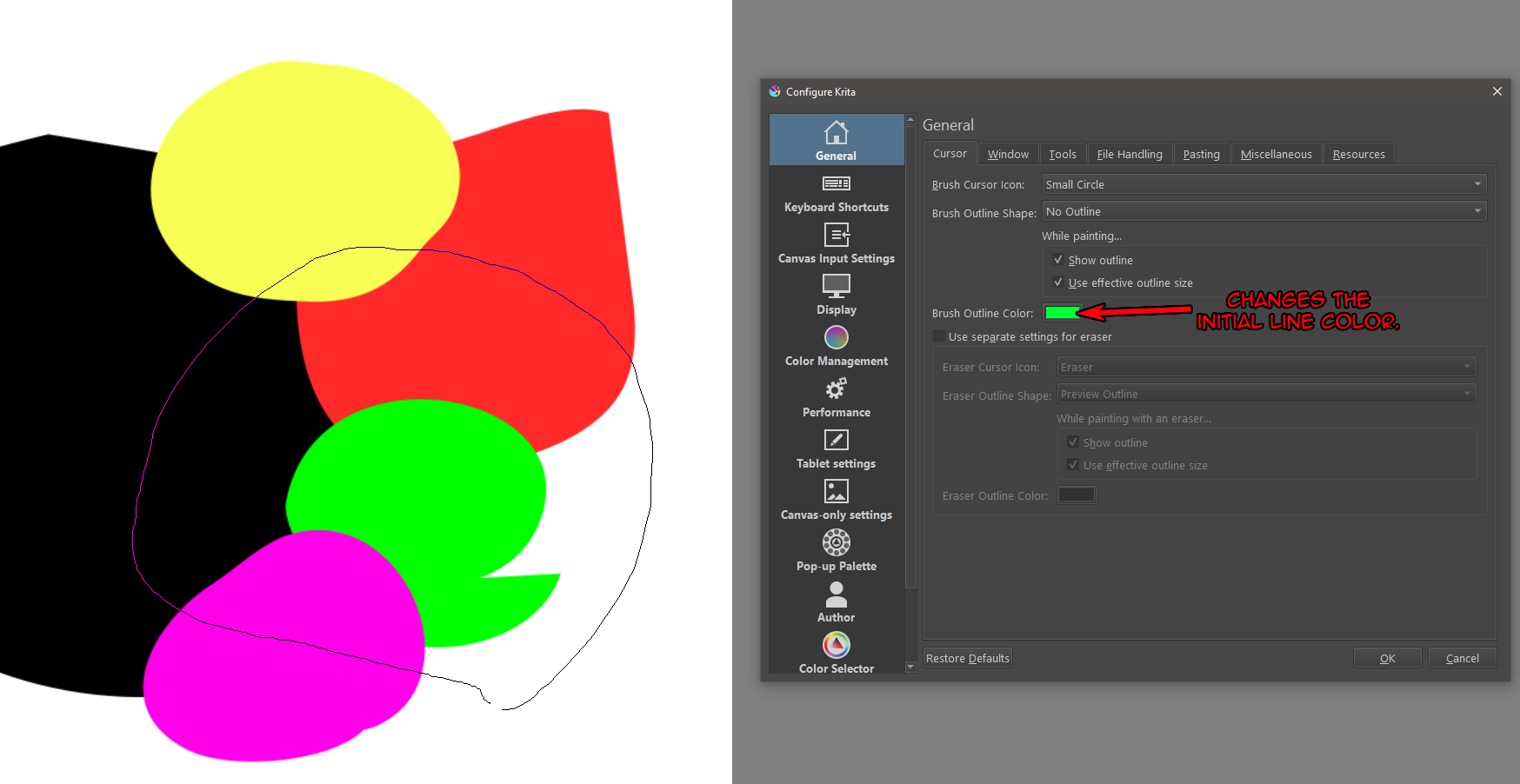
For me, the line changes color depending on what I’m drawing over (which you can see in the attached screen shot). The initial color of the line is the color you set for you cursor (also shown in the screen shot).
This topic was automatically closed 30 days after the last reply. New replies are no longer allowed.