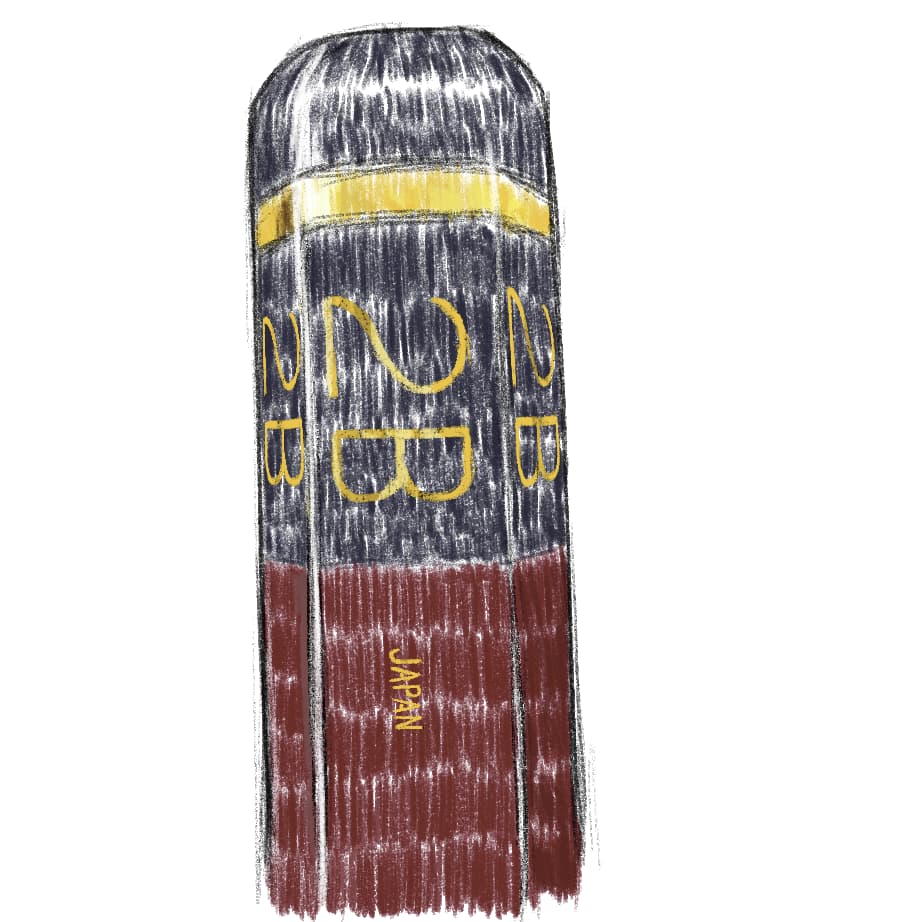
Hello! First post here and wanted to share a pencil brush I made. I used the charcoal pencil by David Revoy as a base. His work is great but it didn’t exactly suit my needs so I modified it to be more like the Hi-uni 2B pencil.
https://drive.google.com/file/d/1g7TgnpxD_b97KB1LsfzcR-0sU-f0RHQq/view?usp=sharing
27 Likes
 Hello @Ergo, and welcome to the forum!
And also many thanks for sharing your pencil with us. 

I hope you will feel comfortable here on the forum, and invite you to take a look around to familiarize yourself with our customs. I hope you like it and wish you much fun with Krita and this forum!
Michelist
Hi @Ergo - Welcome to the forum. Thank you for sharing your pencil brush with us.
It was somewhat surreal to see in Krita the embodiment of my favorite Mitsubishi Uni 2B I use daily . Sadly or luckily no one traditional material can be replicated in digital form. After some tweaking I found it pretty satisfying.
Thanks for sharing!
3 Likes
great brush 
@I9S
hello, so could you send me samples of brushstrokes and textures, can I at least try to reproduce something interesting, please.
I like to create brushes, but I wanted to base them on real brushes, unfortunately I don’t have them.
sorry about my English 
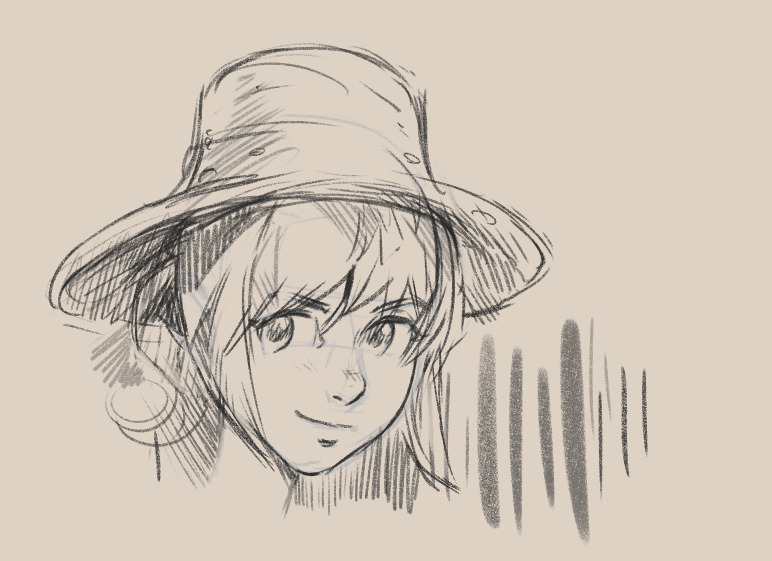
@Ergo : Hey, good job with the modification. The line is more dynamic and direct in your version. I like the rendering when lowering a bit the opacity too. A pleasant pencil preset 
8 Likes
interesting use of spacing curve. and lineart dodge masked tip. i’m going to try that in future brushes for sure.
I didn’t change brushform and pattern. For this preset I just tweaked size control, opacity, flow, changed texture mode to “Darken”. Also changed and enabled “Strength” in pattern section. Overall I made it feel more like chalk pencil – for ease to make deep strokes with slight softness.
If you want to experiment with real scanned brushstrokes and textures besides Krita has out of box I highly recommend to check Ramon’s Miranda bundles.
Yeah I love my Mitsubishi 2B pencil as well! I use it daily. I don’t think digital will ever be able to replicate the feeling or look of real traditional media like the mitsubishi 2B. I mostly tried to get a pencil brush to lean closer to my ideal real life pencil.
2 Likes
Thanks! Great sketch!
1 Like
I think it would be good idea, if you shared your own parameters in the brush, wich changes you make, but if you dont wanted it, its okay. No worries.
Here the kpp (it contains only settings, without brush stump and pattern), if you curious:
4 Likes
I think the original link drive file from the initial post its not working anymore. 

1 Like
For all in need, here is the original bundle:
The first link offers the bundle plus copies of the license and the website, you can download everything or select what you need:
Perhaps you alternatively want to download it from my old cloud, which not always work, and only holds the bundle:
Michelist
Add/Edit: Added a second download address, since ufile.io can be unreliable.
7 Likes
Thank you for uploading the brush bundle again Michaelist, I was just about to do it myself as well. I moved a bunch on things out of my google drive a while ago, I didn’t know anyone was still using my brush bundle so I never uploaded it again.
2 Likes
Thanks Michelelist
Yes, i mean i recently trying to replicate the same brush before, but my pc got damaged. Now i have the time for testing.
May i ask you something, is this the same recreation of the of the Mitsubishi Pencil brush in Krita right? because i recorded the version i got from the Clip studio paint brush, i am not sure if you tried before?
Besides i have the traditional pencil skechts in my home, i do many draws with that, i can provide samples of how this amazing pencil works too like Feedback.
hello, the file doesn’t exixt.
Hello, the friendliness is missing …

And I updated my posting above, so the bundle can be obtained again.
Michelist
1 Like