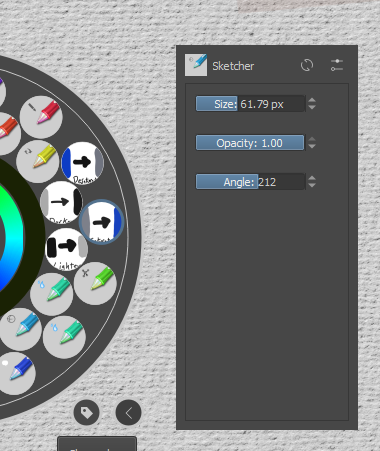
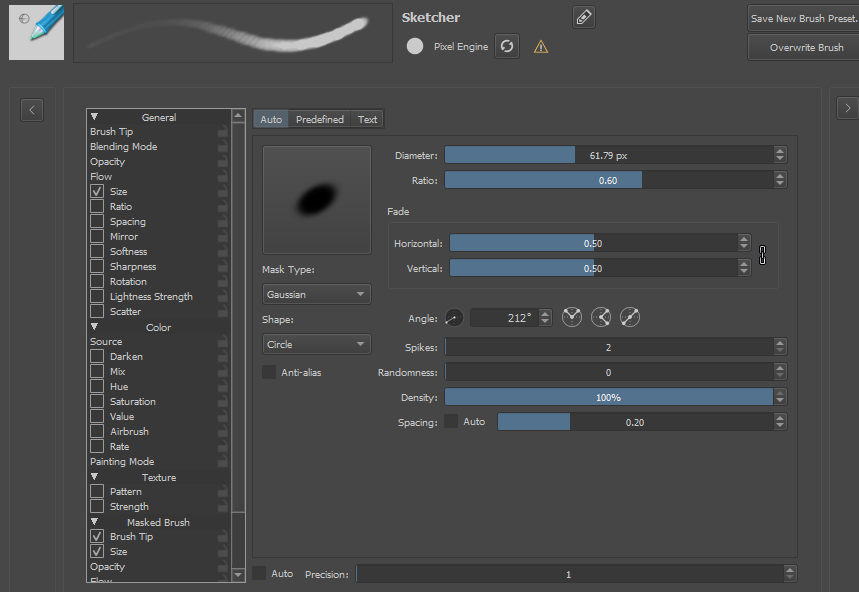
Is there hotkey to change the Angle/rotation of the brush tip?
For instance, I can hold down shift and drag to change the size of the brush tip. I can press ‘I’ or ‘O’ to in/decrease the opacity in increments. Is there a way to do this with the angle of the brushtip?
I know it can be access from the brush panel and pop up menu, but it’d be awesome to use hotkey to change in increment of hold down alt and drag to change the angle. Thanks,
After searching the list of hotkeys, I can only tell you that I could not find a hotkey for this function.
If you want to try it yourself, you can find the list of hotkeys in the Krita settings.
Michelist
Edit: However, as a workaround, you could create a preset for each of the brush tip angles you need and toggle it with the Ten Brushes script.
No - brush rotation is not even available in python, so it’s impossible to write an addon for that.
I’d have to check if a shortcut like that, or python access is already officially requested on bugtracker. If not, it’s worth requesting it - I’d need it too.
It’s also worth discussing which ways of accessing this value should have the biggest priority - apart from shortcuts that add/subtract a value from angle, you could have a modifier like canvas rotation (shift + MMB) and brush size change (shift + LMB) combined to rotate a brush, as well as the ability to move a rotation widget to the topbar, next to brush size and opacity slider.