Hi there, Krita has a super duper cool brush engines but brushes for Krita are very few (I’ve been watching for brushes only here - Docs » Resources).
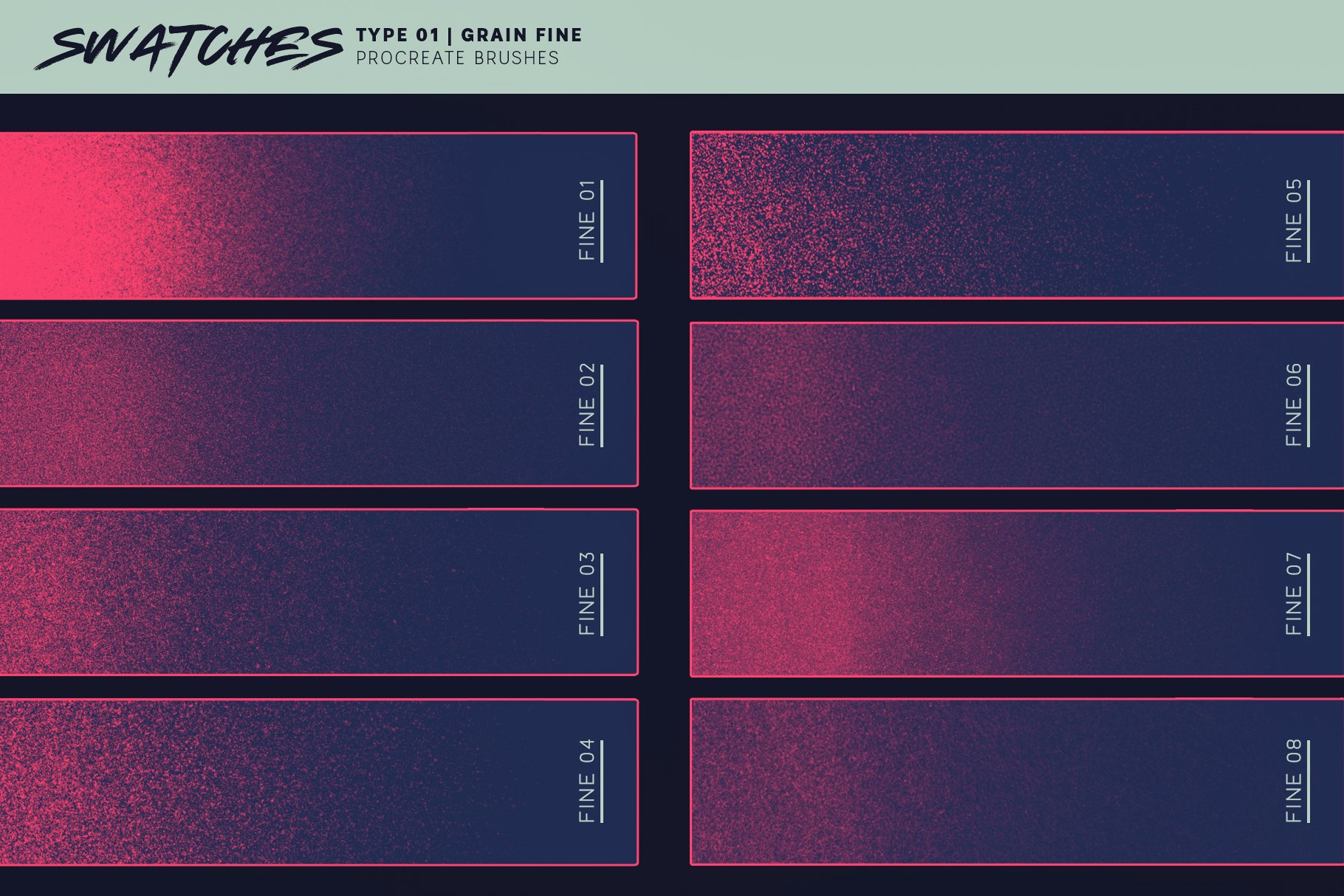
I’ve seen a lot of illustrations with some beautiful noise or grain, it’s looks really cool. But i’ve seen this “Grainy Brushes” only for Photoshop or Procreate, if there’s anything like that for Krita or how do i can make those brushes?
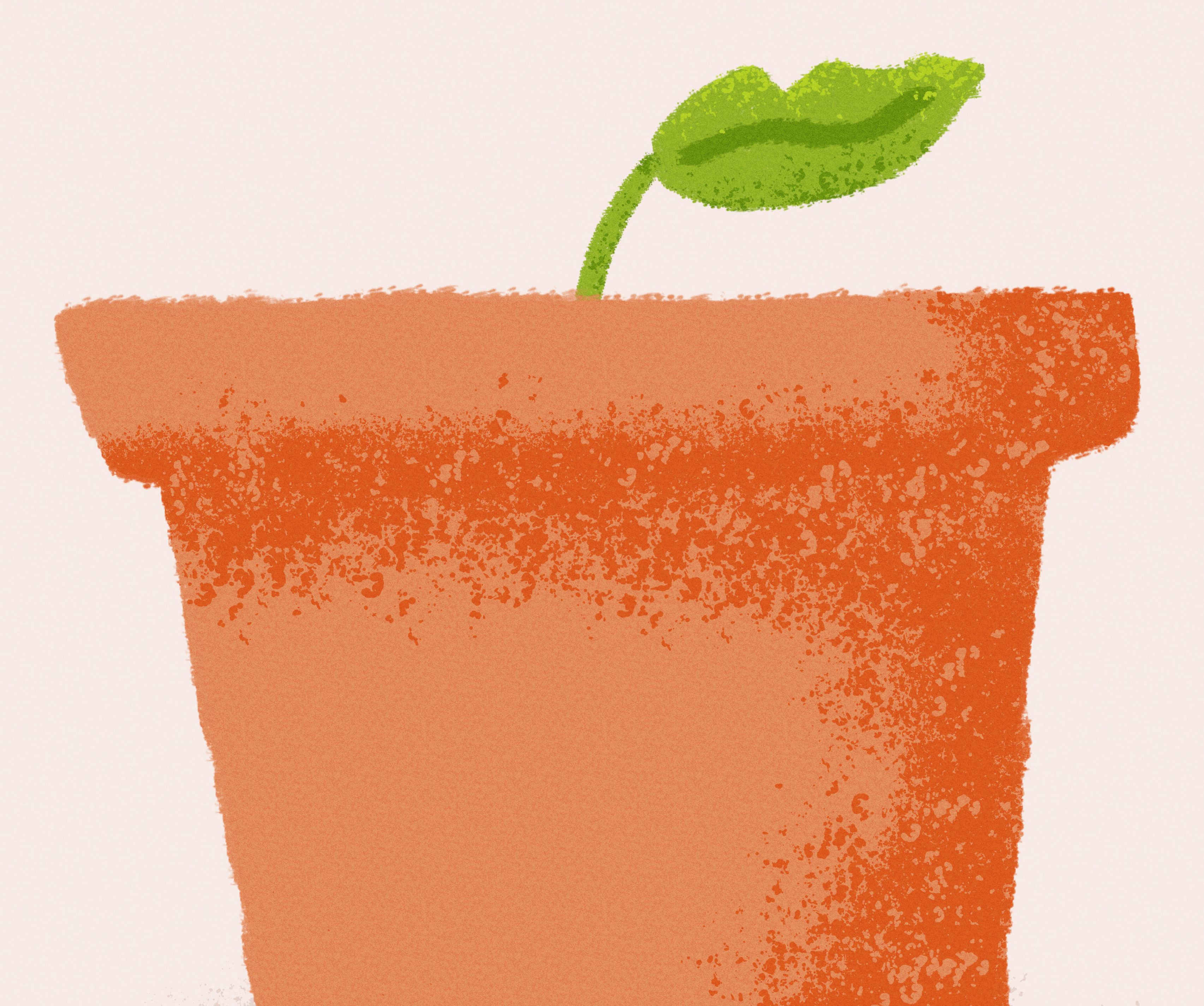
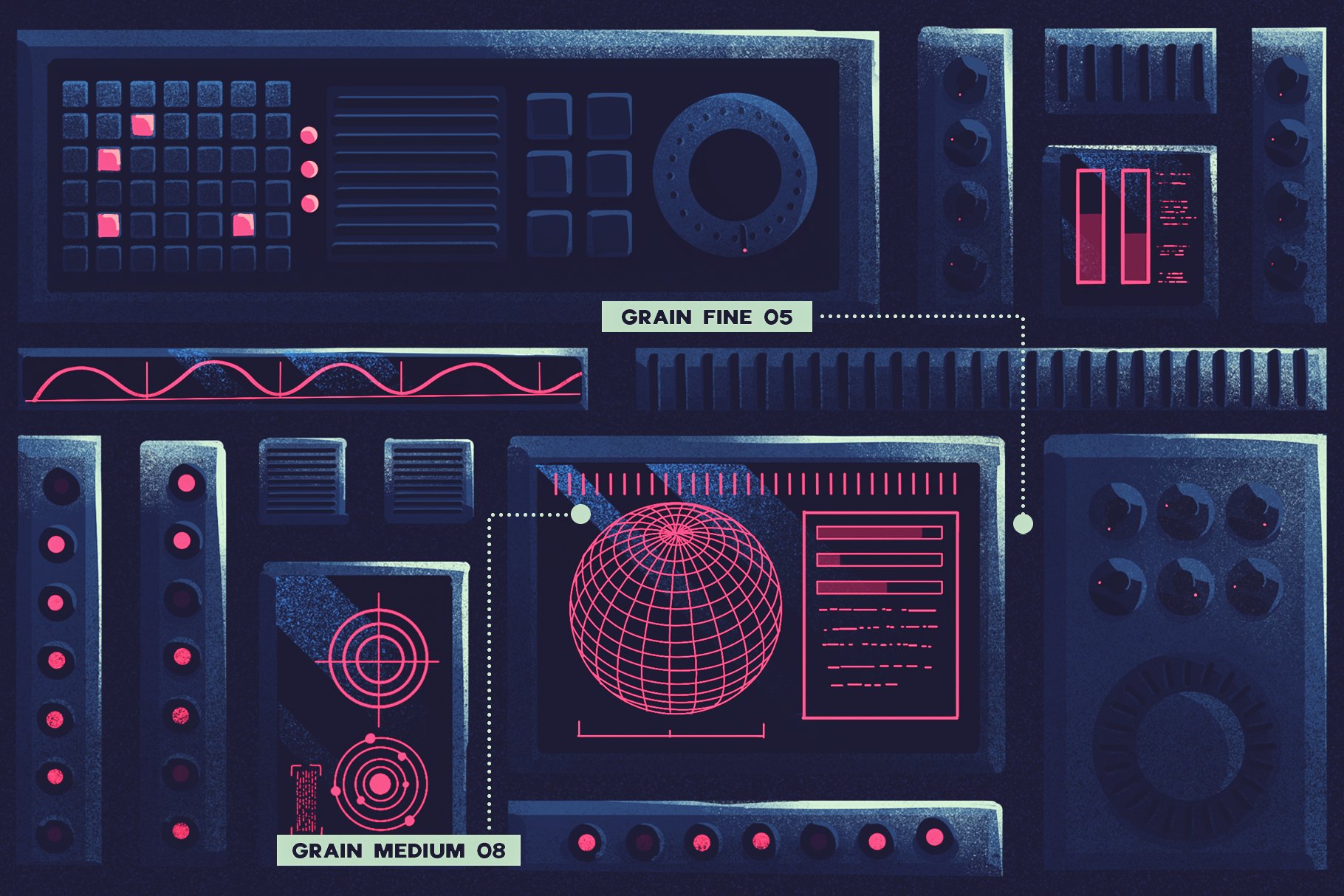
Here are some examples of what i’m talking about: (Source)
You can create these type of brushes with the pixel brush engine. I had scanned some brush splatters and sponge textures to create my own versions. You can find some in my old brush pack. I have also made some new ones, this one is the latest one, let me know if it doesn’t have texture.
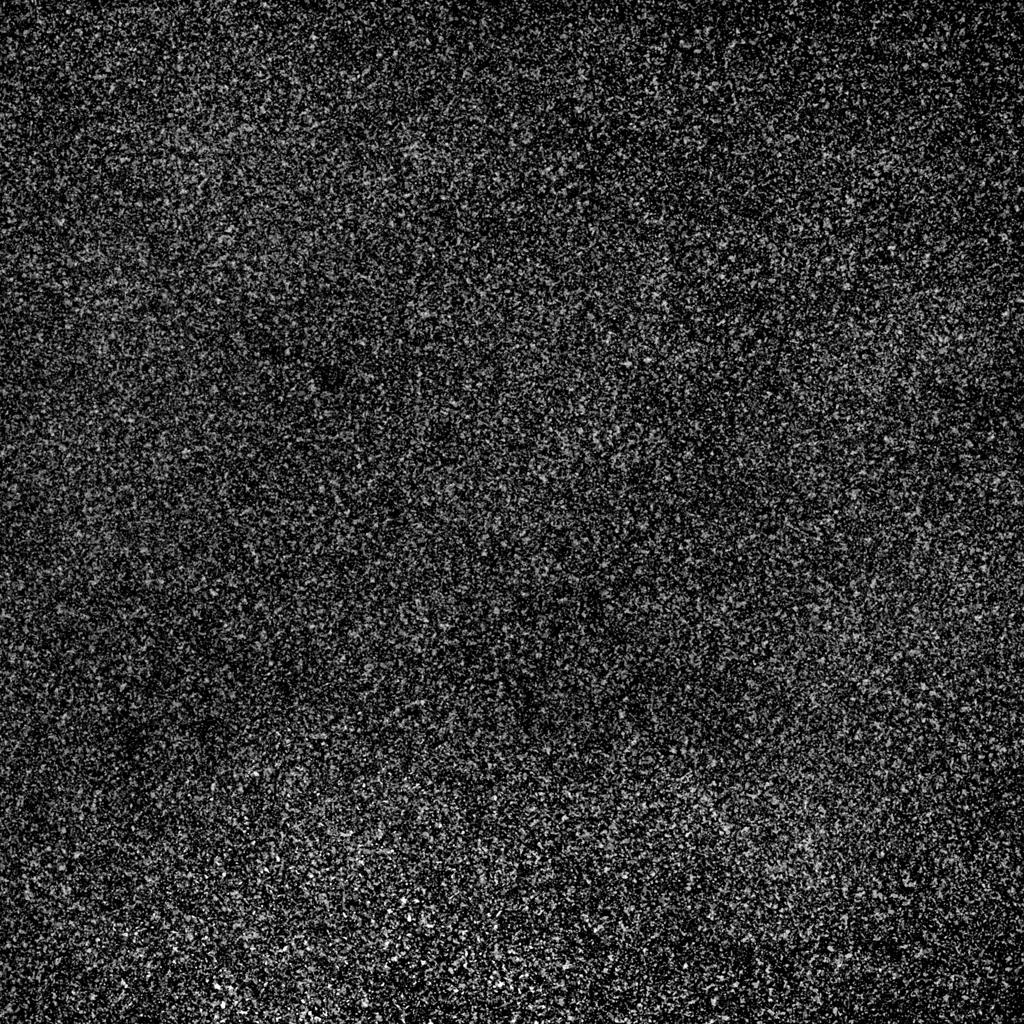
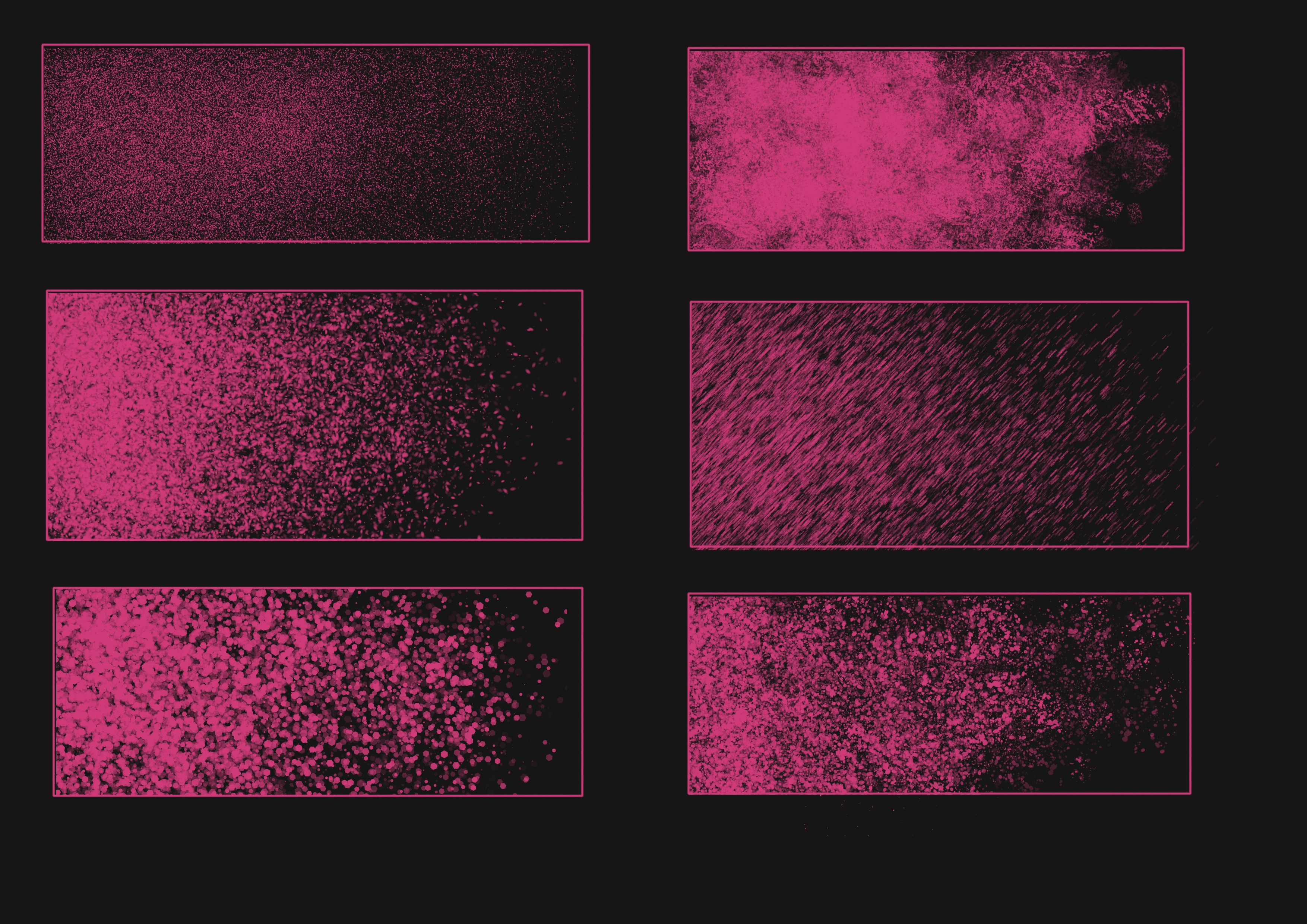
I think this is interesting so i have been doing these samples this morning using the spray brush engine. The possibilities are endless, so if more people is interested we could make more grain in Krita, No patterns were used here. If you zoom the image you can see we can play with the shape of the particles, we can control the amount of noise…well lot of things. No time for now to make more but if i notice lot of comments, maybe a fast tutorial will come
That’s awesome, I’m gonna give it a shot as I never considered this engine.
Another way to add randomness would be to be able to add more dynamic to the dual brush, as of today it seems to me we can only choose a tip, size, angle and step and all static. Allowing rotation, size randomness and all the other params would be so helpful to make really random marks.
Masked brush has enough features to give you all that, just activate the features and play with the curves. i love masked brushes, for example watercolor brushes in Digital Atelier use masked brush feature a lot. fast and controllable and not available in Clip studio paint and other softwares
Ok I got confused with the naming ! I meant the masked brush BUT I never knew the params below were aimed at it, since it was not indented. I finally got it when I colapsed, opened the Masked Brush params O_o.
Thanks again I was really looking for that these days !
The grainy style is very personal. Maybe a less black in the outline width could help. And you have to think about what do you want to achieve with the grain.
Creating texture,
reinforce the volume darkening the edge areas,
add contrast to the terminator area in the shading.
Mimic simply dust…
Everything is related with your artistic goal. Keep practicing
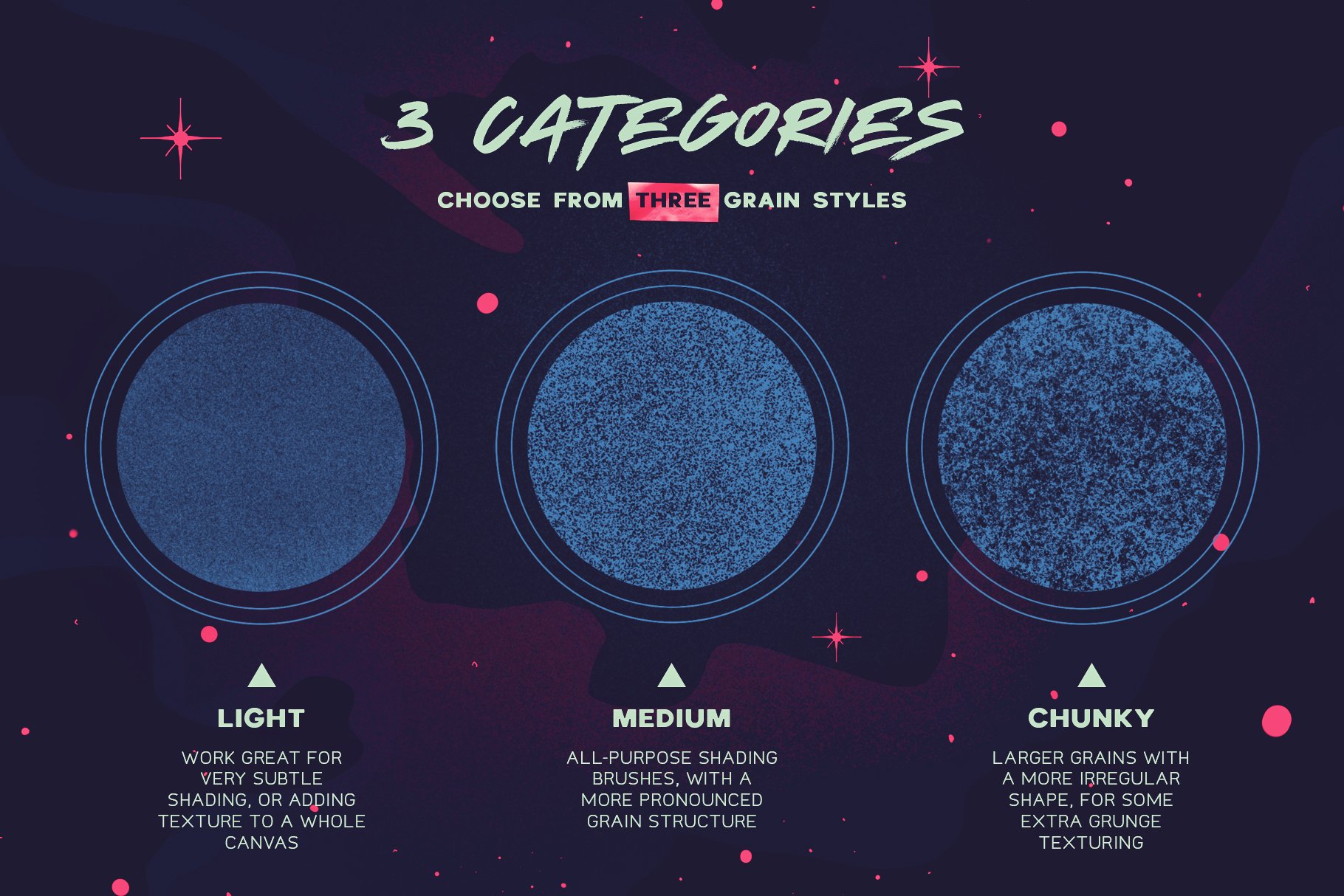
I’ve decided to try the brushes by raghukamath, sponge brushes good, but it’s not similar to real grain brushes , i’m hoping that RamonM release the grain brushes, i really want to try it.
 (I’ve been watching for brushes only here - Docs » Resources).


 i love masked brushes, for example watercolor brushes in Digital Atelier use masked brush feature a lot. fast and controllable and not available in Clip studio paint and other softwares

 , i’m hoping that