How can I achieve the results in this Tutorial without the tilt feature

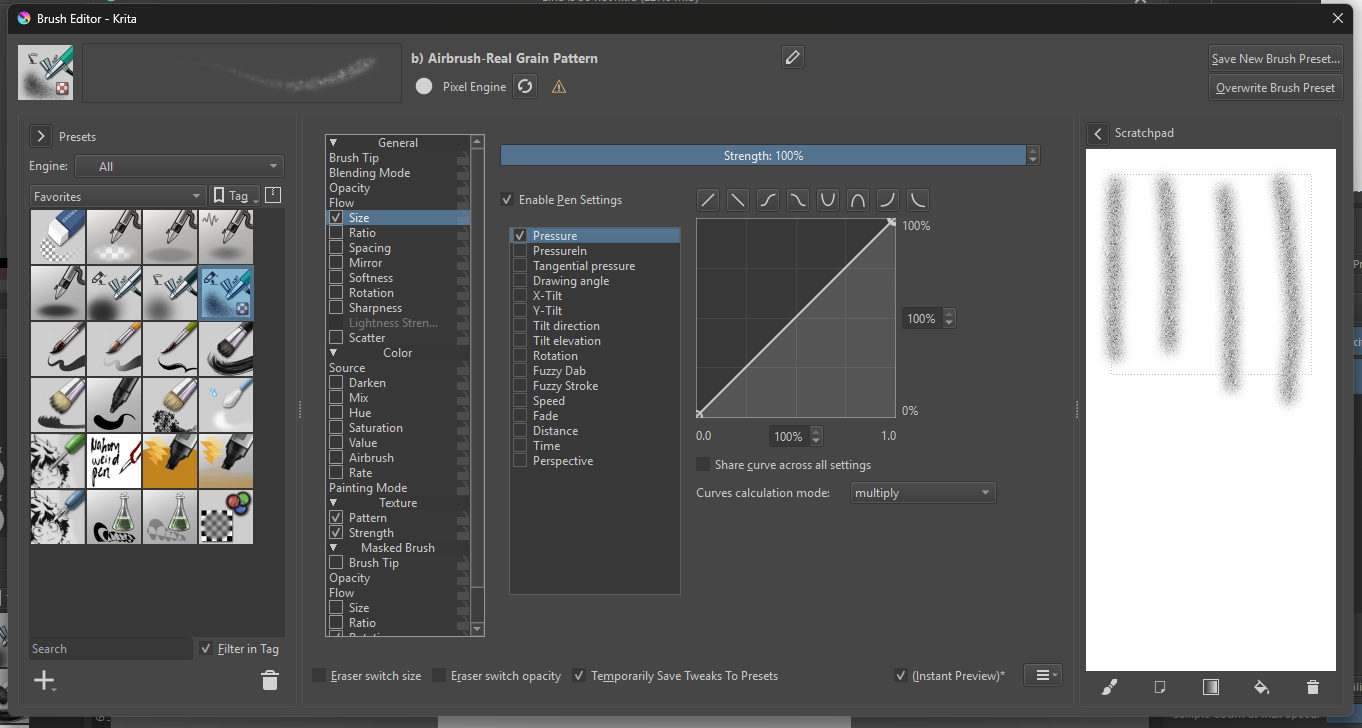
Hello, I was looking for better air brushes and found a pack (https://youtu.be/kJQIJOO8q_s?si=fR0h-CqMvJhifdYM) that I like, thing is its got this function where you can control the size of the pen based of the tilt of the pen, but my tablet (XPPen Deco 01 V2) tilt function is not working. I’ve been messing around with the pen settings but can’t find a way to get the same effect.

Any help? Preferably I’d like it to change size based on pressure and/or speed, and would also like to use the same settings with the other air brush brushes, if possible.
:slight_smile: Hello @Disappointed_Fan, and welcome to the forum!

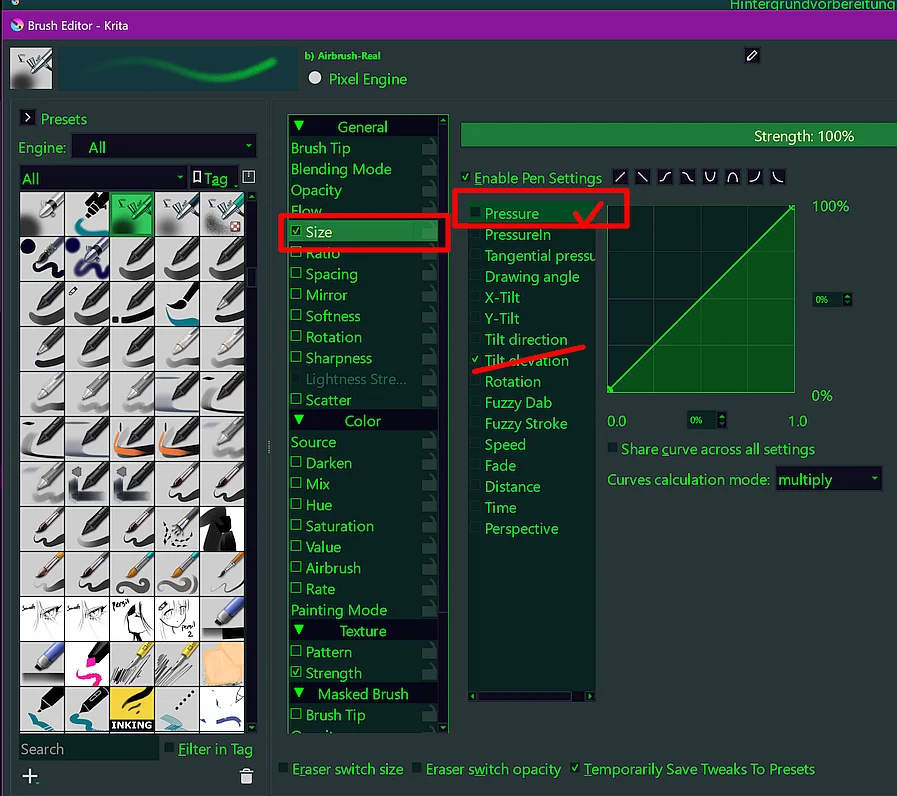
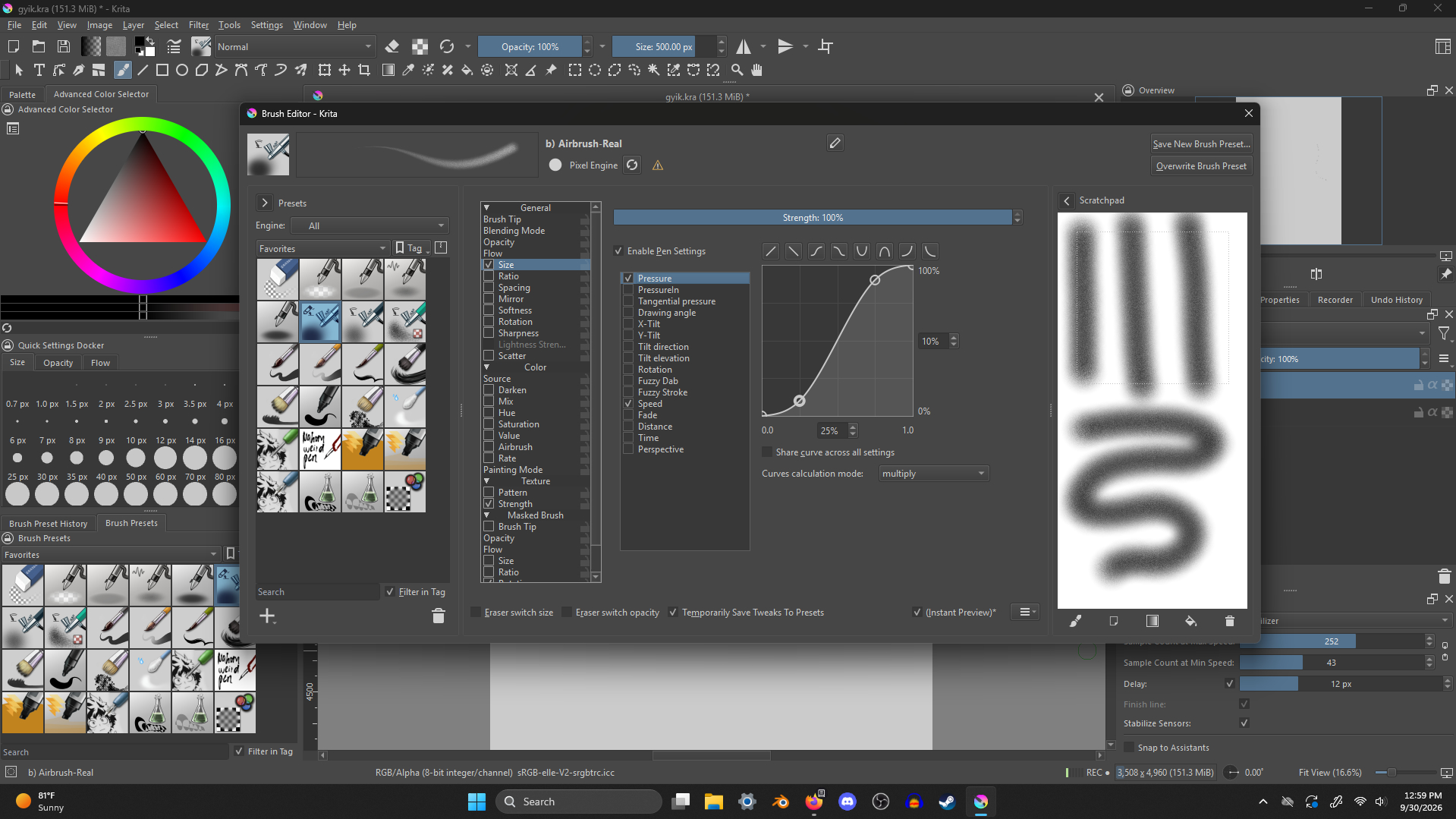
Size through ‘Pressure’ instead of ‘Tilt’, that is easy:

Michelist

You can also do Size control using Speed by enabling Speed instead of Pressure or Tilt.
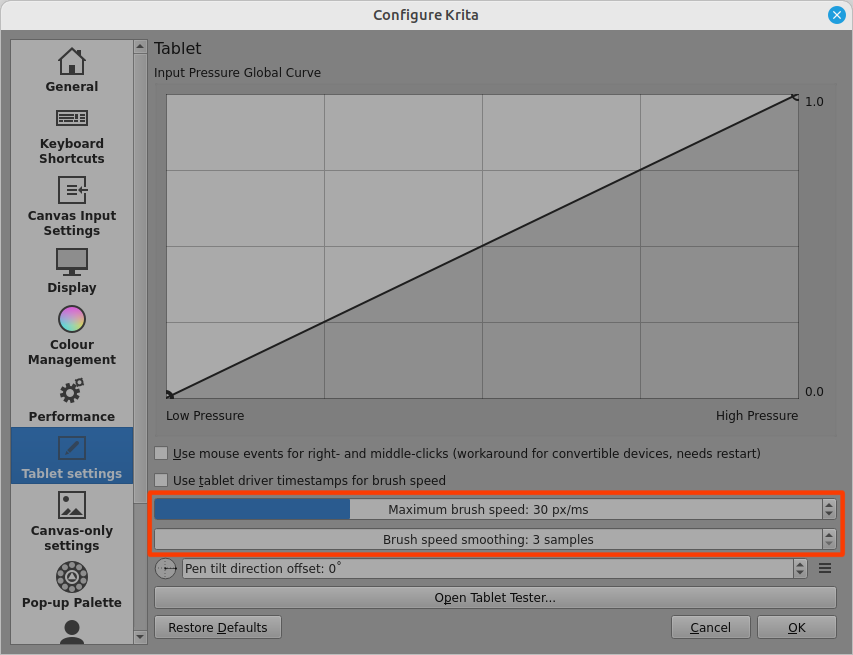
If you do that, you’ll probably need to adjust the Brush Speed scaling factor in
Settings → Configure Krita → Tablet Settings group.

Personally, I find Speed control to be a fiddly thing to get right and difficult to control.

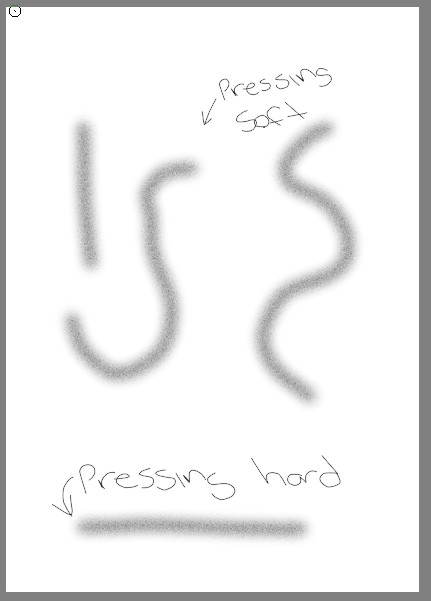
Not working, the same result no matter the pressure.

Never mind lol I just had to update my drivers.