
Is that how you get that grainy effect in artworks like this one?  Are there other ways to do it?
https://twitter.com/_sleepyboii1/status/1719943815828791571?t=L2scIyuxV5KpJucRAUHR4Q&s=19
Is that how you get that grainy effect in artworks like this one? Are there other ways to do it?
https://twitter.com/_sleepyboii1/status/1719943815828791571?t=L2scIyuxV5KpJucRAUHR4Q&s=19
I changed your topic title from “Can we do this in Krita” to a title that will actually help the right people see your request for help.
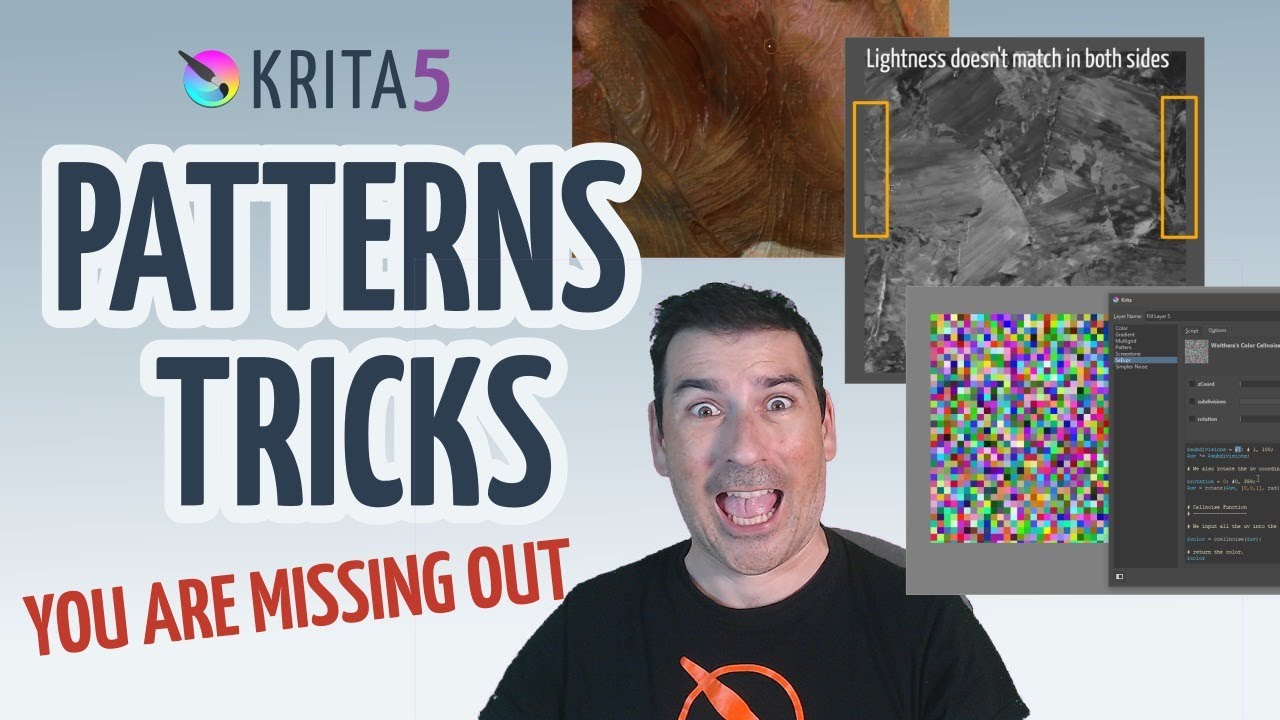
The latest video on Krita’s channel might be for you!
(Updated instruction)
Here’s how to add noise with GMic:
Filter > Start G'Mic-QtDegradations > Add NoiseScale will probably be useful. Then finalize with OK.Grain MergeThank you! 
Thank you for your help 
Thank you!!