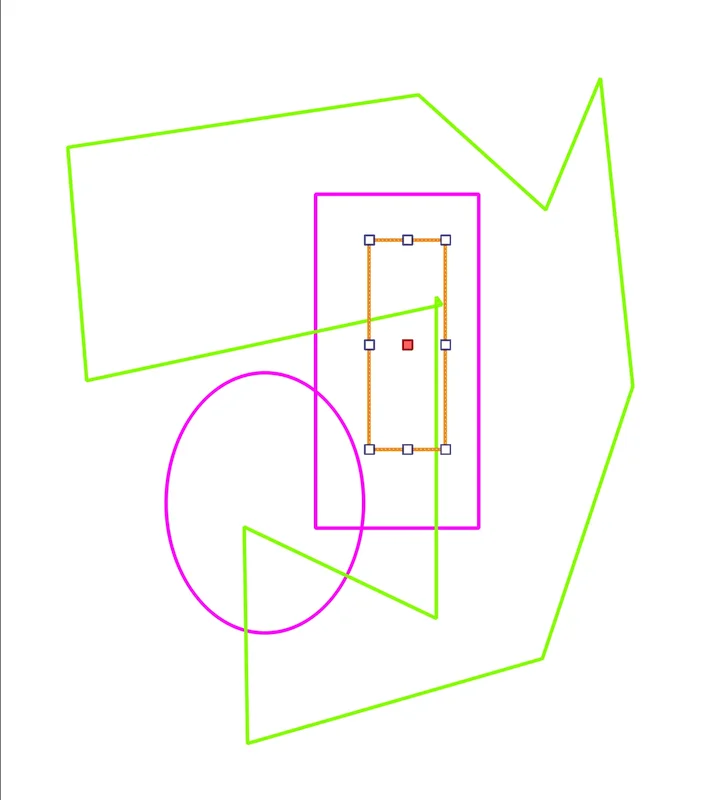
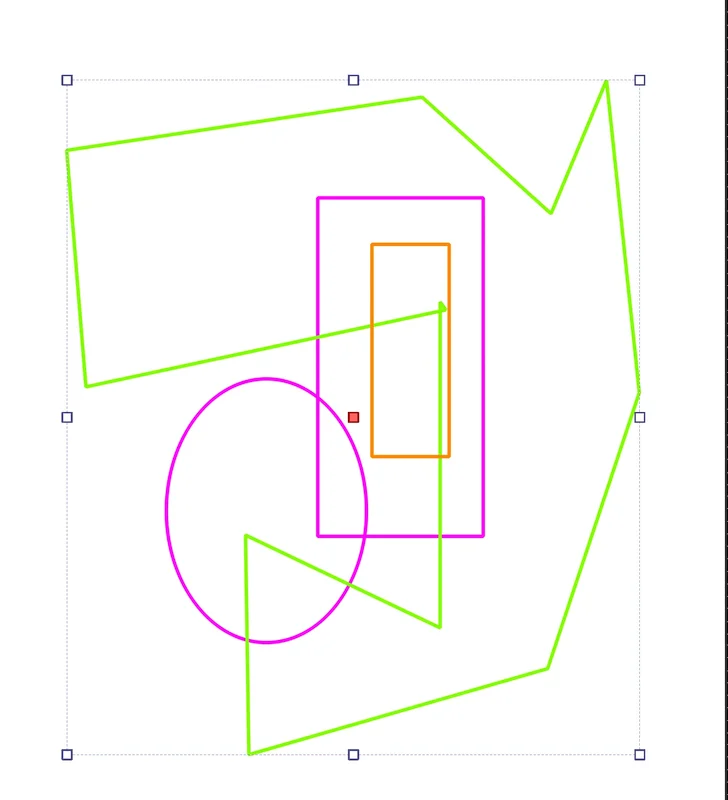
I have a vector layer with multiple vector shapes overlapping (concrete use: I’m outlining the main shapes on a photo).
The shapes only have borders, no fill (empty). Yet, when I click inside an empty vector shape A placed above another empty vector shape B, it will select A. Basically it doesn’t care if the shape is filled or empty and will always use the bounding area and Front/Back order to decide what to select.
For instance, in this configuration (I filled the second shape in orange to make it obvious what’s behind what):
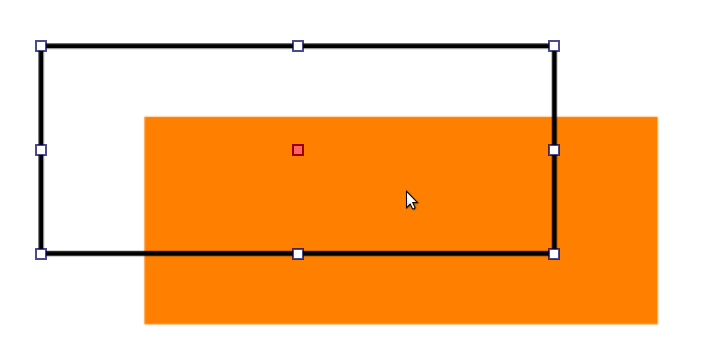
Clicking in the intersection area will still select the black rectangle, nor the orange filled one behind.
I understand that this was done this way because when manipulating empty shapes (e.g. a rectangle with just borders), it’s cumbersome to have to click exactly on the edges and easier to just drag and drop it from anywhere inside the rectangle area.
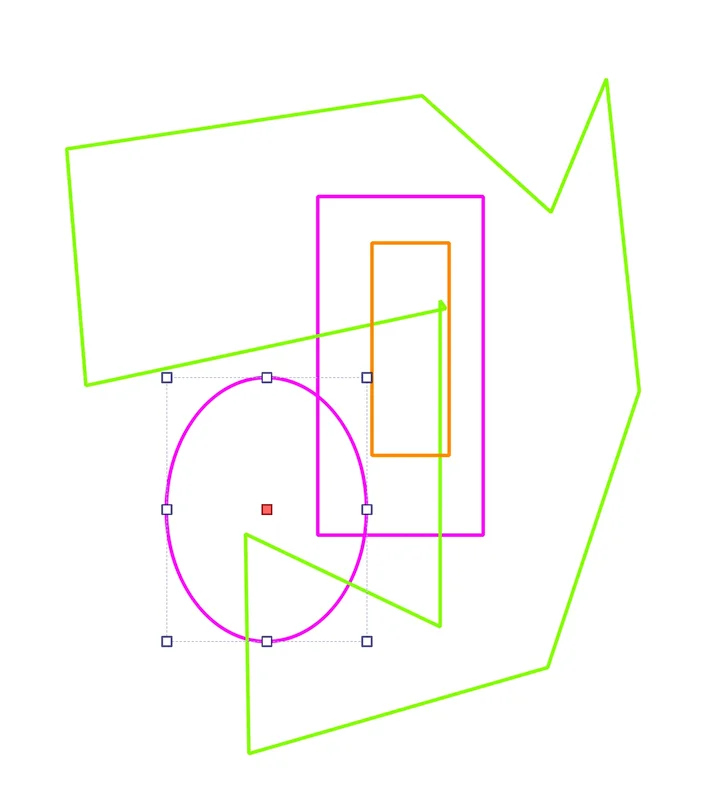
But when working with multiple empty shapes, it’s more convenient to precisely select them via their borders. And since the shapes are empty and, in my case all with the same border color, I cannot tell which one is on top of which one so I cannot guess what I’m going to select.
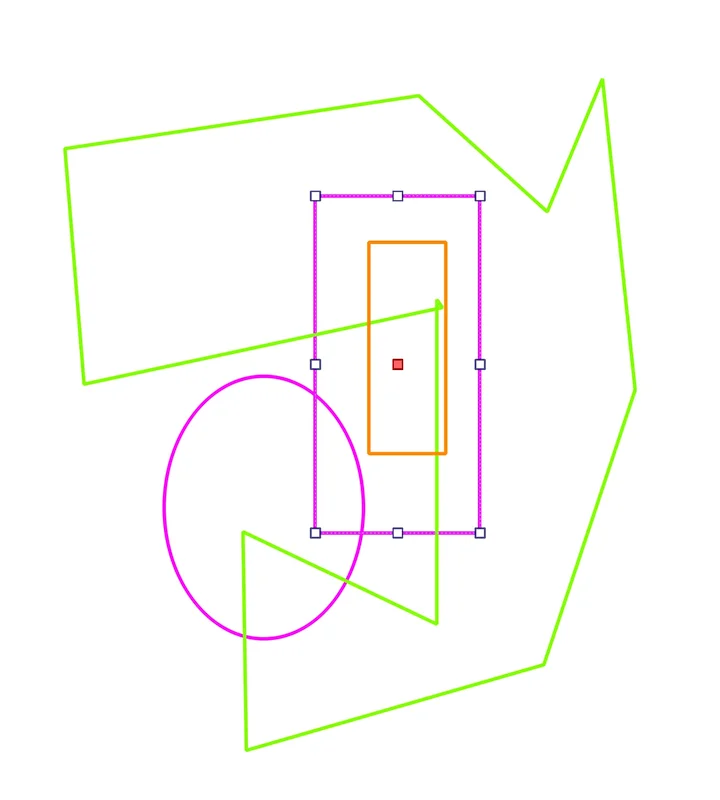
For instance, in this case:
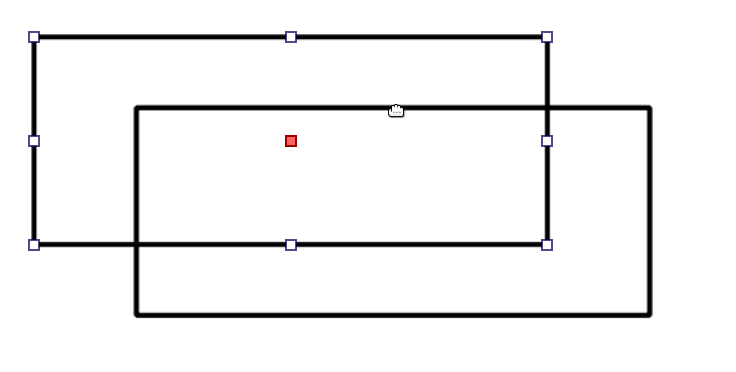
it is impossible to tell in advance what will be selected when clicking on the top border of the lower rectangle, inside the intersection area. Of course the solution is to just click on the part outside the intersection.
But when one shape is completely inside another and the shape more in the Back, it’s impossible to select it.
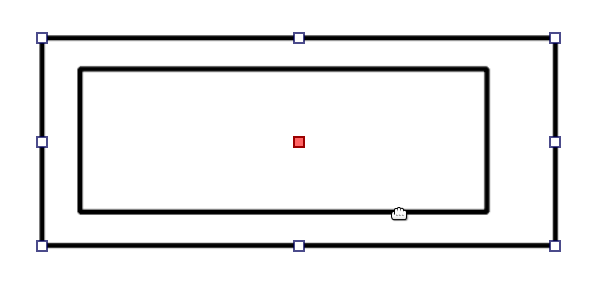
Workaround: right-click on the outer shape which is also above and select Lower / Bring to Back, or use the matching shortcut, so it goes behind the other shape.
Is there an option to enable selection on non-transparent portions of a vector shape only? So I would enable it only when working on my outlines.