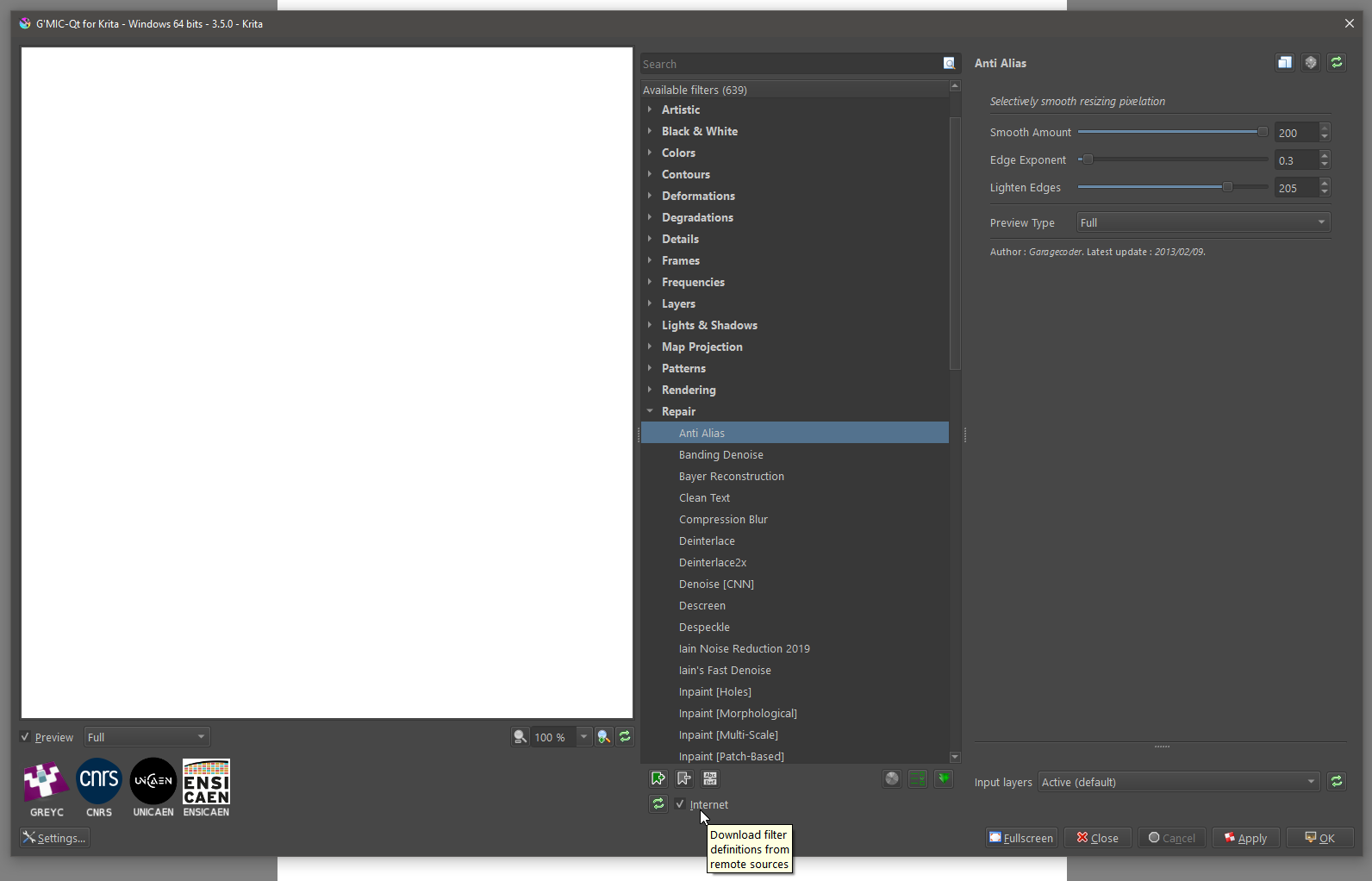
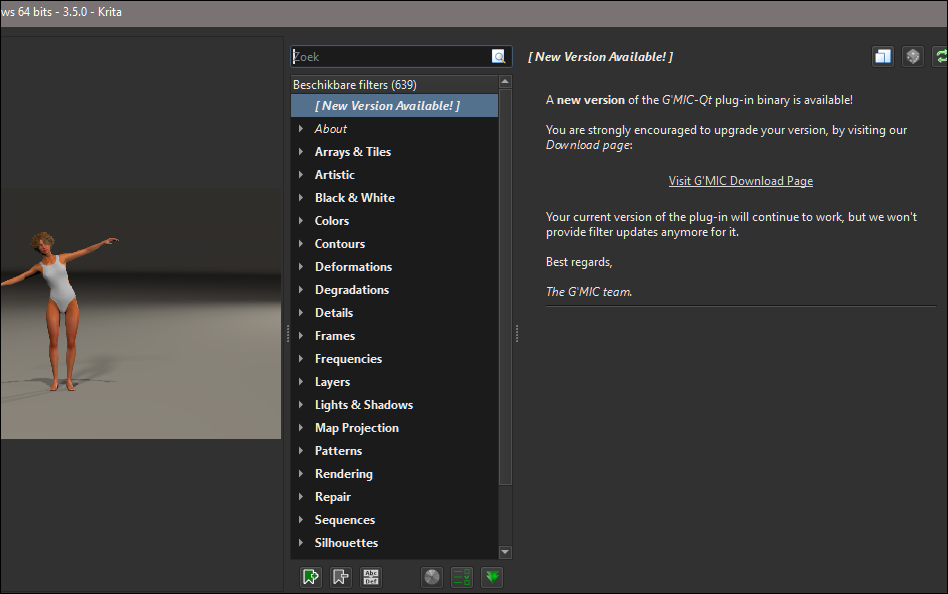
Hello, when I start up Krita 5.2.11 and want to use G’MIC-Qt plug-in, it has the message that that there is a new version. What version (when going to the G’MIC-Qt plug-in site) do I need to select in and how do I install the new G’MIC-Qt plug-in- version?
You can not install it at all, at least not in a way that the external installed G’MIC would be accessible from within Krita.
The reason is, that G’MIC is an integrated part of Krita since Krita version 5.0.0, the ability to install an external version was dropped, and if I remember it correctly because there were far too many users who weren’t computer savvy enough to install an external G’MIC.
And that G’MIC drops this message doesn’t make it unusable, you just don’t have the most recent version. And if you don’t urgently need a function that only the most recent version offers, you can export the picture, or the part of the picture, you want to apply this certain filter to, and then use the G'MIC-Qt stand-alone interface found on G’MICS download page under G'MIC for Windows - Other interfaces where you need to click on stable to start the download.
I tested the G’MIC-Qt stand-alone interface recently because I was curious, and it works fine, plus has the same look and feel as the one you know from Krita.
Another way to use G’MIC would be the browser based G’MIC accessible for everyone, but it offers only a part of the filters my 3.5.0 has.
Further alternatives would be using G’MIC-Qt with one of the other apps it is available for as plugin. But I just installed a few plugins for software G’MIC plugins are available for that I own, and all these were clunky to use.
But I wonder that you got such a message at all, because I never got this message for my Krita. The version of G’MIC in my Krita is currently 3.5.0, the current released version of G’MIC is 3.5.5, and 3.6.0 is in testing phase.
But there is nothing which would ruin my life if I can’t access it only with the next release of Krita.
There’s an “Internet” checkbox at the bottom of the window, that reads “Download Filter Definitions from Remote Source”. Not sure if that will help here or not…
Thank you for your reply. So, in fact, G’MIC for Krita is abandon ware! I am not a Krita dev but making this update/upgrade automatically is the least I expect. Now I am wondering why I paid (and supported for Krita. I try the standalone then, extra steps in a workflow is nonsense actually.
I can not understand this comment, but okay. It is your opinion, and I see that different. The thing is that it is integrated in Krita, this does obviously not allow updating it immediately when G’MIC updates, which isn’t made by the Krita devs (but I’m no dev, and so I have no deeper insight). If it is so important to you to always use the newest G’MIC, you can at least use one of the workarounds I named. And it will be updated with the next updates of Krita, but there always will be the case that the version in Krita can be behind because the development cycles of these two programs are not synced.
Thank you that you donated for Krita, but you did it by will, everyone can have and use it for free, and the donation grants or entitles no rights, you factually did not buy it.
I hope I haven’t made any major grammatical errors in this answer, but English is not my native language.
 Hello
Hello