Hi, I need help to do the same effect as the Stamp Heart brush, but instead of placing different hearts, I want them to be different types of leopard spots.
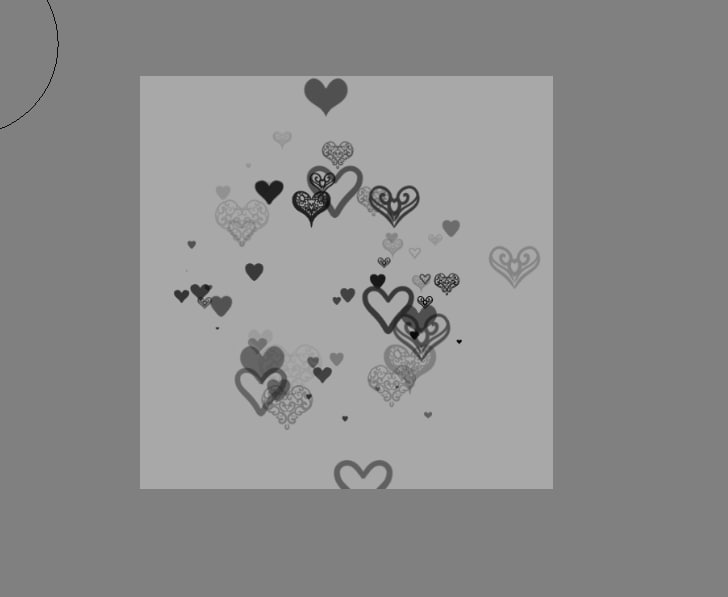
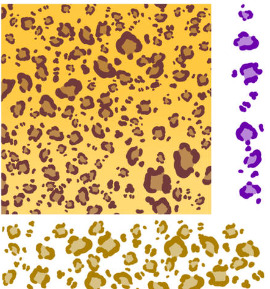
Hi, I need help to do the same effect as the Stamp Heart brush, but instead of placing different hearts, I want them to be different types of leopard spots.
You need to create a GIH brush tip, a so-called GIMP Image Hose. Therefore, you need a few leopard patches, but the more you have, the more variations are possible.
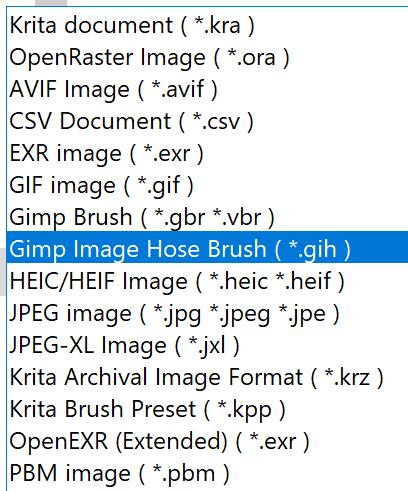
In Krita, you have to create a picture where each layer holds a single patch, let’s say you got 24 patches, then, after placing them into their layers, you can save them via “File” >> “Save as …” as “Gimp Image Hose Brush (*.GIH)” →
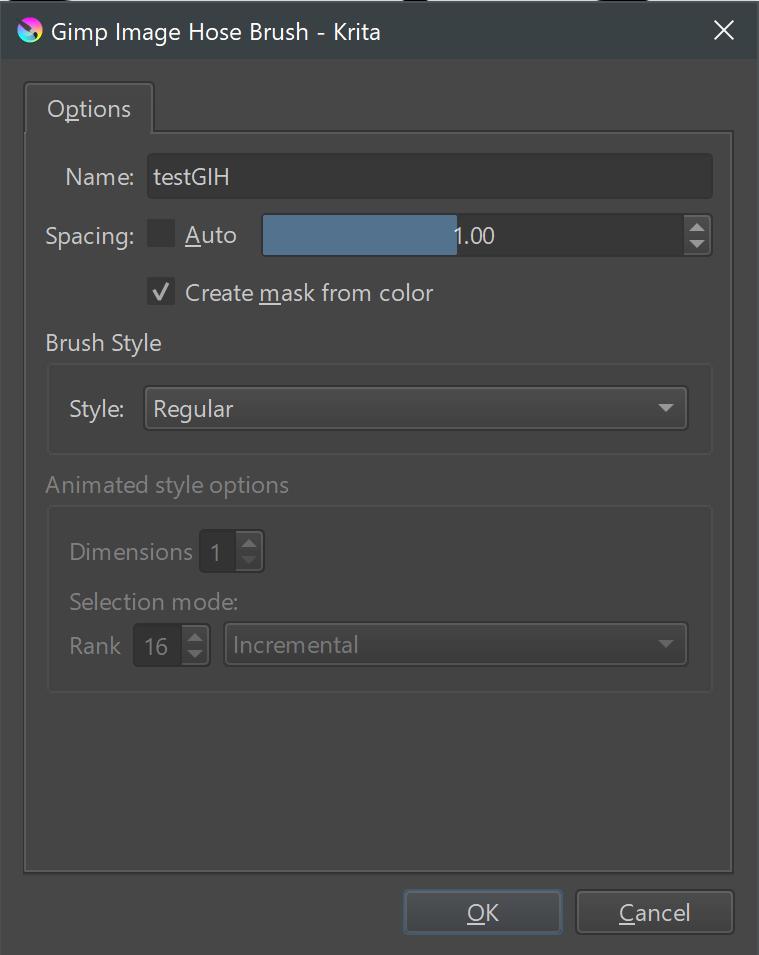
to get the following dialog:
where you can play with the settings which are described here →
and →
in Krita’s manual, and further information can be found in The GIMP’s original description of this special brush tip:
https://docs.gimp.org/2.6/en/gimp-using-animated-brushes.html
or here →
some also like this description from the Cartographers’ Guild forum →
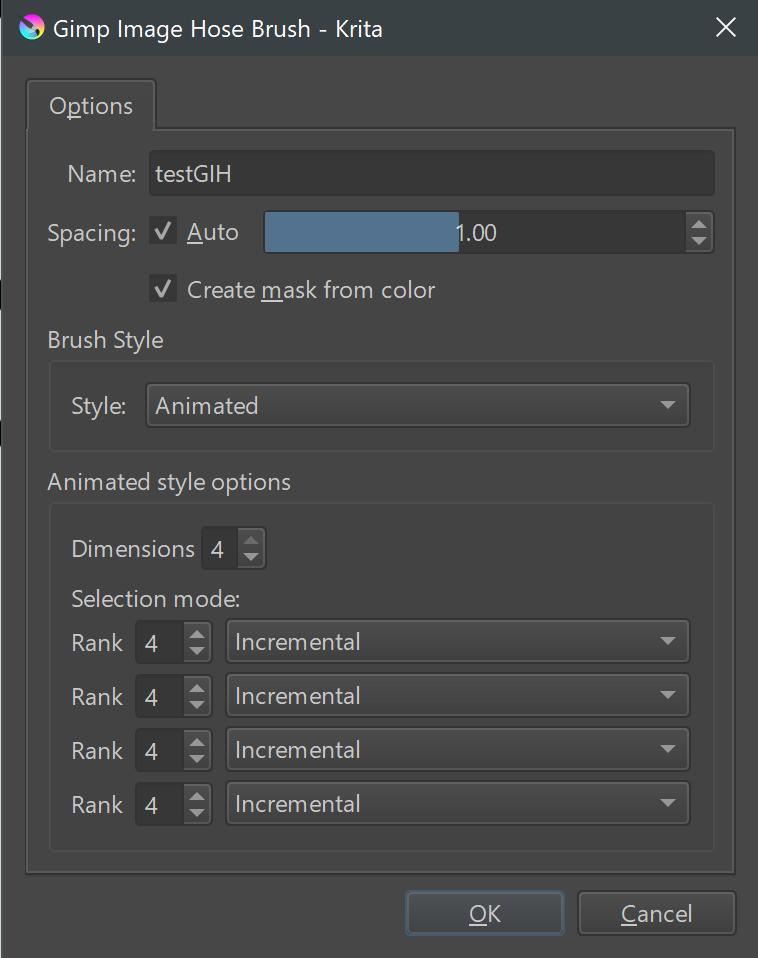
I myself usually divide the individual layers/individual images evenly, i.e. with 16 images I make 4 groups of 4, with 20 images 4 groups of 5, and with 25 images 5 groups of 5, and so on, but there may be situations in which you will prefer other distributions.
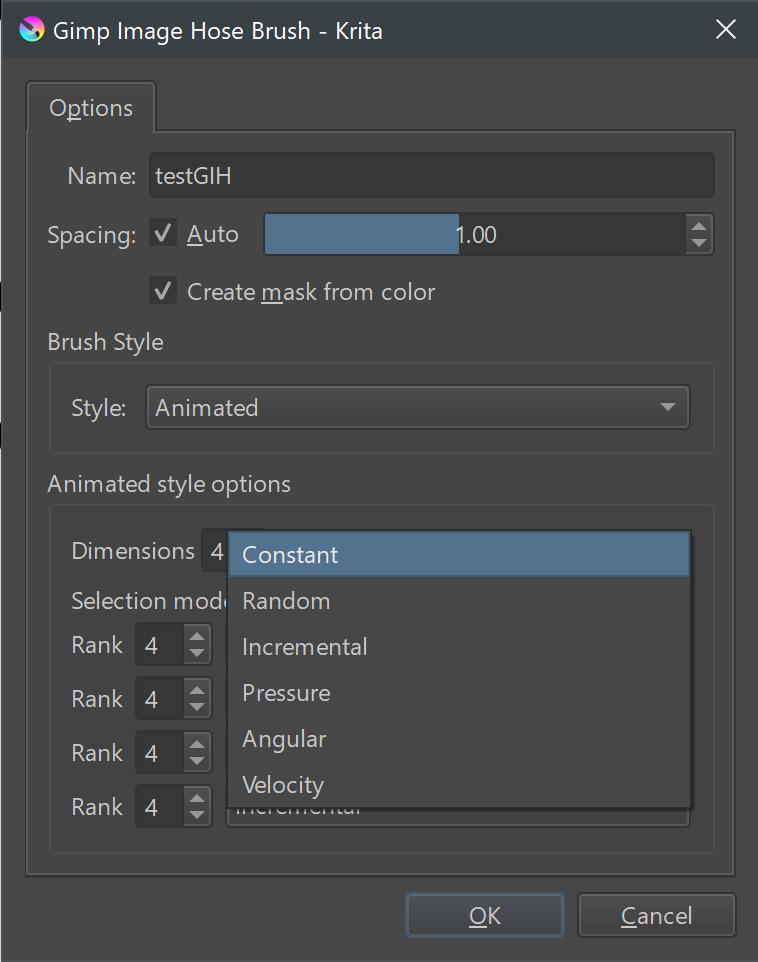
Here you can see the possible options Krita offers:
And this picture shows what I meant with evenly divided:
In case of questions feel free to ask, but I think from here on you should be able to find your way, and if not, the forum is always near.
I forgot to mention that you need to assign the GIH-Brush Tip to a brush preset once you made it.
Michelist
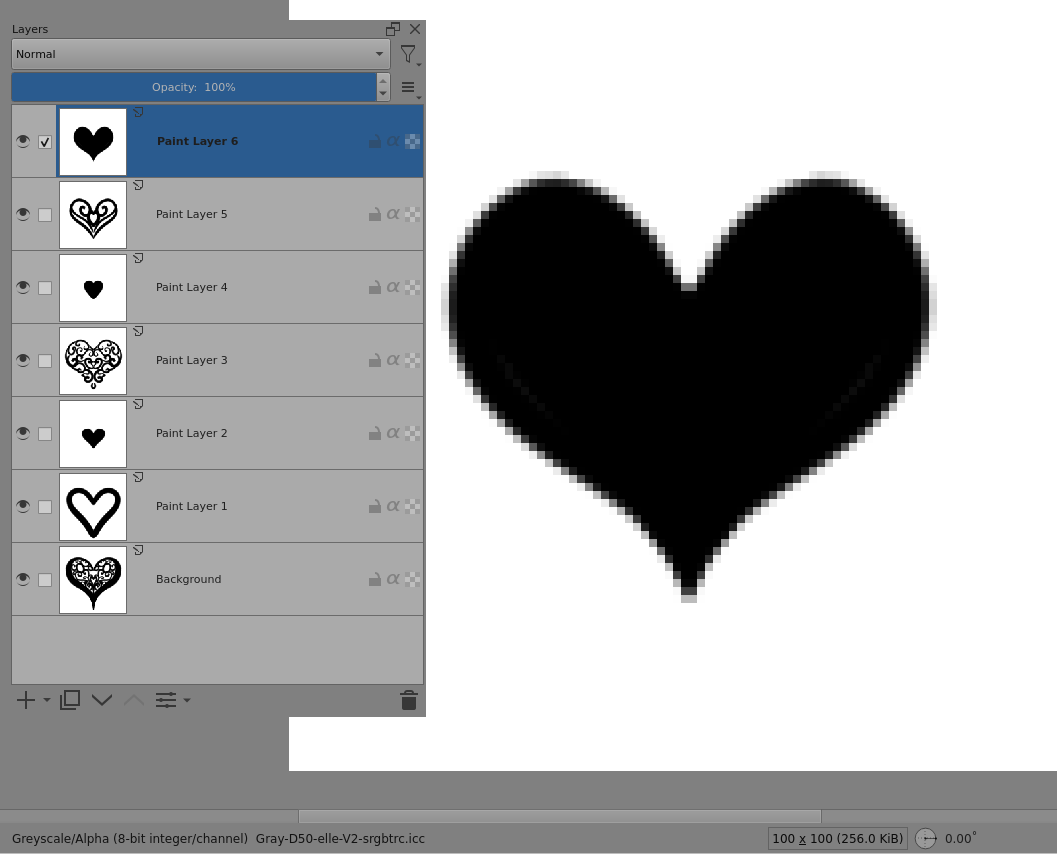
The ‘Stamp Hearts’ brush preset uses the Spray Engine and is fitted with a 100 x 100 greyscale animated brushtip called hearts.gih that is in the Krita_4_Default_Resources bundle.
Here it is opened in krita:
You can make your own layer arrangement with different leopard spot patterns then Export it as a .gih with Style: Animated, Selection Mode: Random.
Then use the Brush Editor to edit the Stamp Hearts brush preset and change the Brush Tip to your Imported ‘Spots Leopard’ brushtip file.
Adjust the other settings in the Brush Editor to vary the scatter and spacing etc.
Then Save New Brush Preset to make your own ‘Spots Leopard’ brush preset.
Oh. @Michelist got there before me  Hello Michelist
 wooo, thank you so much owo
Hello @AhabGreybeard, yes I was here too. I don’t know how that happened, but even a blind hen sometimes finds a grain of corn. 
@Alvaro_Brito, you are welcome!
Michelist