You need to create a GIH brush tip, a so-called GIMP Image Hose. Therefore, you need a few leopard patches, but the more you have, the more variations are possible.
In Krita, you have to create a picture where each layer holds a single patch, let’s say you got 24 patches, then, after placing them into their layers, you can save them via “File” >> “Save as …” as “Gimp Image Hose Brush (*.GIH)” →
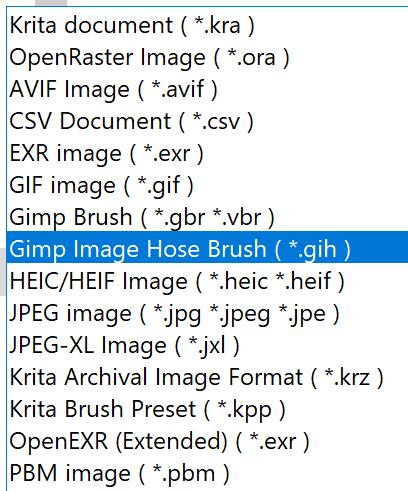
to get the following dialog:
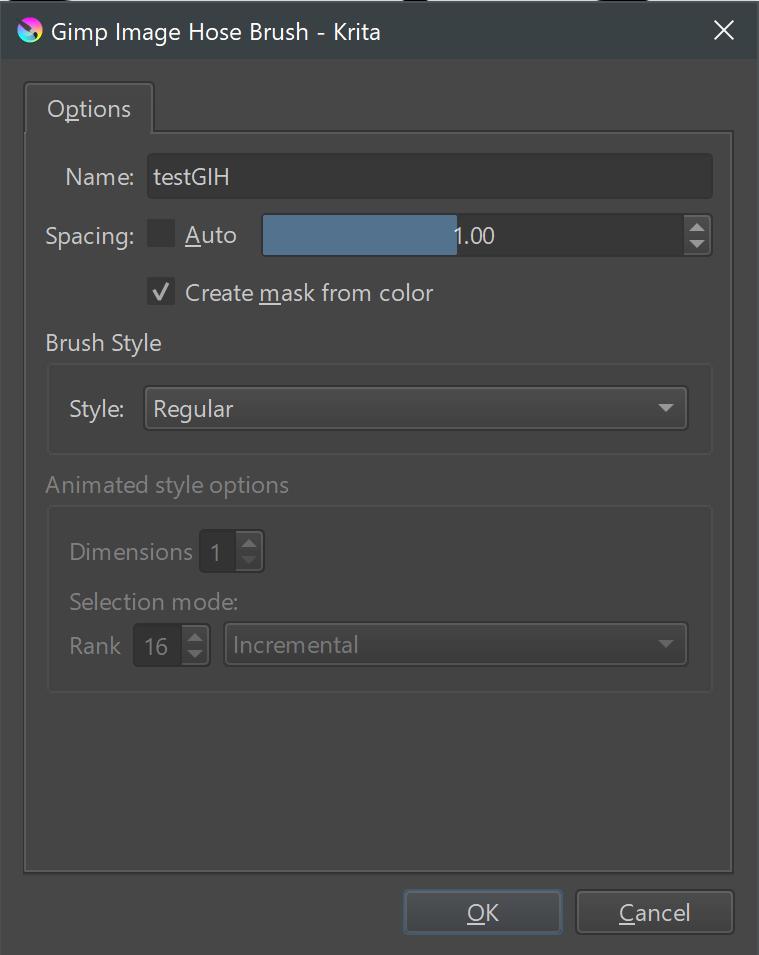
where you can play with the settings which are described here →
and →
in Krita’s manual, and further information can be found in The GIMP’s original description of this special brush tip:
https://docs.gimp.org/2.6/en/gimp-using-animated-brushes.html
or here →
some also like this description from the Cartographers’ Guild forum →
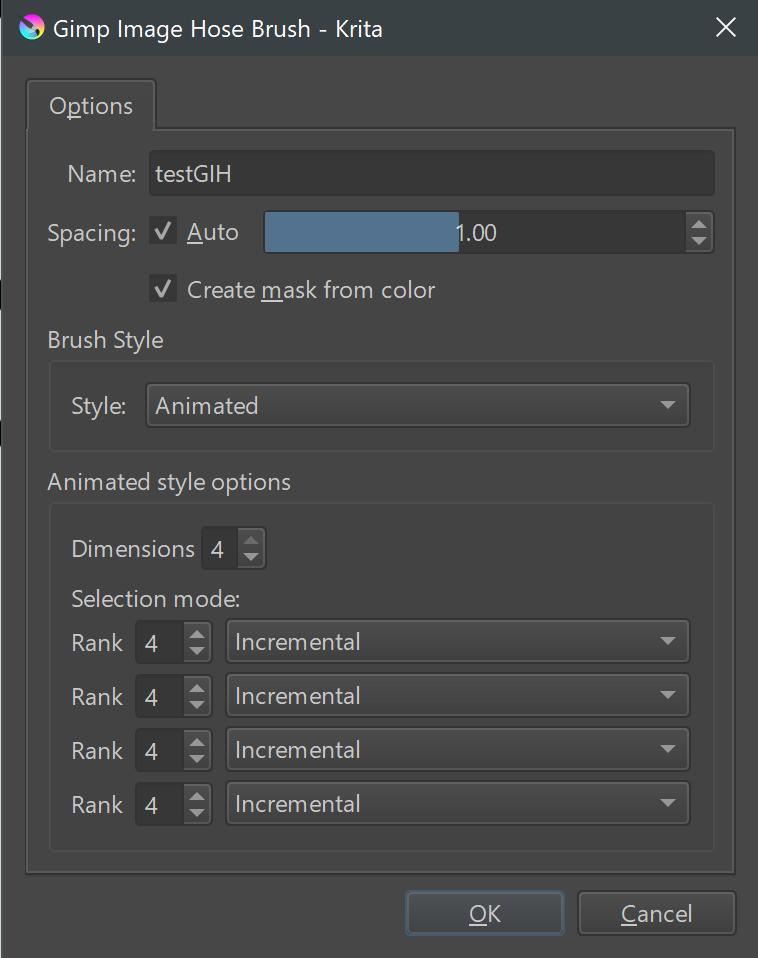
I myself usually divide the individual layers/individual images evenly, i.e. with 16 images I make 4 groups of 4, with 20 images 4 groups of 5, and with 25 images 5 groups of 5, and so on, but there may be situations in which you will prefer other distributions.
Here you can see the possible options Krita offers:
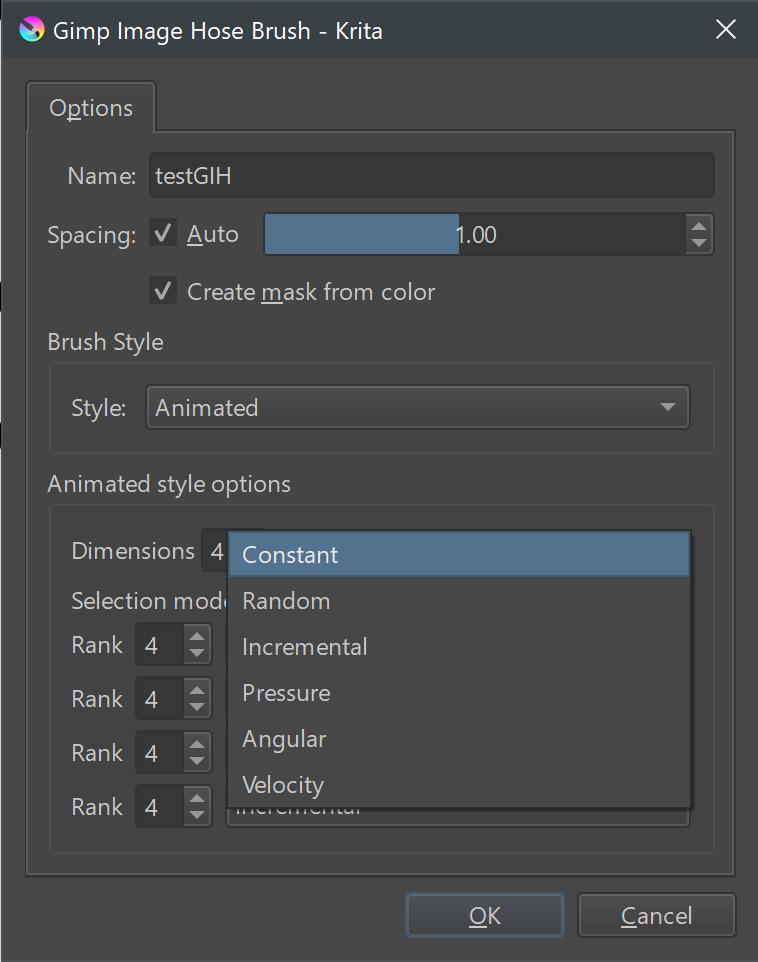
And this picture shows what I meant with evenly divided:
In case of questions feel free to ask, but I think from here on you should be able to find your way, and if not, the forum is always near.
I forgot to mention that you need to assign the GIH-Brush Tip to a brush preset once you made it.
Michelist