Hi
Brand new and just starting out… how do i upload a pic of what ive done so far on the forum for help? Ive tried to upload a screenshot from my mac and iphone but it needs to be a smaller file size. Thanks
There is a 3MB file size limit for uploading images. I’d be surprised if a screenshot, even as a .png file, was anywhere near that big.
How did you try to upload it and what makes you say that it needs to be a smaller file size?
I have been tying to upload a screenshot on my iphone it was saying it needs to be smaller than 9 pixels which i think ive just done? How weird! Oh well ignore this lol
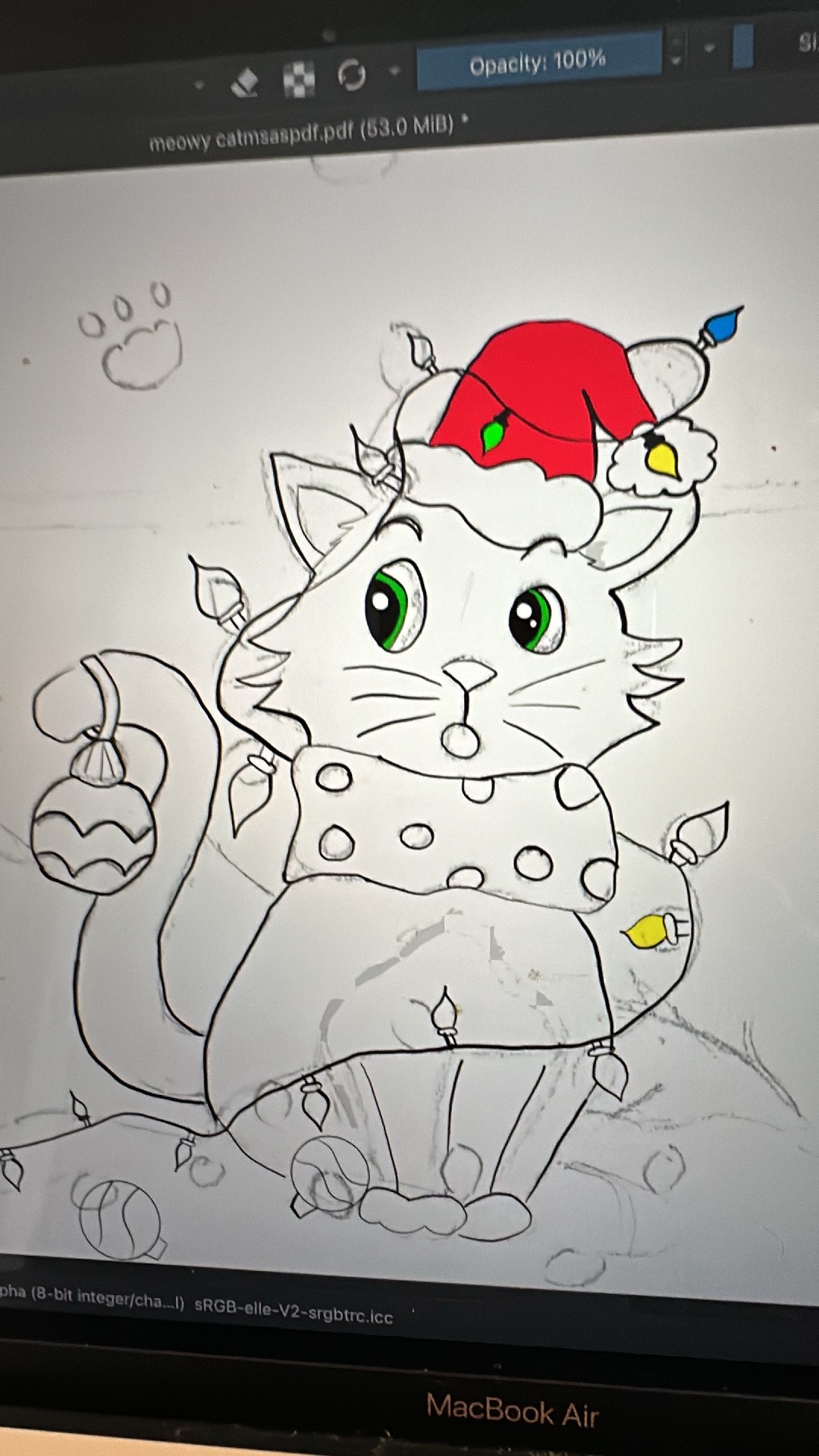
1 Like
That is a .pdf file and the forum will not accept .pdf files for image upload.
You have it open in krita so all you need to do is File → Export then choose a suitable location to Export it to, such as the Desktop.
Give it a suitable filename and a .png or .jpg extension.
.jpg is suitable for images, .png for ‘technical’ images with important detail.
Additional note: if you’re working on that image, please Save it as a .kra file and then only work on the .kra file to preserve layers and masks and groups etc.
Only work with .kra files when developing images.
Use Export for images intended for uploading and publication.
9 megapixels.
1 Like
Thank you! You can tell how much im just starting out at this lol 
Is this from the book you’re doing? Super cute! 
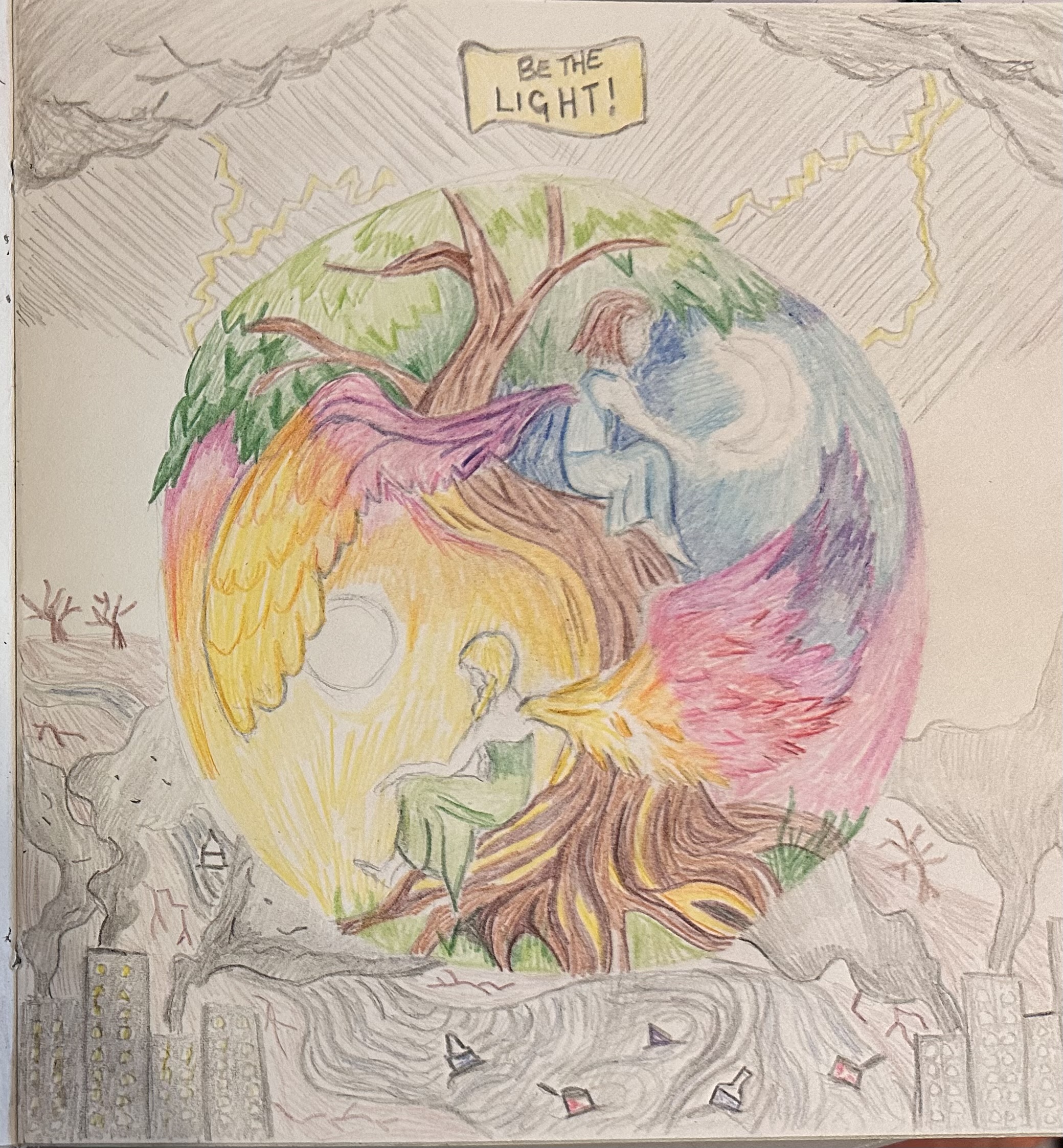
No but thats a great idea! This is a drawing i did the other day and just practicing with it, was hoping i could make it into a christmas card or something. Here is just one of the pics i have drawn for my childrens book! I think i accidently sent this to your resources sorry about that!
1 Like
I’ve deliberately deleted that accidentally posted reply along with the image 
1 Like
Haha! Thanks for deliberately deleting! Lol 
1 Like