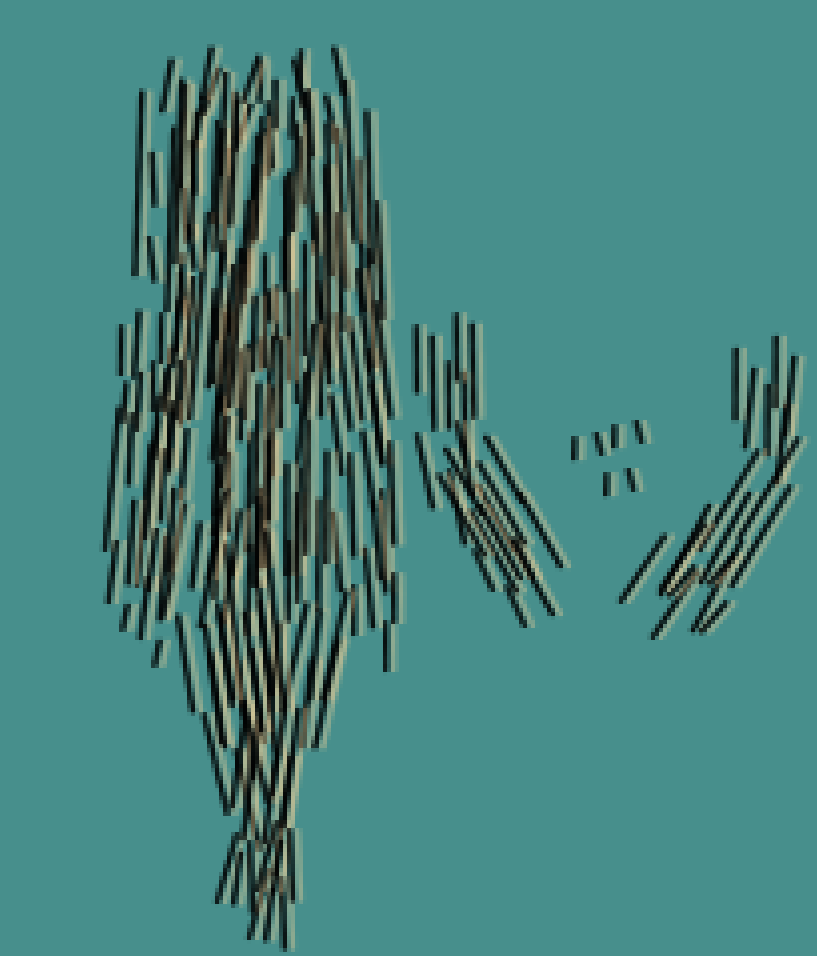
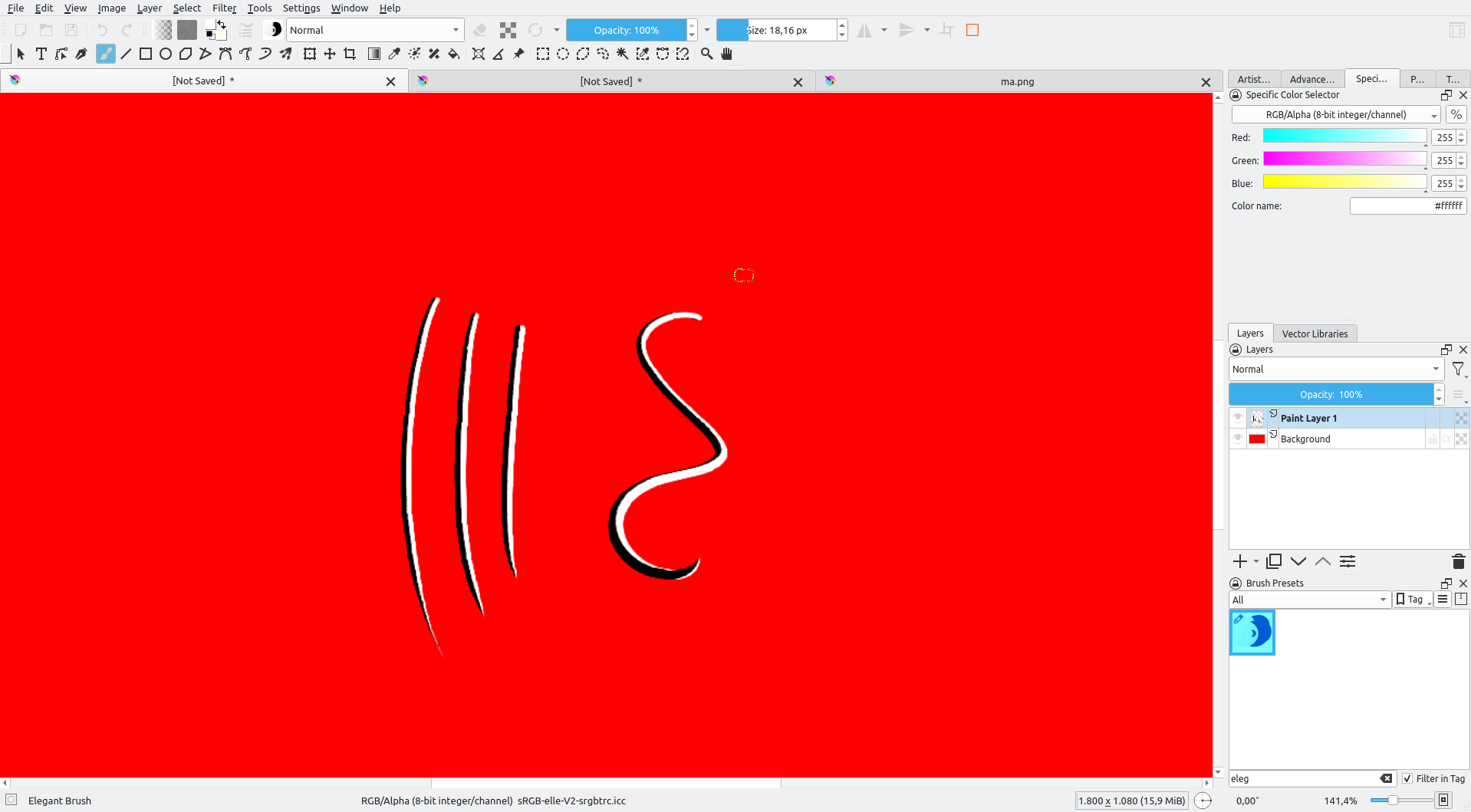
I found this layer in some of the source artwork from the game Dusk (the dev posted all the source krita files). I’ve seen this effect across multiple of their textures, where it appears like they have a brush stroke that has light on one side and dark on the other. If you look carefully, this does not look at all like someone did one color then the other. This is very consistent across each one.
It might be that the dev has made for first the light strokes on a layer, then duplicated it, turned it black and put them slightly on the left, similar effect can be made using a dual brush in some other program, but for now, it isn’t present in Krita yet.
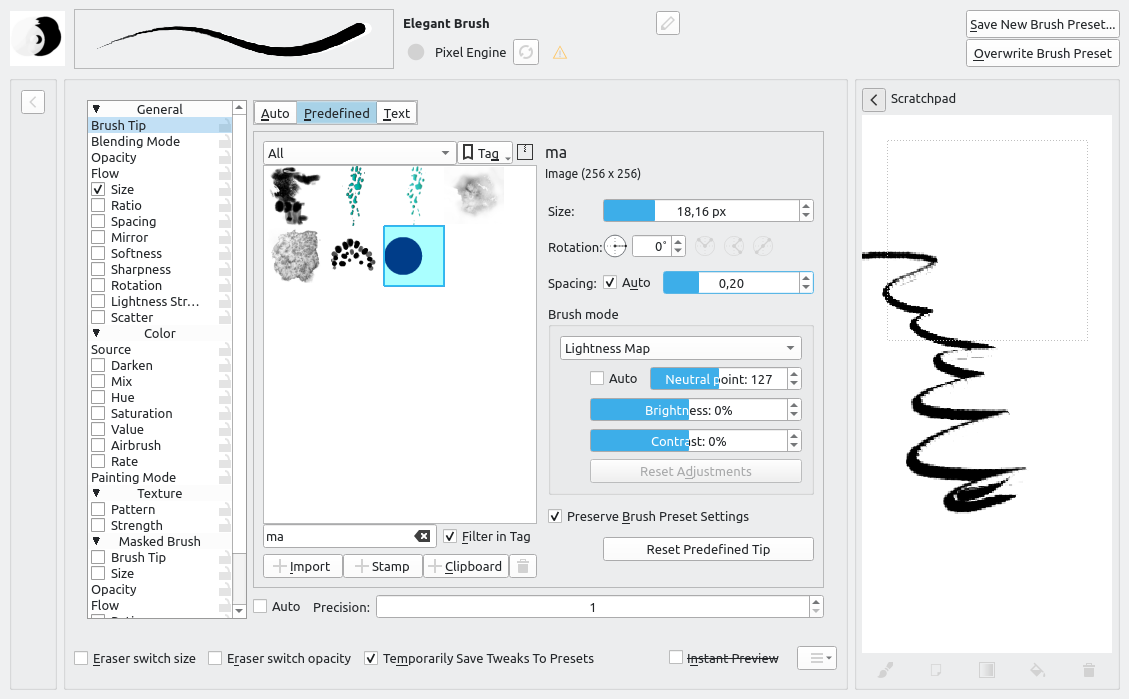
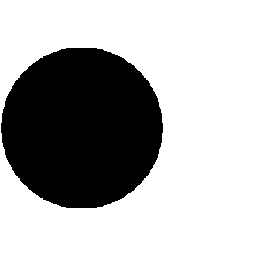
You can make two (or multi-coloured) painted strokes by using an RGB brushtip.
You can also use a Gradient Map brush where the lightness value of the brushtip is mapped to a selected gradient to give an adjustable multi-coloured stroke.