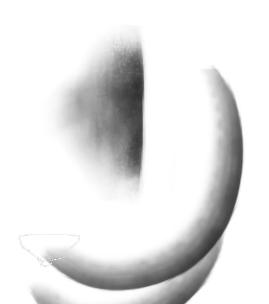
 Hello @kommokm, and welcome to the forum!
Usually it is much more helpful to name the original brush, when possible the software it was used with, and to provide the information I’m asking for in this → post.
Marc Brunet made lots of brushes, and your picture is so unspecific, because it provides no measure to compare it with, so it is hard to say to what we should compare your information.
But as a hint, in our category for brushes and bundles, you will find this bundle with recreated brushes of MB:
MB Starter Pack 2021v4 Recreation for Krita * RE-UPDATED! with Michelist quote in og post*
Michelist
What you are looking is something like this?
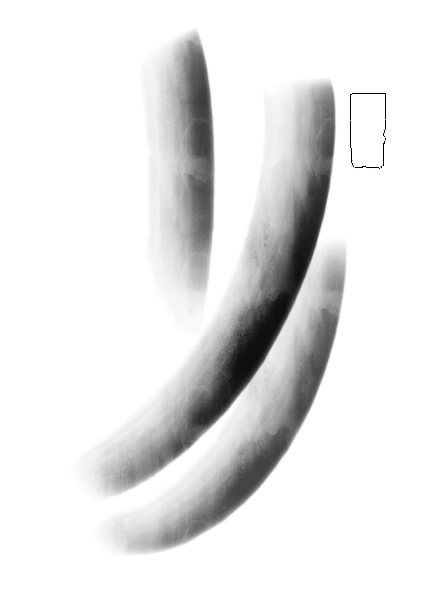
I take it this is a brush stamp that has a hard edge on one side and soft on the other? And I take it that the brush rotates with the stroke direction so that you can quickly paint an edge transition.
This tutorial has a similar brush setup to this and a link to some brushes and brush stamps you can use as a starter to make your brush. You will probably need to extract the texture and brush stamp from the painting application from where you are trying to convert and then import them as Krita resources to use on your new brush.
Some tips:
Krita’s brush engine tends to render brushes with a harder edge than other drawing applications, so you will need to either soften the soft side of your brush stamp to get the same effect. There is also a softness modifier tab in the brush editor that might help.
*Experiment with the painting mode tab of the brush editor.
I’ve found that turning brush stamps into a transparent png and importing as a lightness map tends to give better results. *