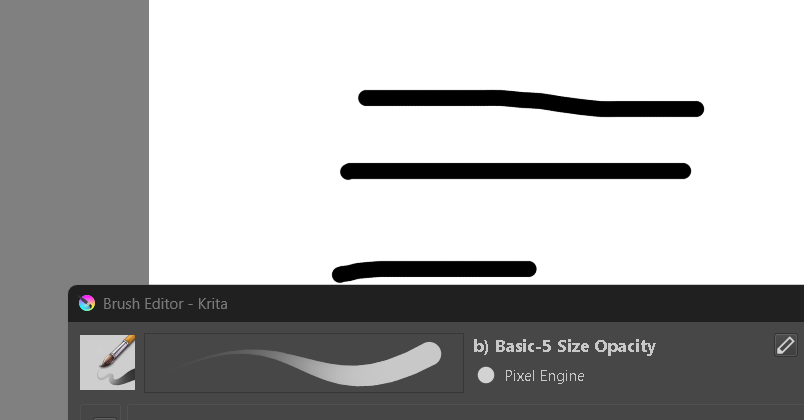
I’ve already followed the tutorials on YouTube, but it still doesn’t work. I tried using fade, but it’s not giving me the result I want.
Hi @Abrar_WiSan
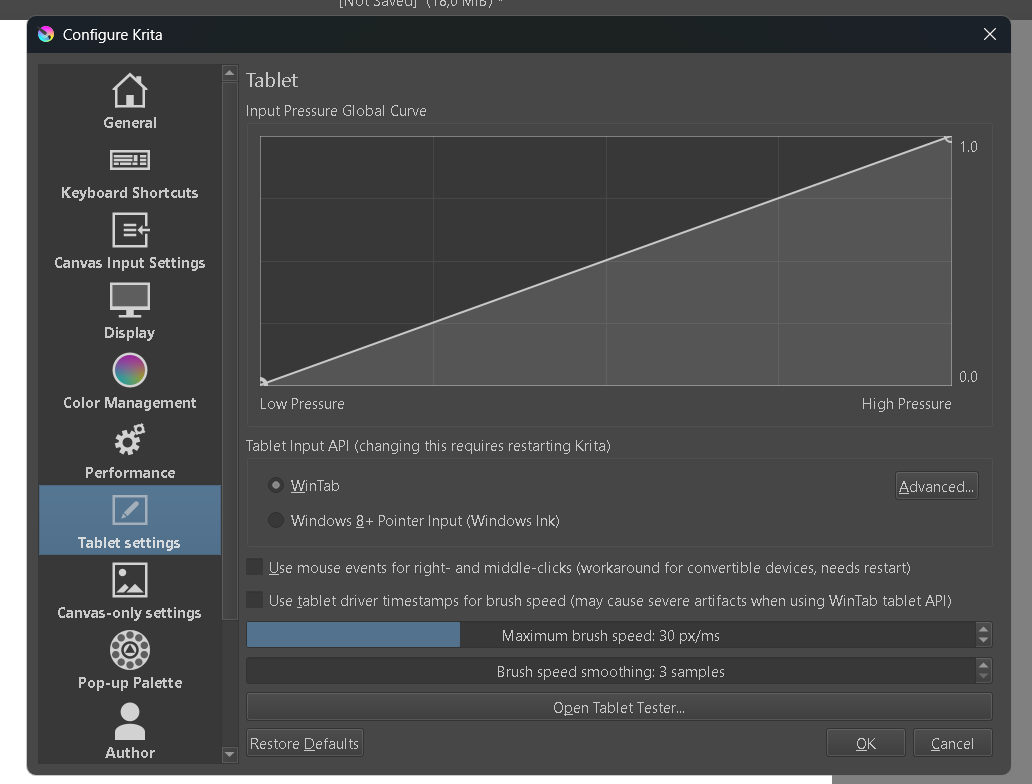
Is pressure sensitivity working? You can test it in Krita’s tablet tester (it’s inside Configure Krita). If you have pressure, you’ll see stylus movements in the text output, not just mouse movements.
1 Like
The tablet tester can be seen in your first screenshot. Look at the bottom where it says ‘open tablet tester.’
Thanks for using screenshots. It’s so much easier to help.
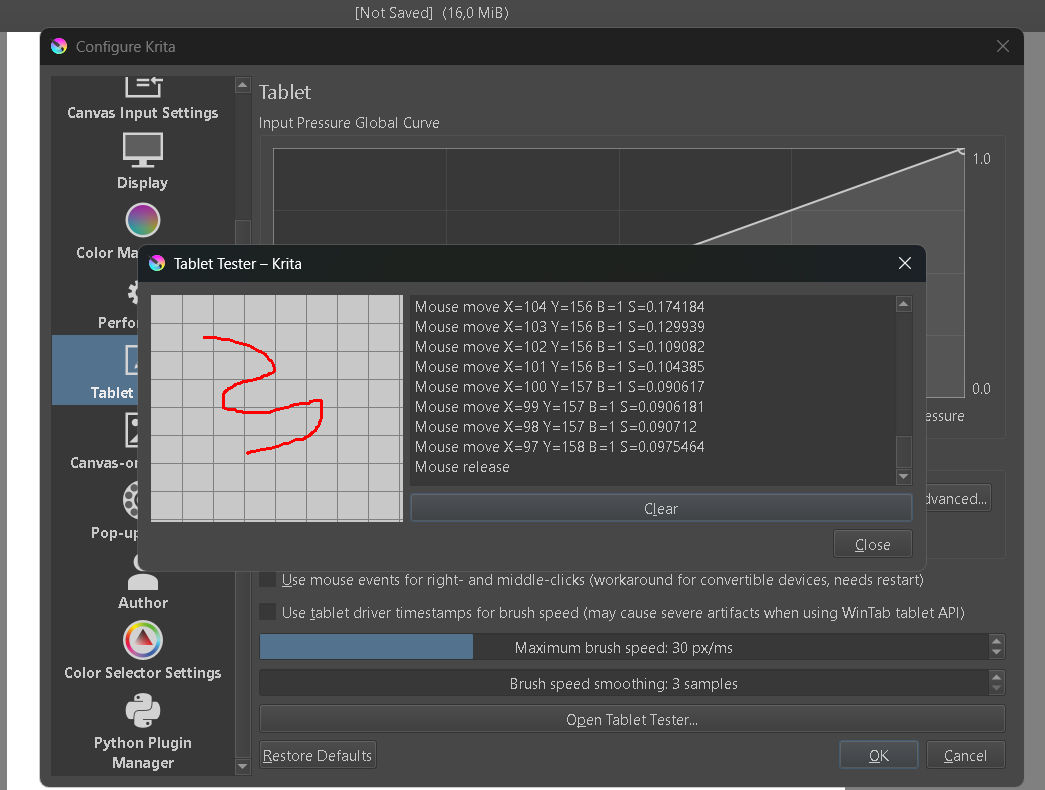
Your tablet test shows that you do not have pressure sensitivity so you won’t be able to make a tapered stroke with your stylus. By any chance are you painting with a mouse?
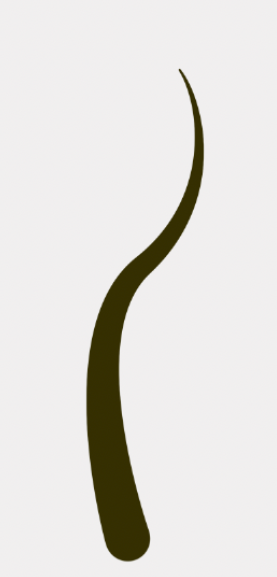
Some painting apps use post processing or vector strokes to do this. Krita doesn’t. When we want a tapered line, we create it by using varying pressure on the stylus.
yes, i using mouse
Ohh, so that means I need to use a stylus to get the result I want.
Yes, a stylus and either a laptop with a pressure sensitive screen or you can purchase an inexpensive pen tablet (screenless) to plug into your laptop.
But there are other apps that will do this without pressure. Vector apps like Inkspace, for instance. I’ve also heard there are other painting apps that will make lines like this with a mouse but I don’t know which ones they are.
If you’re on reddit, you could ask a question in r/digitalart to see if someone knows.
1 Like
alright, thanks for your information. 
1 Like
You’re welcome.
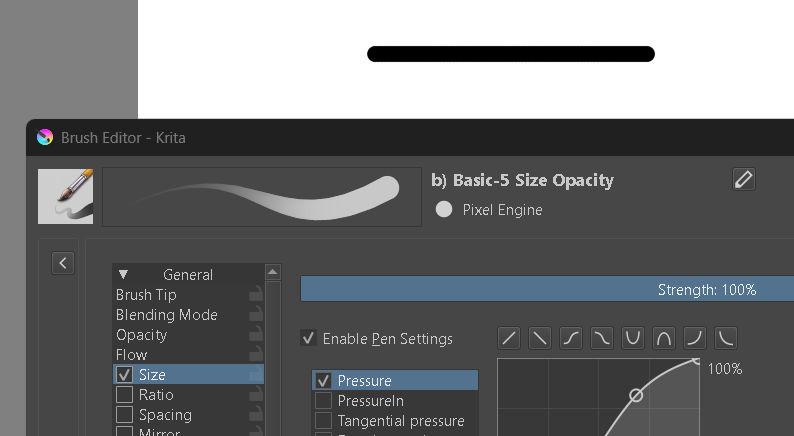
When adjusting the tapered ends in the Size adjuster, I noticed some brushes taper better than others, depending on their engines.
Until you get something that supports pressure sensitivity, you could set the size to change over time, distance, or even speed, rather than pressure. You’d then be able to control the taper depending on how long you touch the canvas, or the distance you draw, or how fast you are drawing the line.
This topic was automatically closed 4 days after the last reply. New replies are no longer allowed.