All of the brushes on Krita blur to some degree and it makes filling with colour look bad. Does anyone know how to turn this off?
image:
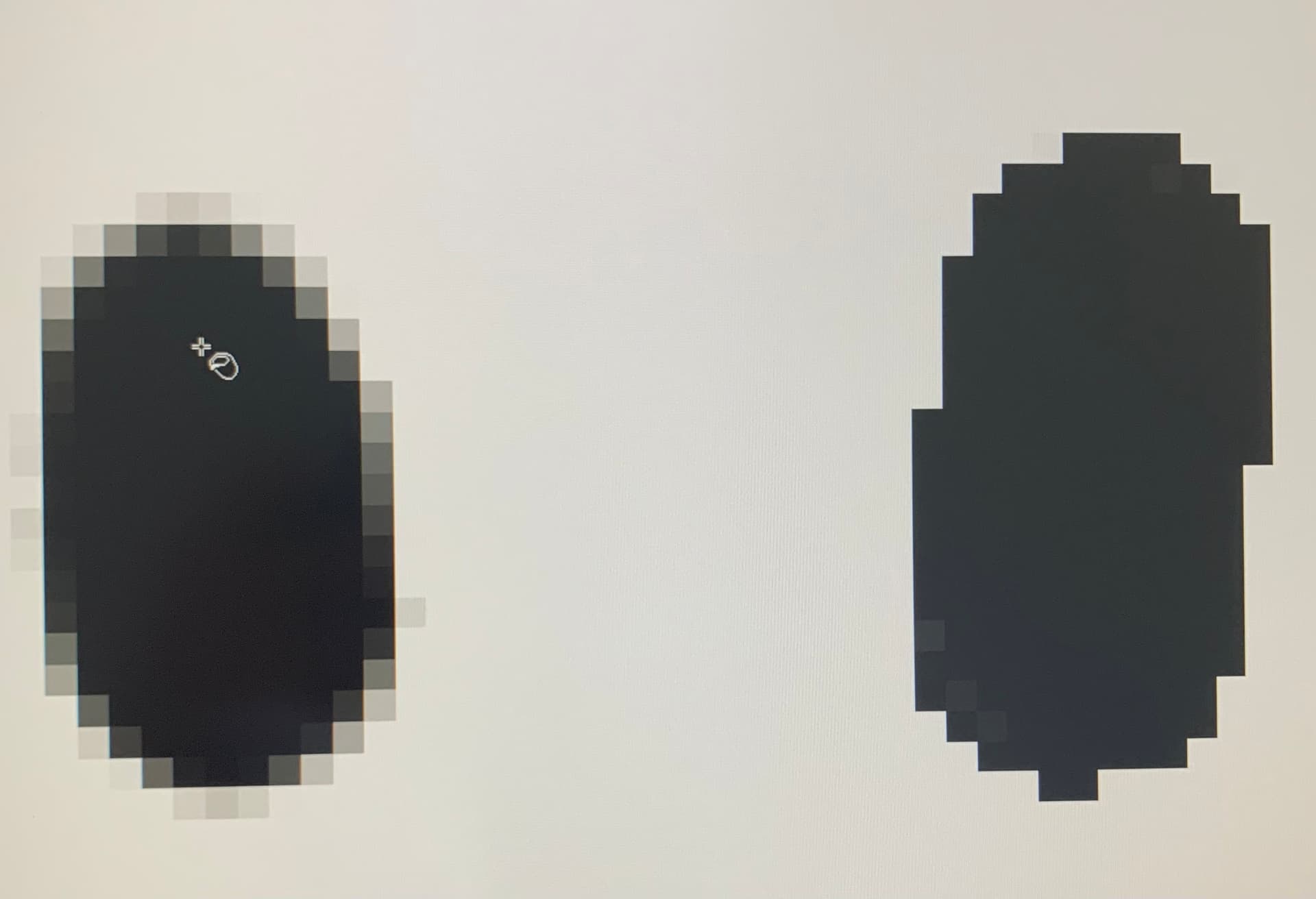
the dot on the left is what is happening.
the dot on the right is what I want to happen.
How do I solve this?
Hello, and welcome to the forum. You can either use the pixel brushes (You can find them in the brush presets by searching “pixel”), or you can go to the brush editor, then go to sharpness and make sure to activate it. I’m not sure this is the perfect way to do it, but it works for me.
Also in the brush editor disable anti-alizing for the brush tip
The Pixel Art brush presets are perhaps useful for you.
Thank you for the advice everyone