I am trying to see how I could create a new brush preset from scratch to have a selected engine.
I see seen in a previous question that you cannot change the pixel engine of an existing pre-set, so I wanna ask if I can create a new brush preset without modifying an existing one.
If I can’t, what’s the best way to find a specific engine I can use from a pre-existing preset from a glance?
 Hello @Game_Planet_Animatio, and welcome to the forum!
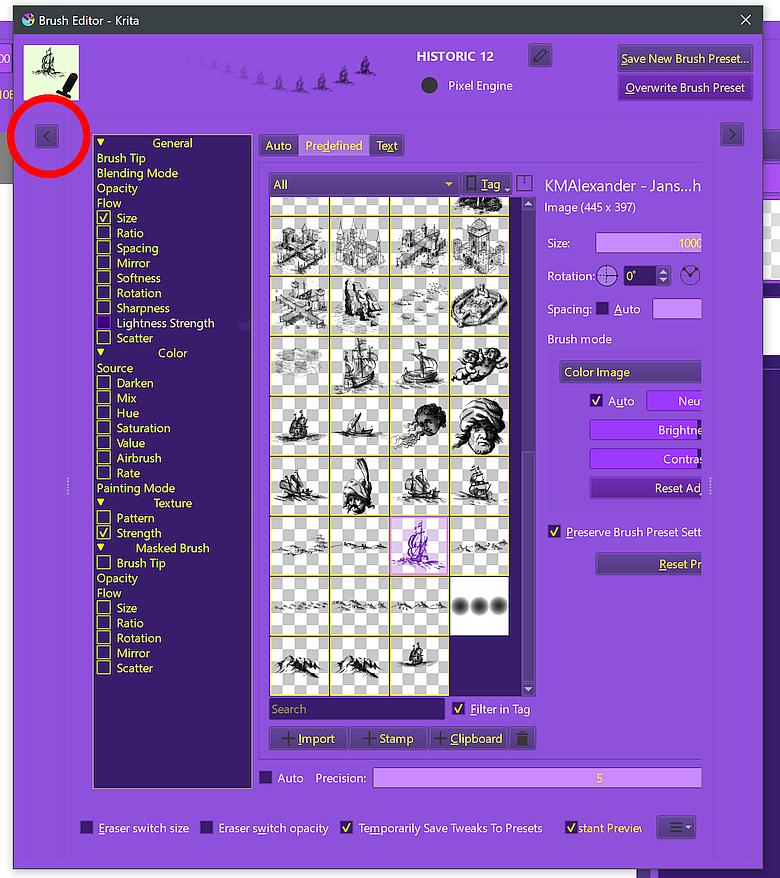
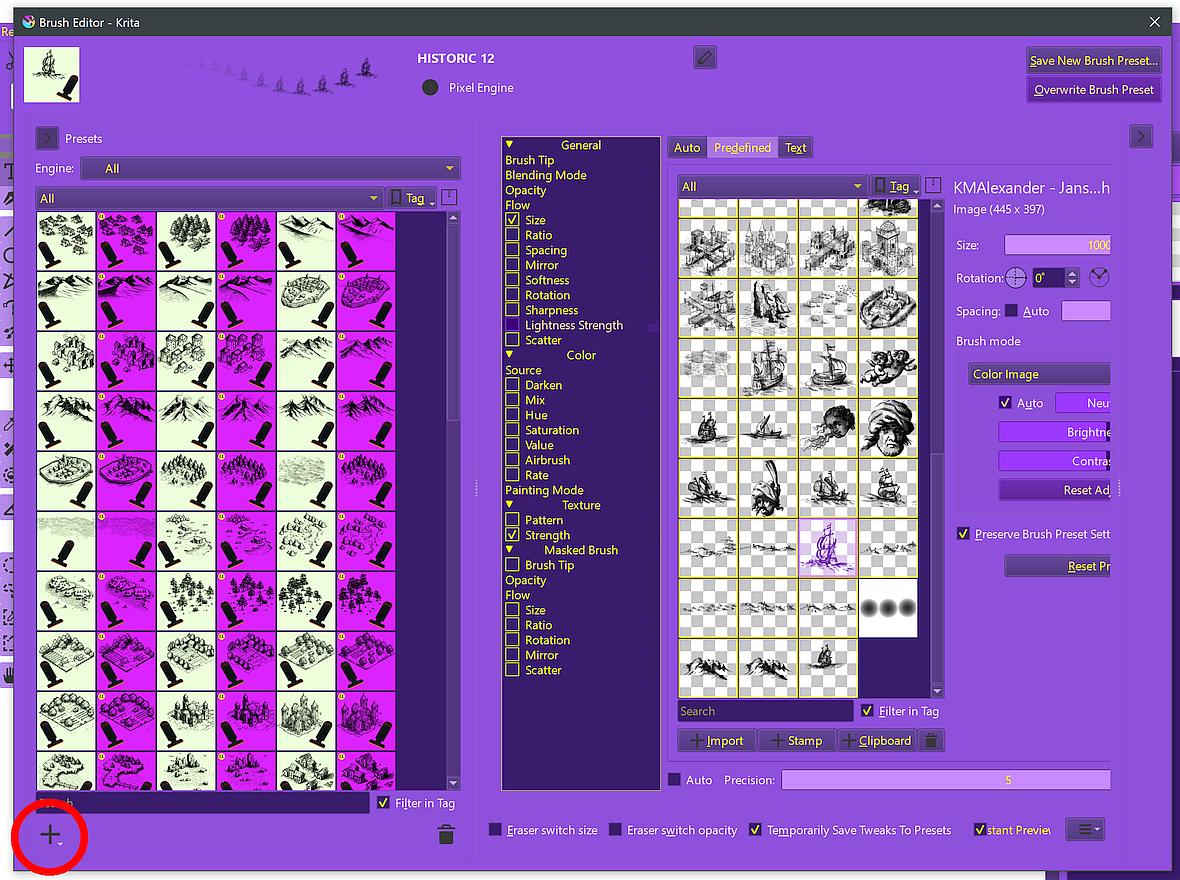
In Kritas Brush Editor you have to expand the left sidebar first, then click on the + symbol at the bottom and select the desired engine.
Click in the upper left corner to expand the brush editor (if it is not already):
And then click here in the bottom left to select the brush engine you want:
Michelist
1 Like
This topic was automatically closed 30 days after the last reply. New replies are no longer allowed.