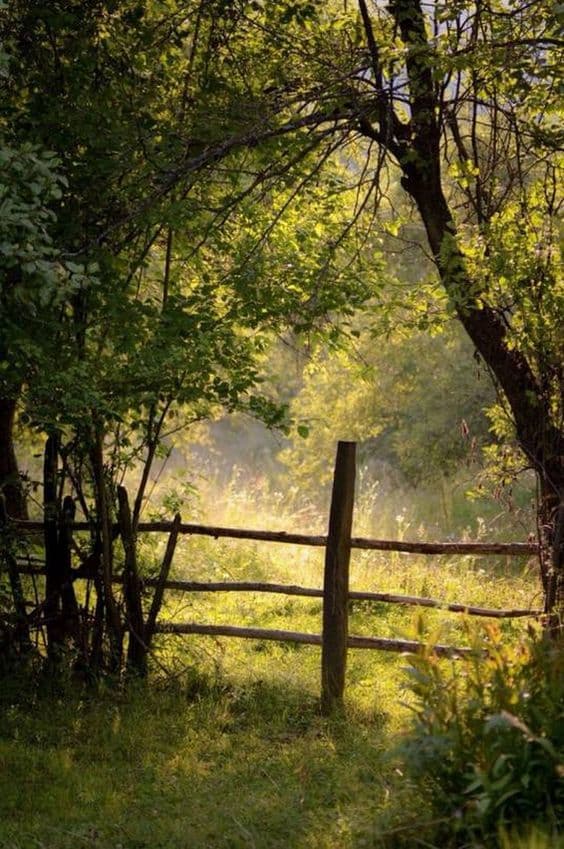
Either dab with one or a few hard brushes, depending on your preference and desire for variation, or work with stamp-like brushes like the original Krita “z) Stamp Vegetal”, a rather simple one, or with brushes like those from the bundles from iForce73.
I can provide you with (pre-)versions of the iForce bundles ported to Krita 5*. A few of the included brushes still cause problems, but most of them work.
And I think there will be more suggestions.
Spray brushes also work if you trim them to splatter.
By the way, if that picture is not taken by yourself, you should name the photographer, as it is needed here.
Michelist
*Some call it speed paint brushes, others call it cheat brushes.
If they’re not too important for the image I honestly just put down a bunch of color blotches with the blotch texture brush.
I mean, in your example the individual leafs aren’t really in focus or recognizable (except maybe the few in the foreground), the values and hues are much more important than the shapes of the leafs.
2 Likes
Just like that! You can do a lot of work with such simple structures, but you don’t have to do a lot of work. Especially not with such a low resolution as the example photo.
Michelist
1 Like
how do you edit posts i forgot
The pen icon below your posts. And topic titles with the pen icon in the upper right of the initial post.
Michelist
Joke:
How I edit posts?
After opening the editor, I add, modify or delete text? When the changes are made, I click on the Reply-Button.

As a basic member you can also only edit your posts for a limited time (48 hours I believe).
This topic was automatically closed 30 days after the last reply. New replies are no longer allowed.