Having folders could be useful!
Maybe something like this!
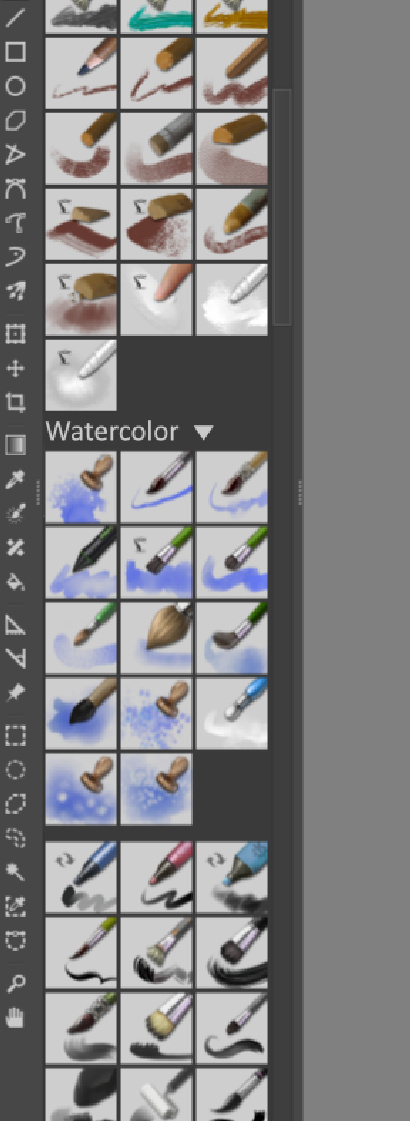
I imagine if you haven’t made any folders, Krita will look the same as before, no change from what we are used to.
But when you select brushes and make a folder out of them, they will be grouped, displayed together with the folder name on top, and a button showing that you can expand or collapse it!
That way, I can have a lot of brushes, say environment brushes, and hide them when I am not painting environments. That way I will spend a lot less time scrolling through brushes I never use while having all tags and brushes I own available on the list!
The only negative side with using tags is that you have to go into the drop-down menu to change the tag you are currently viewing. And that takes time. So does scrolling trough every brush you own in the “All” tag! I think an optional system like this would fit my workflow greatly and fix both problems!
edit: (the site thumbnailed my example picture, click it to see the whole thing!)
And collapsed it might look something like this
