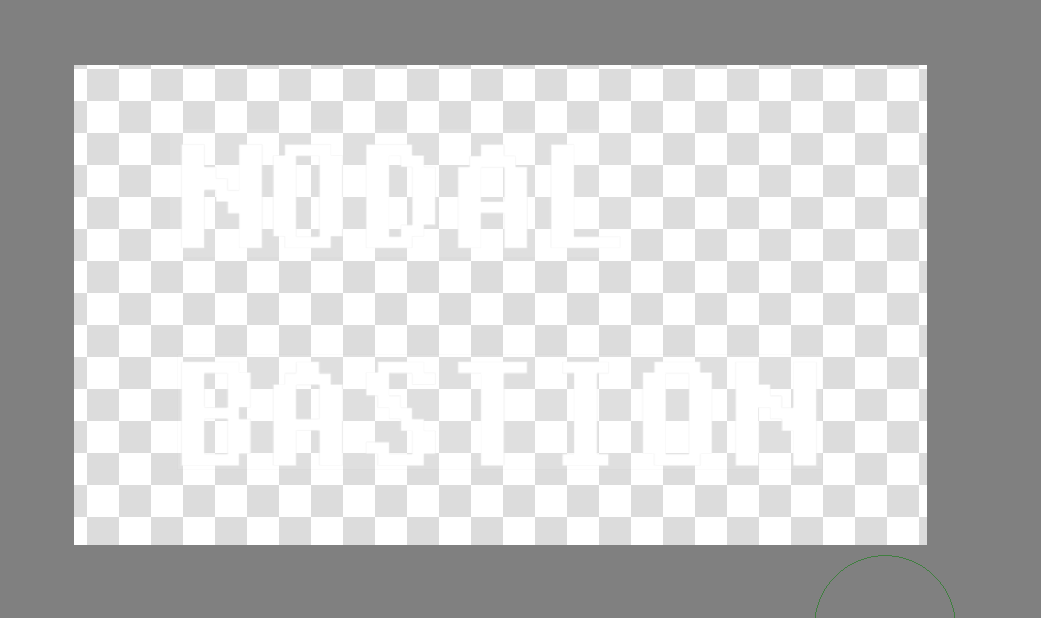
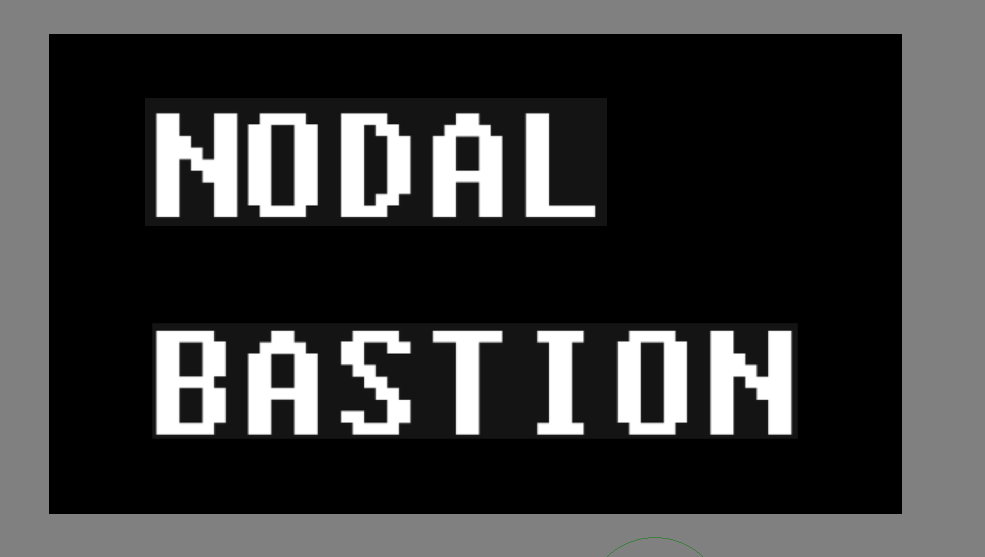
But the moment I add a background below it (black fill layer), it shows grey color around as a rectangle, this is the color I removed with the color to alpha (I’m using a filter, not a filter mask).
As you can see here:
I’m not good at this, but you can try to set a higher threshold in the tool options, the thing with your gray is, that it is a “mix” color, so a higher threshold can, theoretically, delete a wider range of gray than a value simply determined at a point of your canvas via eyedropper.
If you set a high threshold then transparency will be applied, in proportion, to colours that are quite distant from the selected colour, which I assume was the original background colour.
What was the original background colour?
If the threshold is too low then the anti-aliased edges of the white text will not be made transparent and the text will have a fine outline around the characters.
The broad and faint grey rectangle around the lines of text indicates that there was something there in the original.
What was the original image of white text on a background colour?
You often have to adjust the threshold value to get a result close to what you consider to be a ‘perfect’ result.
If you ask me, GIMP does a way better job with color to alpha, in the sense of being more intuitive and fine tuning how the color to alpha feature works.