Im wondering how to add this texture as a gradient map, to add some extra texture to a painted layer, if possible?
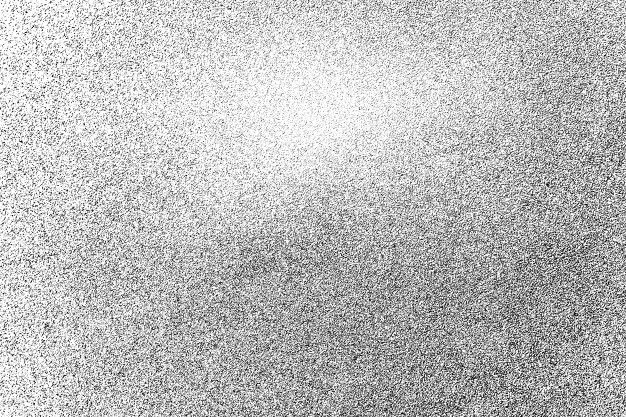
This is an example of the texture :
Im wondering how to add this texture as a gradient map, to add some extra texture to a painted layer, if possible?
This is an example of the texture :
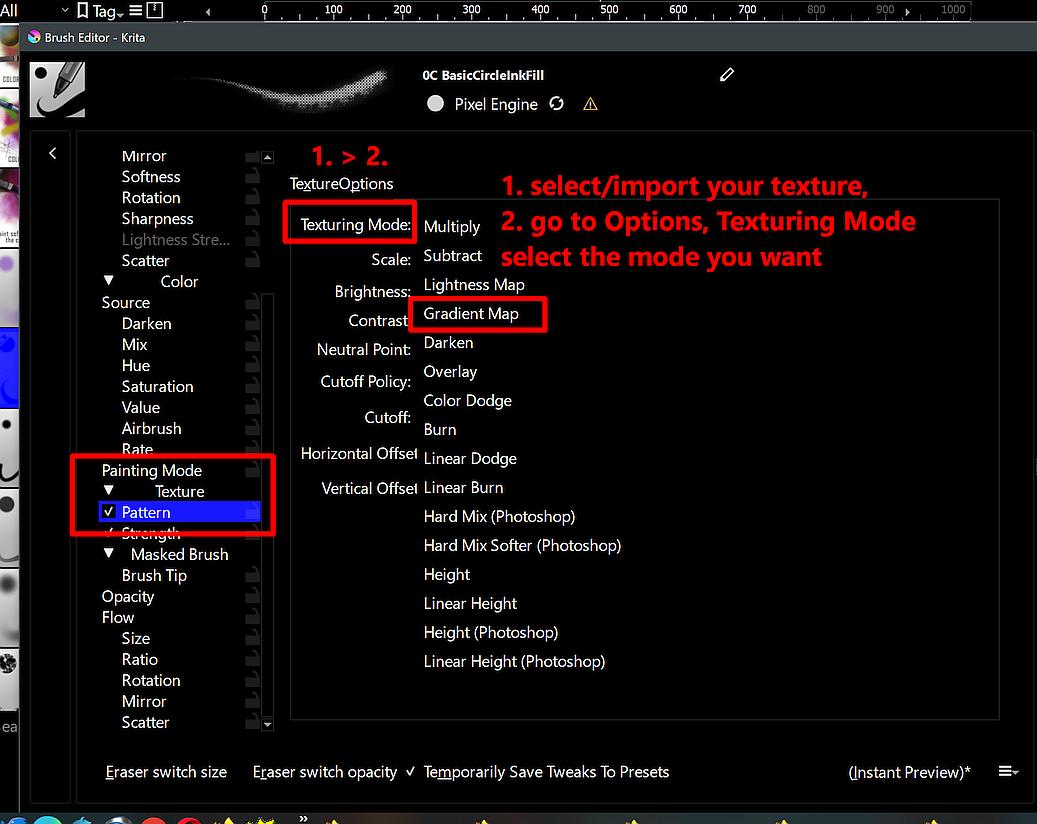
In the brush editor, under “Painting Mode” >> “Texture” > “Pattern” select or import your texture and then go to the “Options” tab open the drop-down menu “Texturing Mode” and select “Gradient Map”:
Michelist
This topic was automatically closed 30 days after the last reply. New replies are no longer allowed.