So, i’m currently doing some animation in krita. I want to have the background to be blurred at first and then it would later become normal again.
I have tried making a filter mask with gausian blur on it and using animation curves, lower the opacity. But it dosent work. I was wondering if you guys know how i could do something like that and vice versa, to have something become blurred
A filter/transparency/selection mask is a pure greyscale image (no alpha channel) and so its opacity cannot be modified.
In the past, I’ve tried doing a two layer cross fade, using opacity curves, between a not blurred image and its blurred version. That gives poor results no matter how clever you try to be with the interpolated shape of the cross fade curves.
The only way I know to do get a good result is to make a fully painted/animated filter mask set to the maximum required blur amount.
You can make an animated white (fully blurred) to black (not blurred) transition by putting a black filled paint layer over a white background layer and then doing an opacity curve animation on the black layer.
Then you can render that out as an image sequence and then File -> Import animation frames to bring it in as a fully painted transition animation:
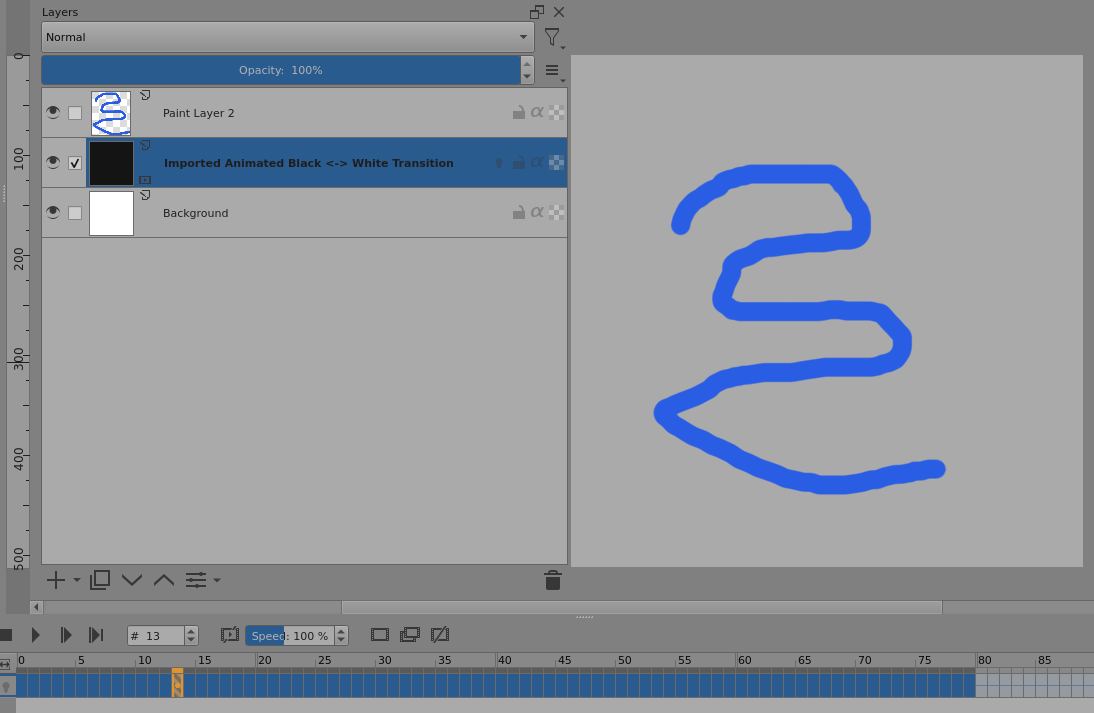
Here is the resulting animation:
I mirror looped the transition so it can be played looped with no discontinuity.
Then you drag the animated transition up so it’s above the image layer and do
right-click -> Convert -> Convert to Filter Mask and choose a blur filter of a suitable amount:
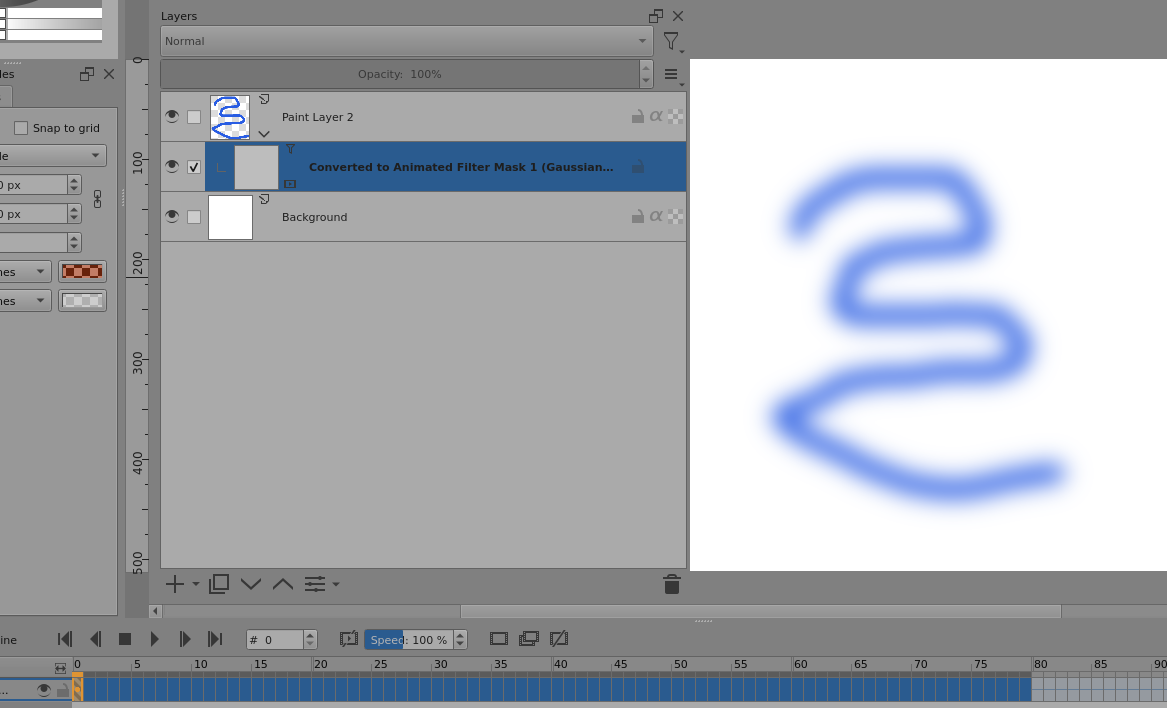
At frame-0 it’s white so you get maximum blur at frame-0.
Here is the complete animation:
The ‘noise’ artifact at the end is not present in the animation in krita or in the intermediate .png frame files so I think it may be an .mp4 encoding compression artifact.