I have some text and a circle, and I want the text to border the edge of the circle (say inside), which requires to bend the selection thereof. This question was raised on reddit, and Krita dev said " Now I guess the best way would be to create a Transform Mask, select it and then use one of the modes to curve the text." I get the Transform Mask part, not “use one of the modes”. Could someone clarify?
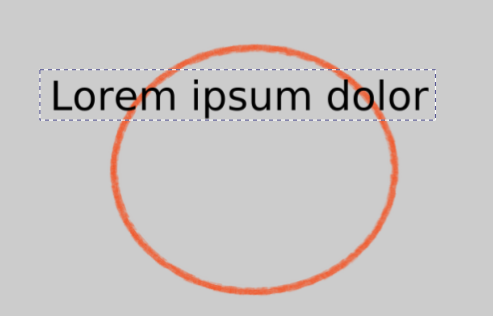
Hi
Text are on vector layer, and there’s no tools like you can find in Inkscape to force a text to follow a path.
Best thing to do is to it in Inkscape, convert text as shape, and then import svg in Krita.
If you really want to do it in Krita, solution provided by @tiar on reddit means:
- Convert the text layer to paint layer
- Use the transform layer tools to try deform text to follow your path
There’s different transform tools, the Mesh might be the best one, but don’t expect miracle: it will be difficult to follow path, and deformation will be so strong that result might be pixelated
Notes:
- Using a transform mask might be a better solution than applying transformation directly to paintlayer (it allows to go back on deformation and change it if needed)
- use 2 columns at least, having middle point helps to follow curve “properly”

Grum999
it kinda works yes.
honestly I would head into blender to try myself probably. Inkscape is too complicated.
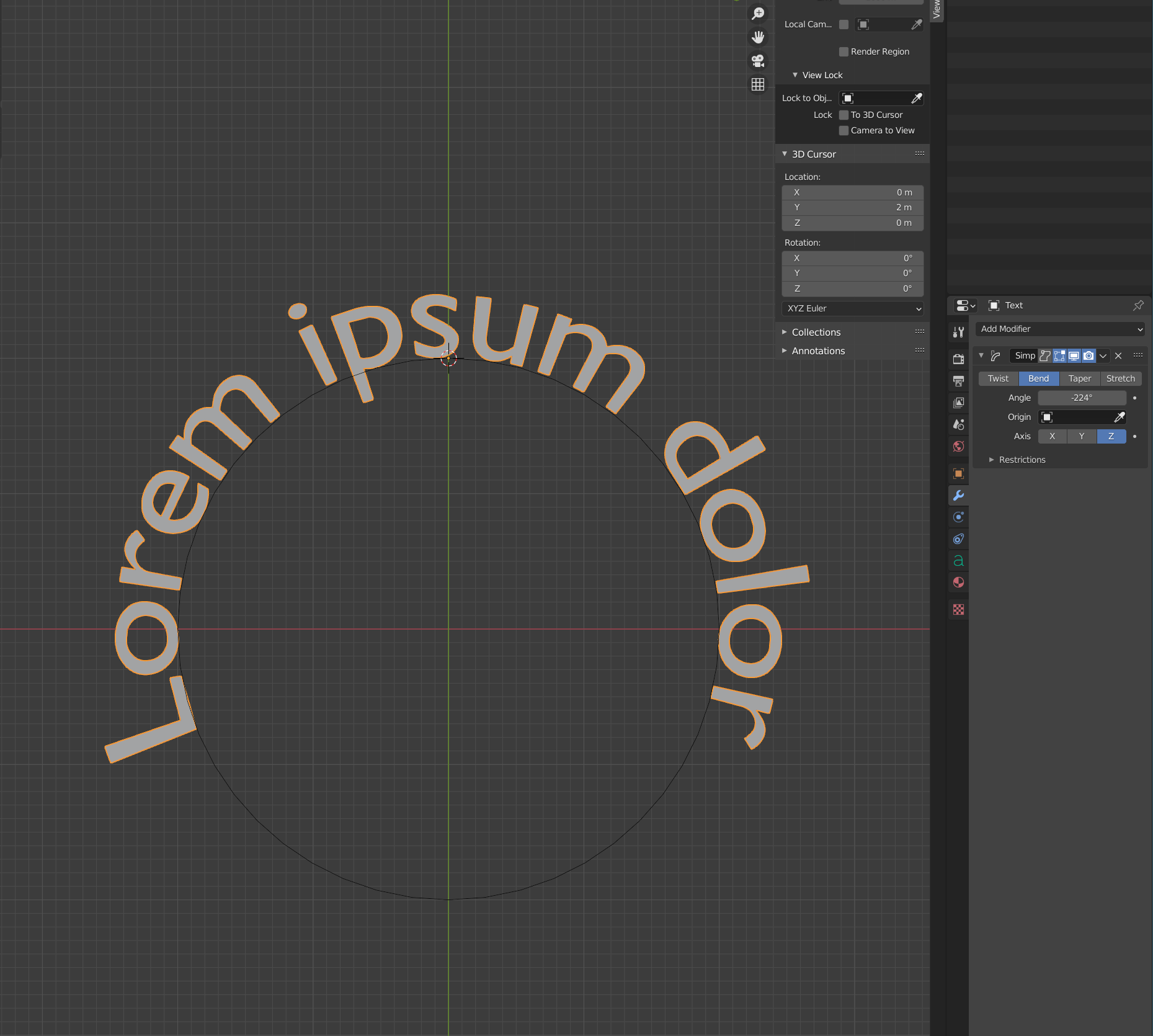
Maybe, I don’t know.
On my side, I found Inkscape really easy to use when I need to work on vector shapes 
Grum999
1 Like
I’d use GIMP which has a ‘text to path’ function. There are many ways of doing it but all take time to learn.
1 Like
I came from AI, and Inkscape has everything to replace it is just the menus that makes it too complicated.
And I thought AI menus were bad when I started, Inkscape really takes the cake on it.
Too much left to guess for me.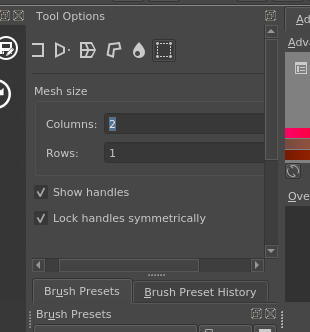
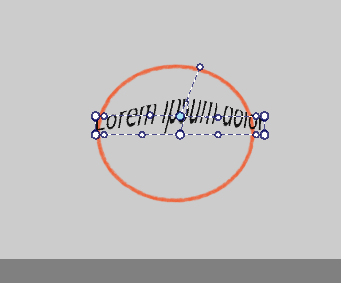
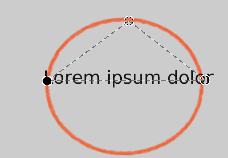
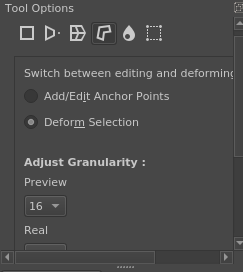
The description for cage option tool says “Transforming a straight banana to be curved with the cage tool”. Wouldn’t that be easier? I started with a triangle-shaped cage, but clicking on ‘apply’ does nothing.
do this:
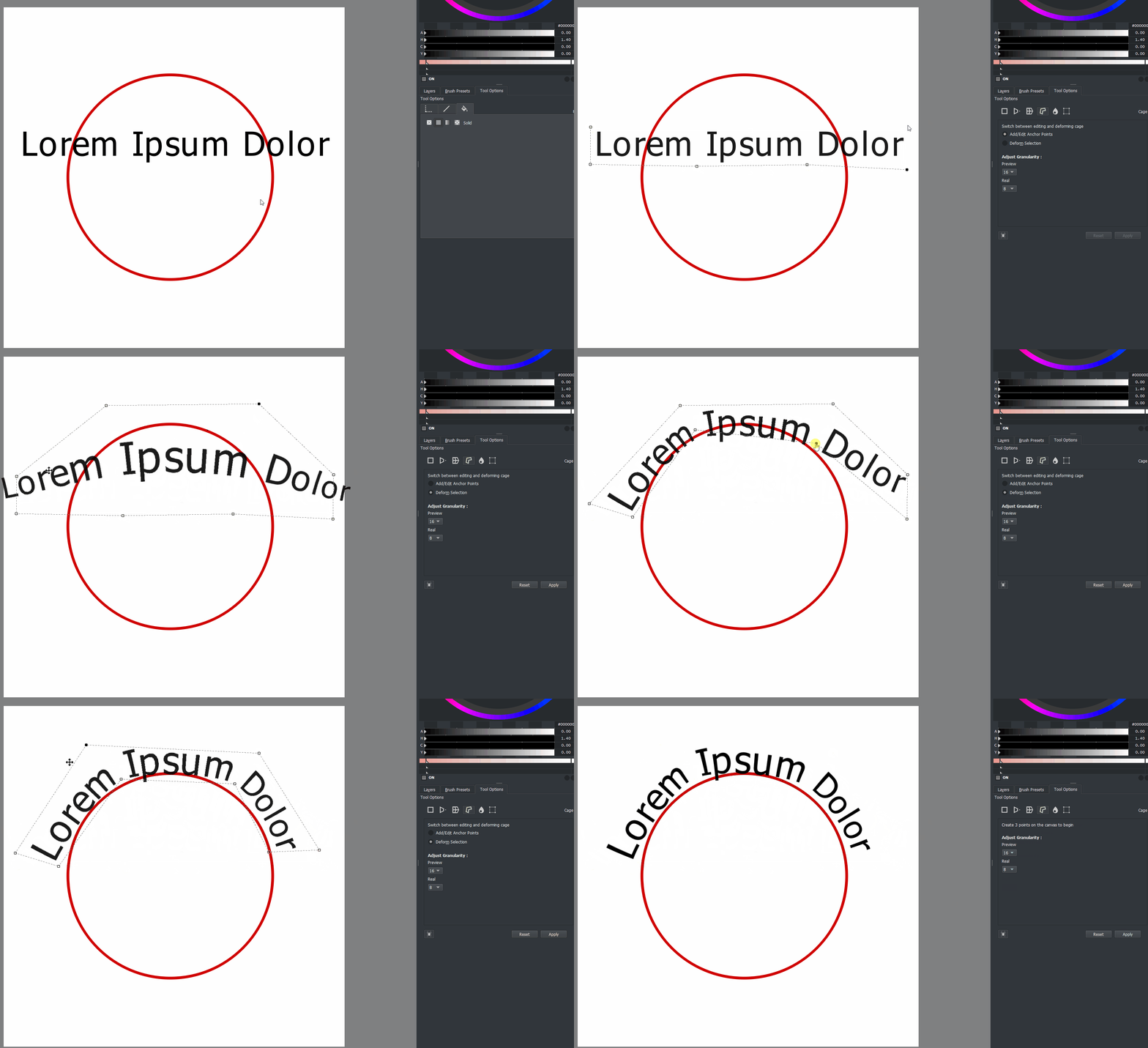
or this:
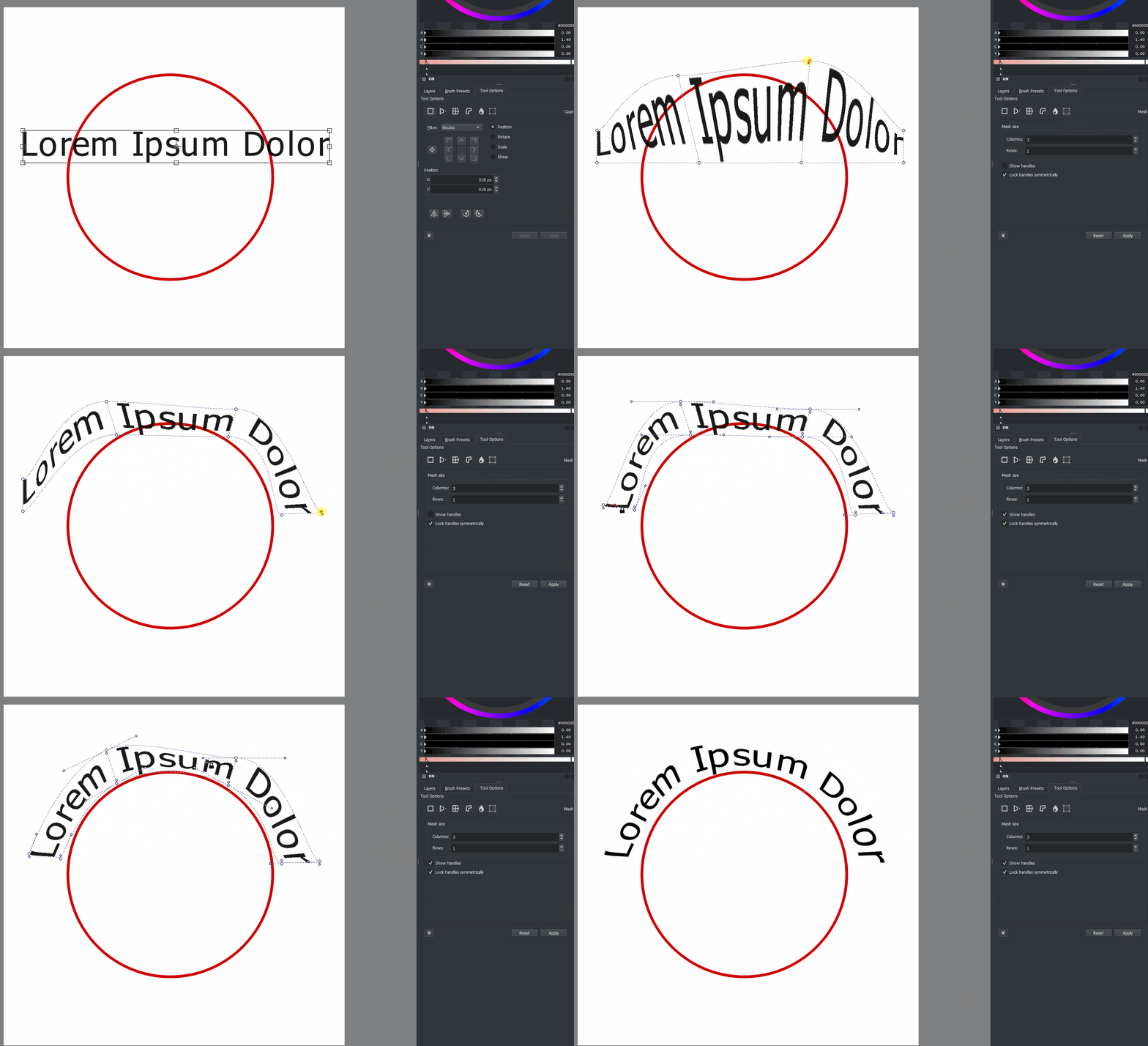
1 Like
This topic was automatically closed 7 days after the last reply. New replies are no longer allowed.