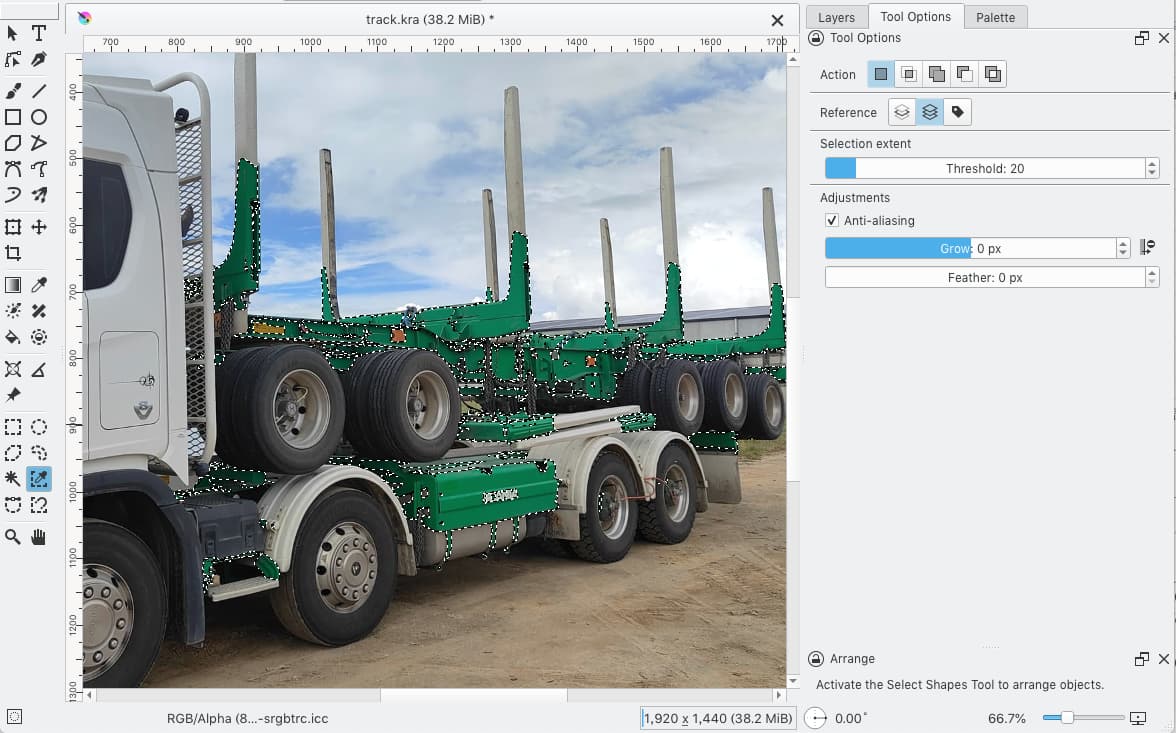
How do I change an existing color to another easrly, including all related tones

I want to see my truck in different colours from green to orange for example.?
How do I change an existing color to another easrly, including all related tones
I want to see my truck in different colours from green to orange for example.?
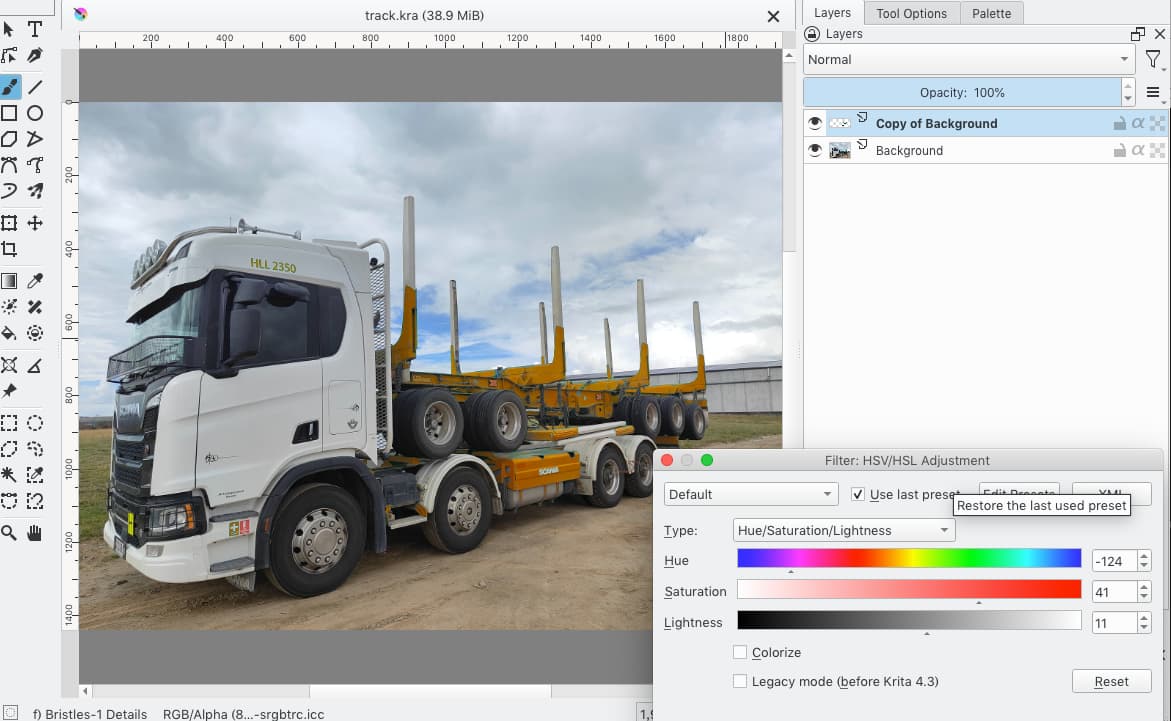
Not a perfect solution but easy, try adding a filter mask with HSL adjustment.
Open the image in Krita, right click in the layer, chose Add → filter mask. A dialog will appear, there select HSV/HSL adjustment and then play around with the Hue slider.
Add a layer on top of that image, change blend mode to COLOR.
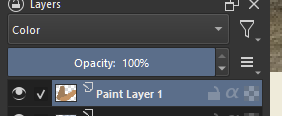
Pick orange on color wheel, and paint on top of the green ^-^
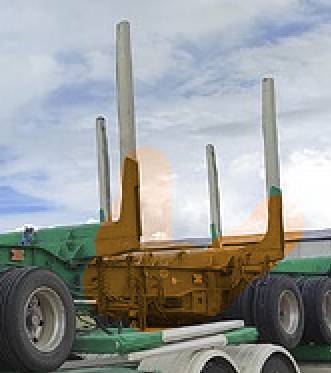
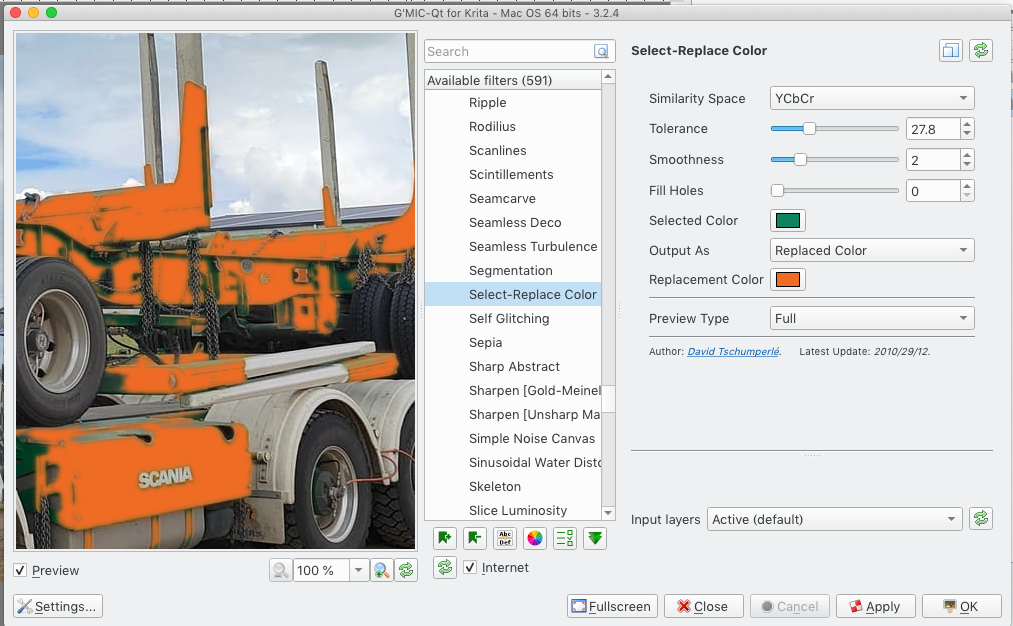
One of the solution
Alternative way
This topic was automatically closed 30 days after the last reply. New replies are no longer allowed.