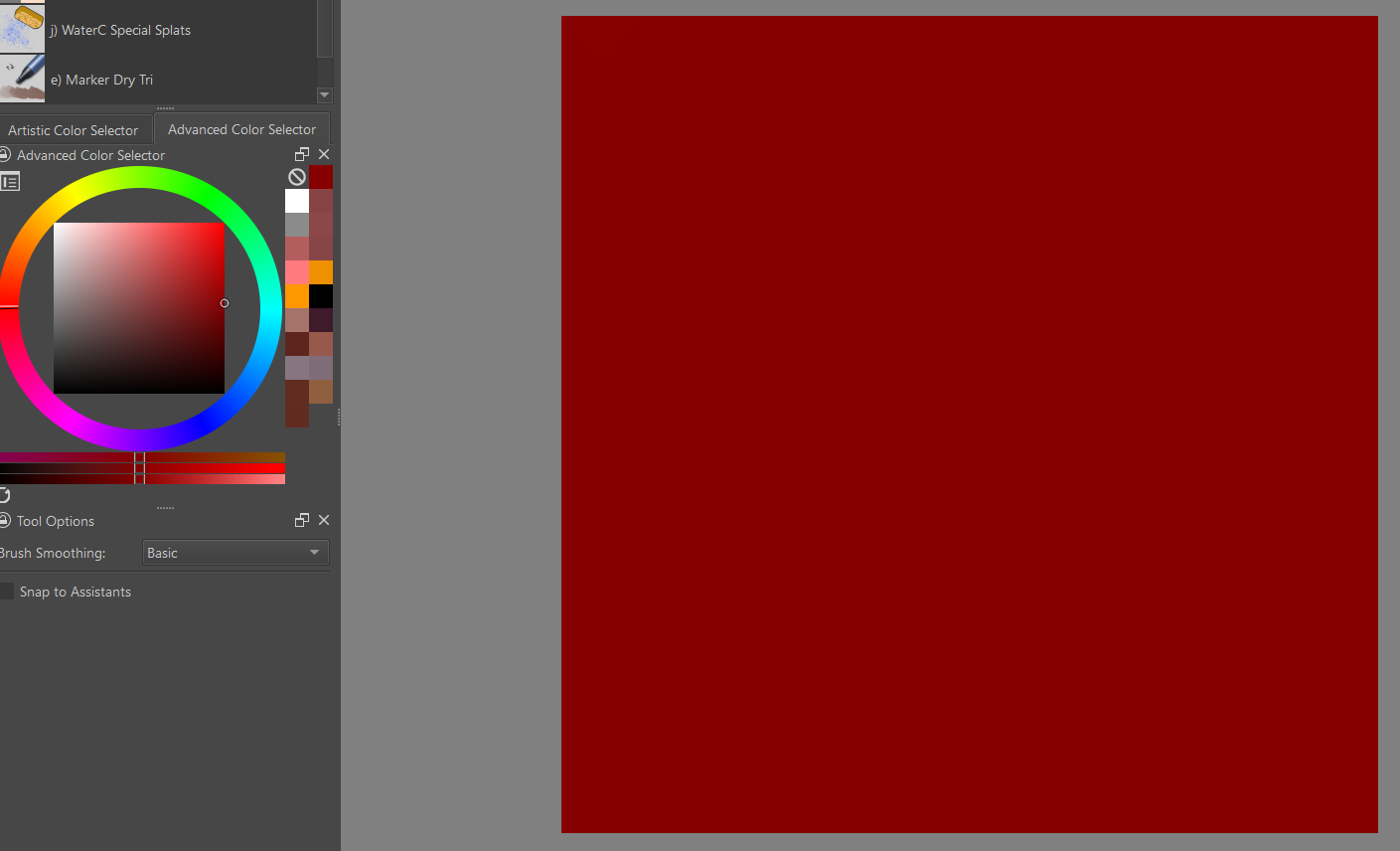
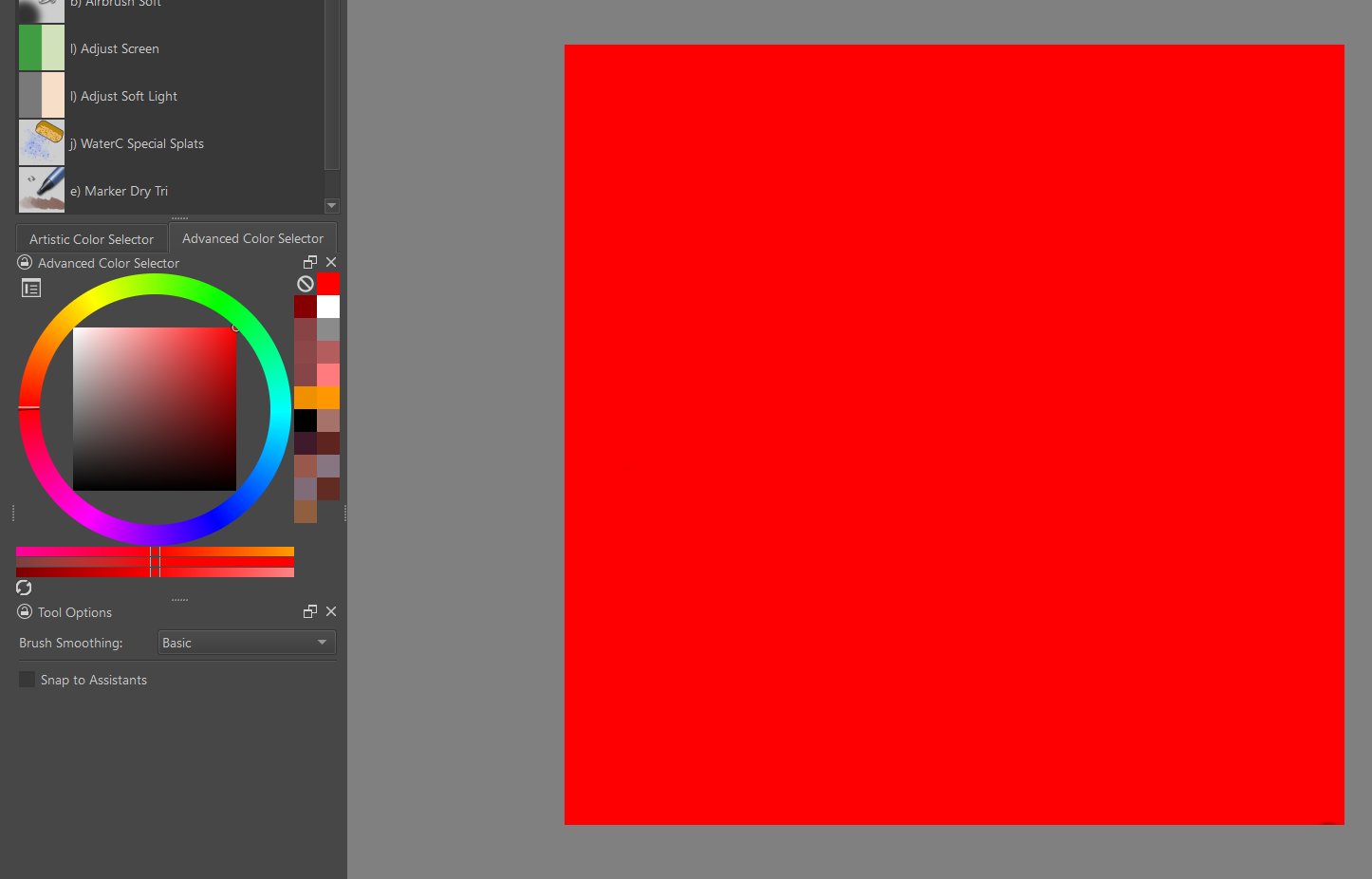
This is a fully saturated red.
After changing its value, it becomes less saturated.
This is not what I expected. I’d like to change its value and value only. I expected it to be this color:
The same goes with “Value” layer blending mode. How could I change value only?
I don’t know why the HSV filter behaves like that.
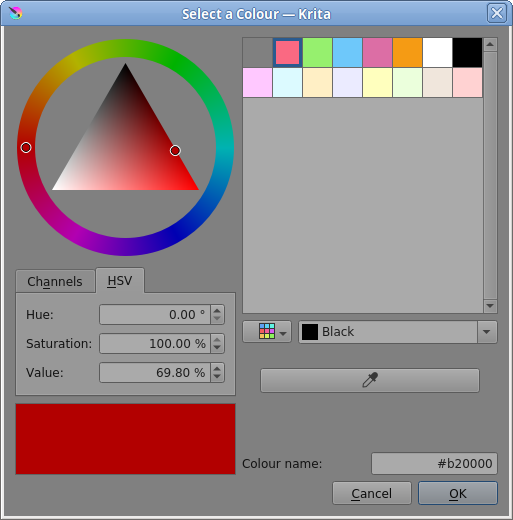
If you edit the foreground colour by clicking on the Toolbar FG/BG icon, that colour selector has HSV percentage adjustment, which may be useful for you.
Thank you. It’s good to know, but I’d like to do it non-desctructively. I’m not choosing the foreground color, but modifying existing pixels.
On this point, I have asked before: Questions of HSX blending mode - Develop / Artists Feedback & Testing - Krita Artists (krita-artists.org)
I feel it should be considered a bug. HSV blend mode should change things according HSV model… no?