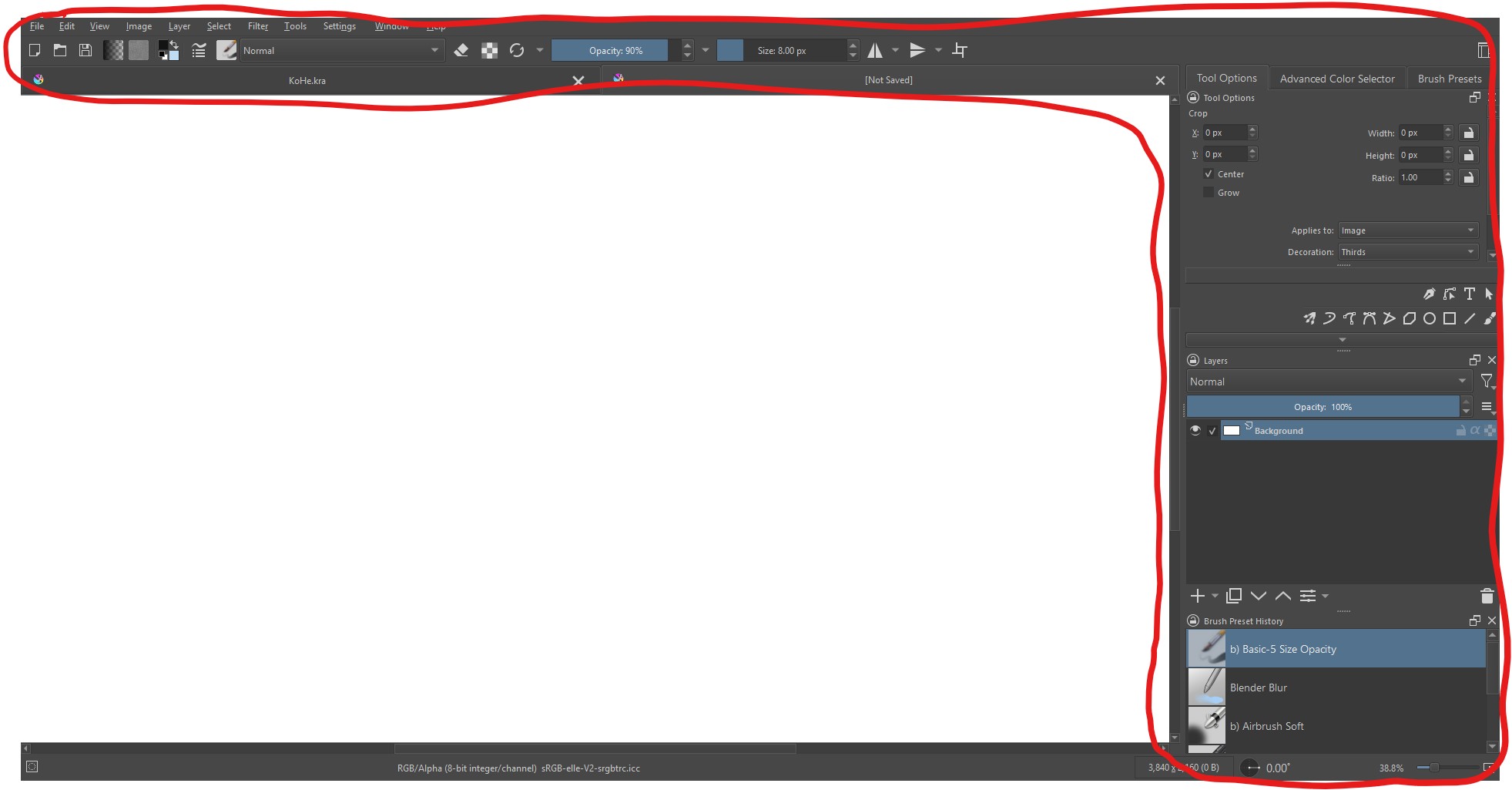
I want to know to make either the bars bigger or the text bigger. Especially the stuff on the top. I already did the setting > general > window > custom ui but it’s not what I was looking for.

@Someonesane: I hope you can take a joke!
Find the error …
&


→↓
But don’t worry, I’m capable of that too.

 Hello @_M1 and welcome back to the community!
I don’t know if this may be what you may want:
And if not, maybe it is worth to read that topic for the other hints given before that script was offered by @AkiR?
Michelist
Oops… Yeah, sorry about that. My overactive brain didn’t absorb the part saying they already tried that.
This has already happened to me, too. So, it proves we are human, we can overlook things.

Michelist