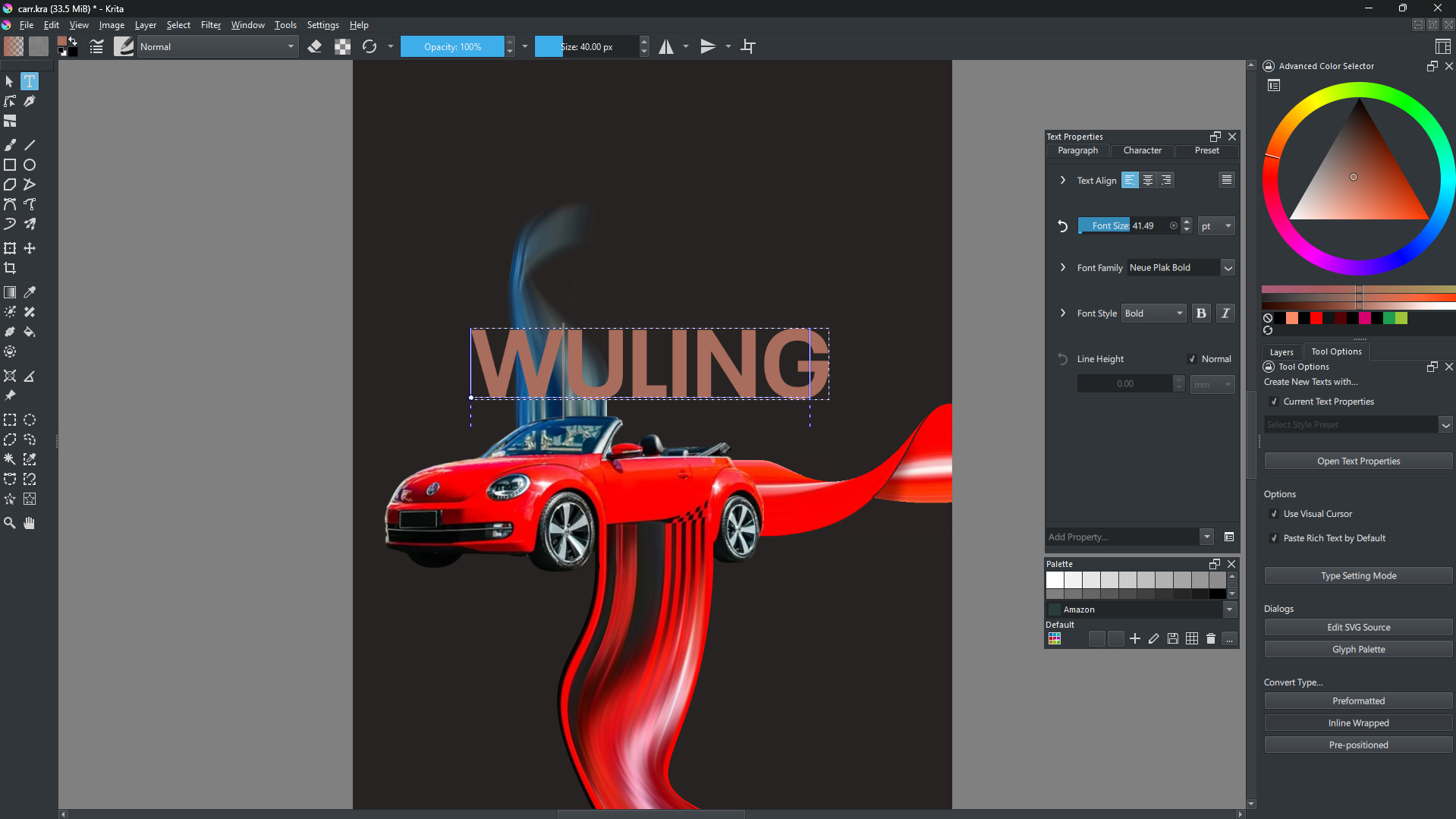
I’m having trouble picking the exact same color as the car for my text
It wasn’t like this before. I used to be able to easily change the text color using the color picker in the Text Tool tab
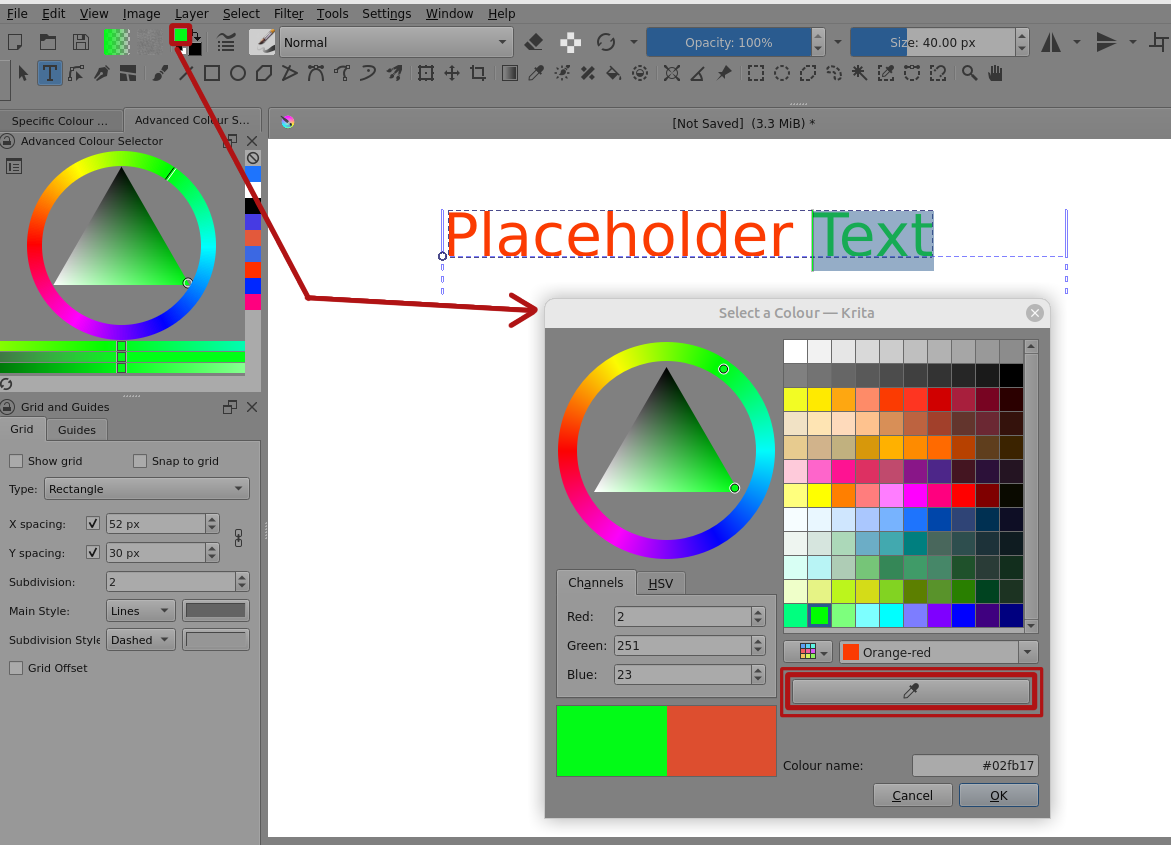
With the text selected, you can click on the Advanced Colour Selector to change the text colour.
Also, you can click on the Foreground Colour Selector to get the Select a Colour window and then use the eye-dropper button in there to get a selector cursor that you can use anywhere on the monitor screen: