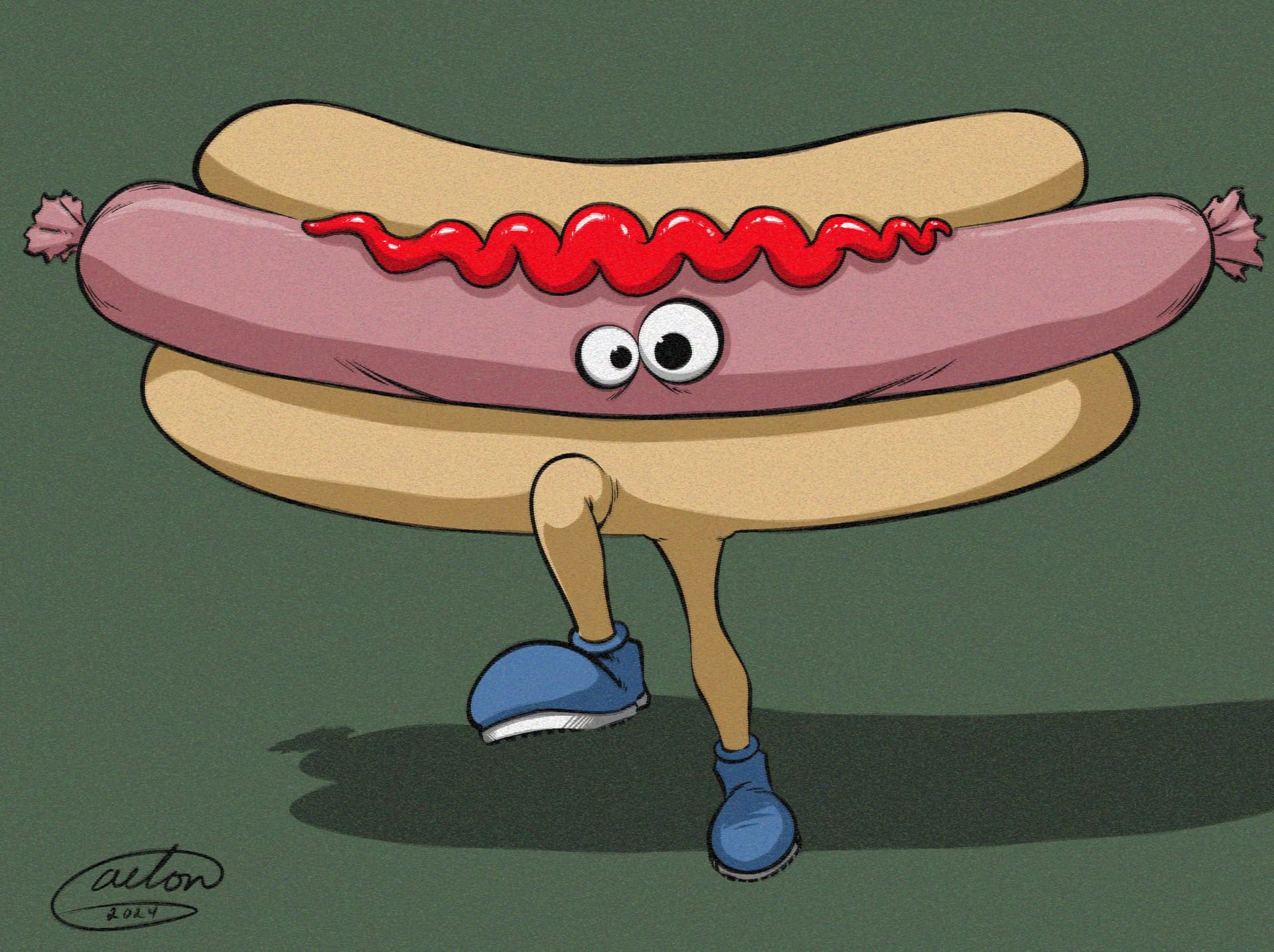
You can get similar results with Filter Layers. I applied a Random Noise and a Wave filter layer to the “After” image I attached below. With a bit of playing around with some of the other options available, you might be able to get even closer to the results in your example.
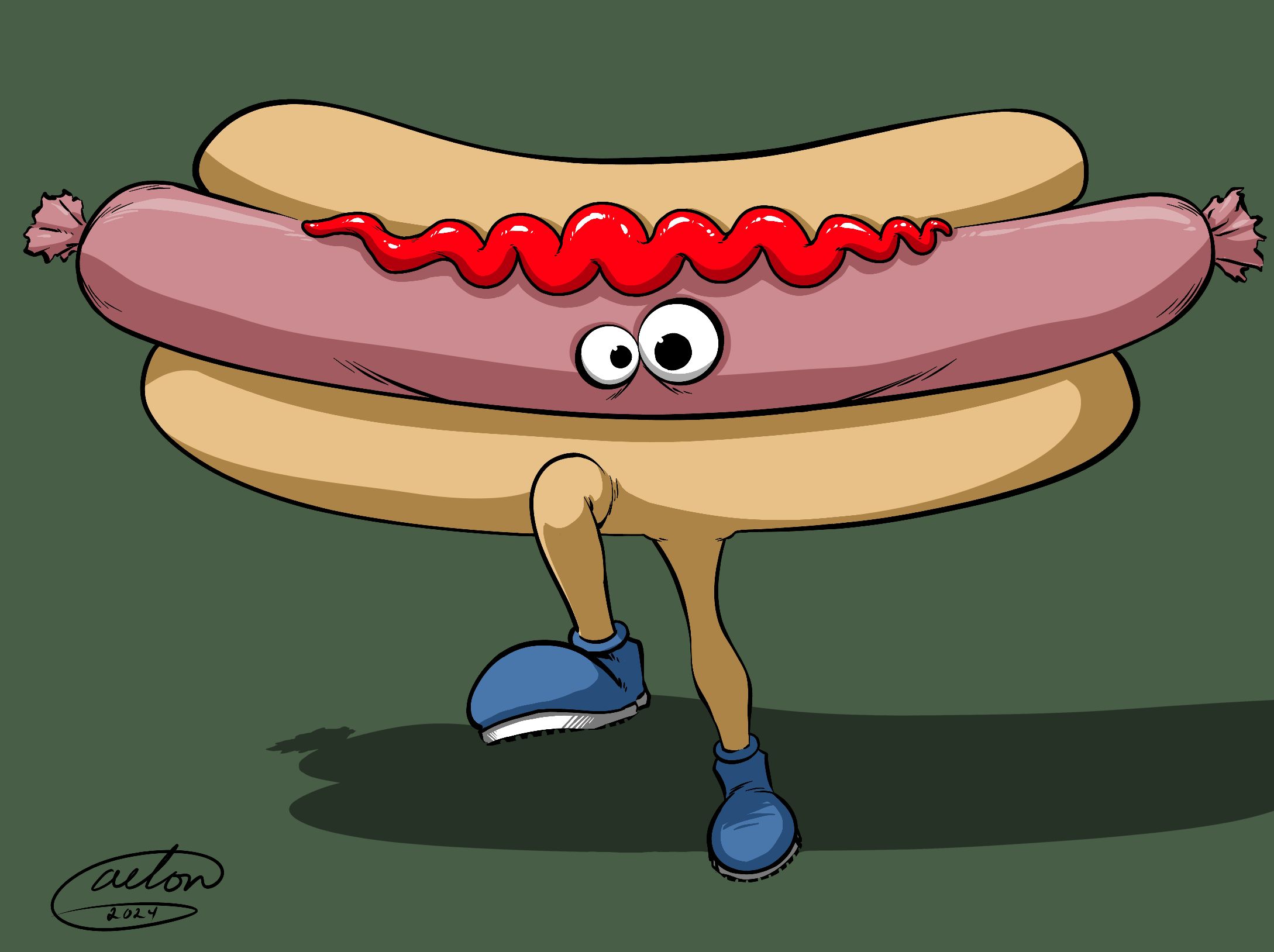
Before:
After: