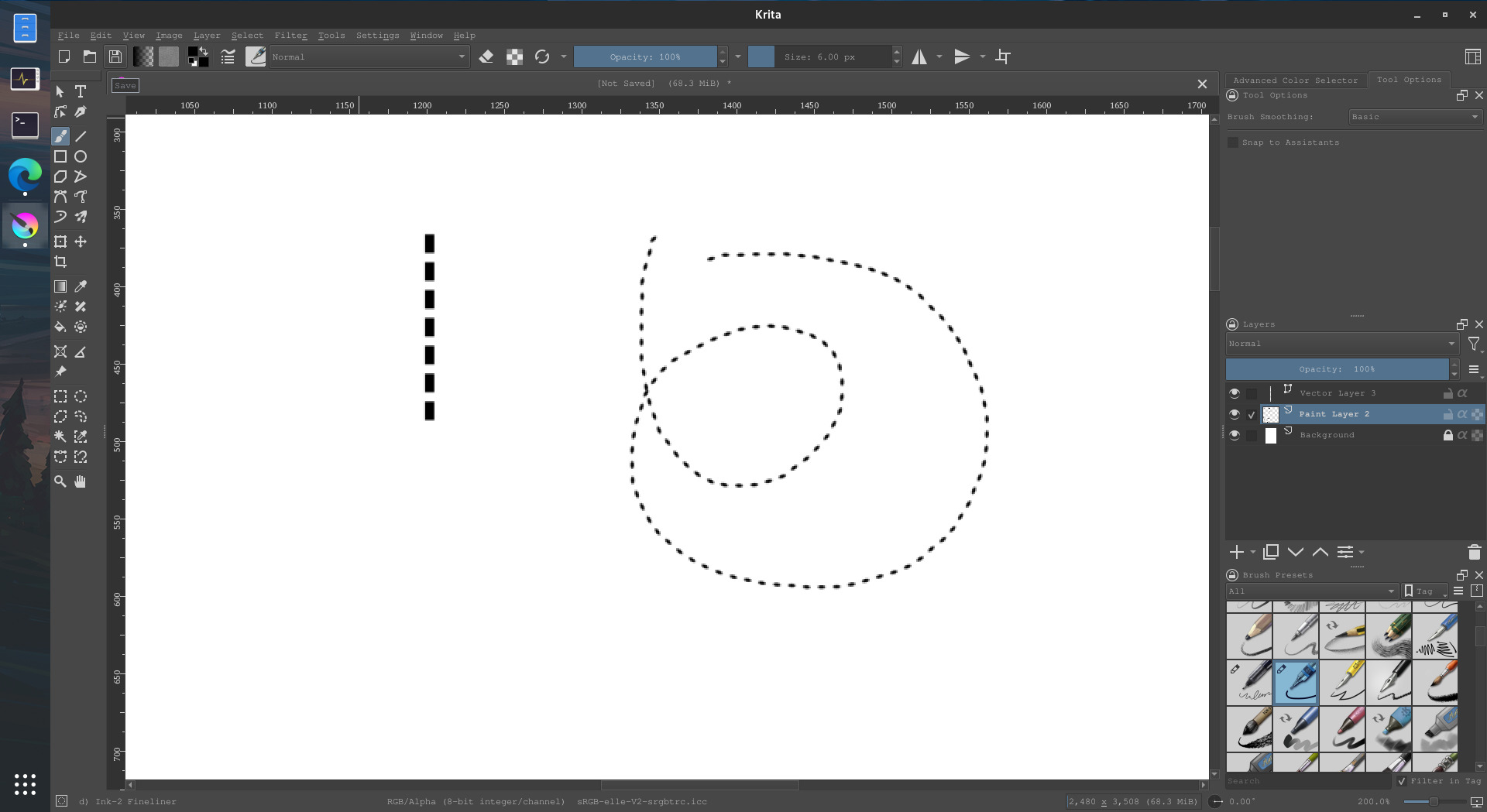
Help! How to painting dotted line like this in krita?
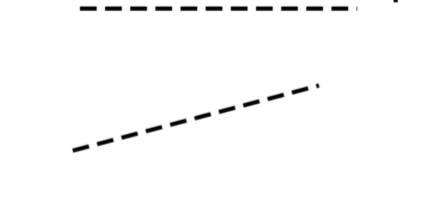
Easy! Let’s take this brush here for example:

d)ink-2 Fineliner from the default Krita 4 resource pack, but you can take other brushes.
Go into the brush editor:

general > Brush Tip and then you change the ratio, I change it from 1.0 to around 0.5, but you can do more or less to your taste. Then you change the spacing (still in the brush tip section), I changed from 0.80 to 3.0.
Then in General > Rotation (you have to check the section) uncheck pressure and check drawing angle
And that’s the result:
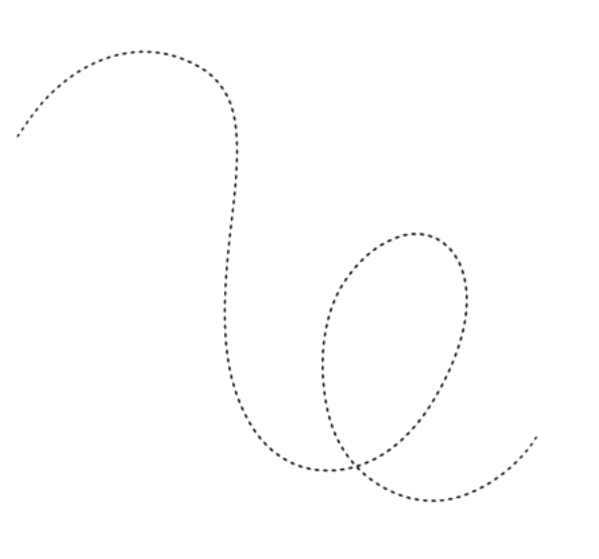
Unless you mean vector lines?
7 Likes
For vector lines, you do your line on a vector layer, then you select it with the select shape tool:

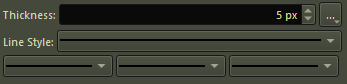
Then in the tool options, you can choose the Line Style:
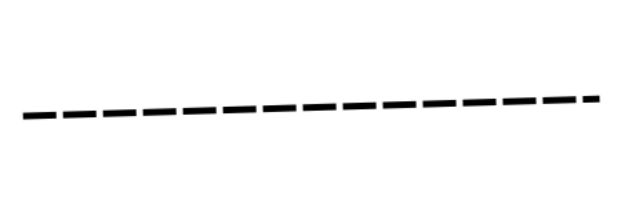
Just like that!
6 Likes

This topic was automatically closed 4 days after the last reply. New replies are no longer allowed.