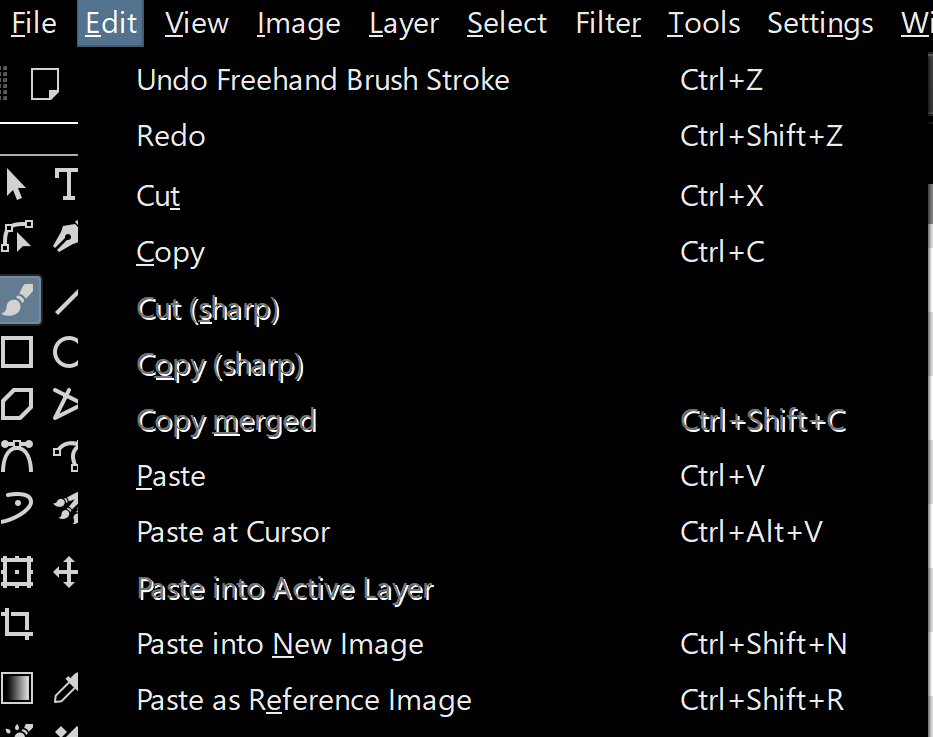
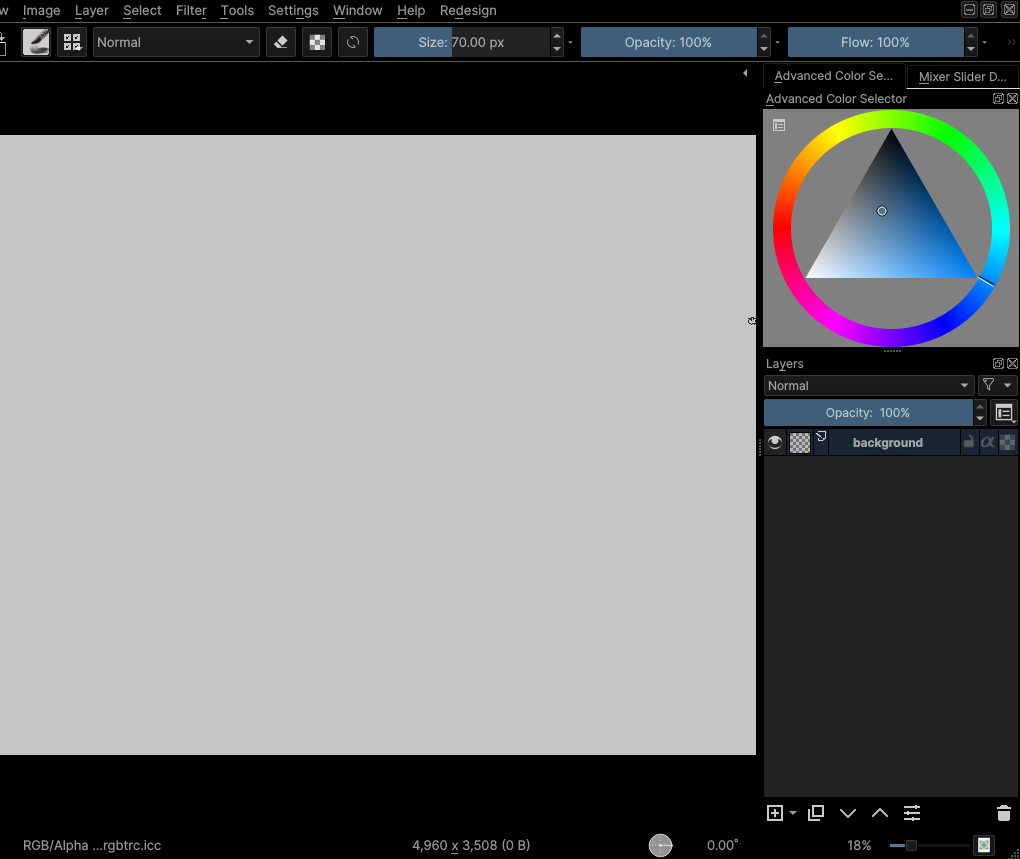
Even the “Krita Darker” theme is not dark enough, so I decided to duplicate that theme file and create my own high-contrast theme. Since I cannot find any comment in the file or any help page, I would to asks some questions about how to edit it.
In the [General] section, what does the ColorScheme item do? It had the same name as Name, so it can’t be name of the theme. What is it used for?
What does [KDE] constrast value do? In Dark, it was “2”, in Darker, it was “7”
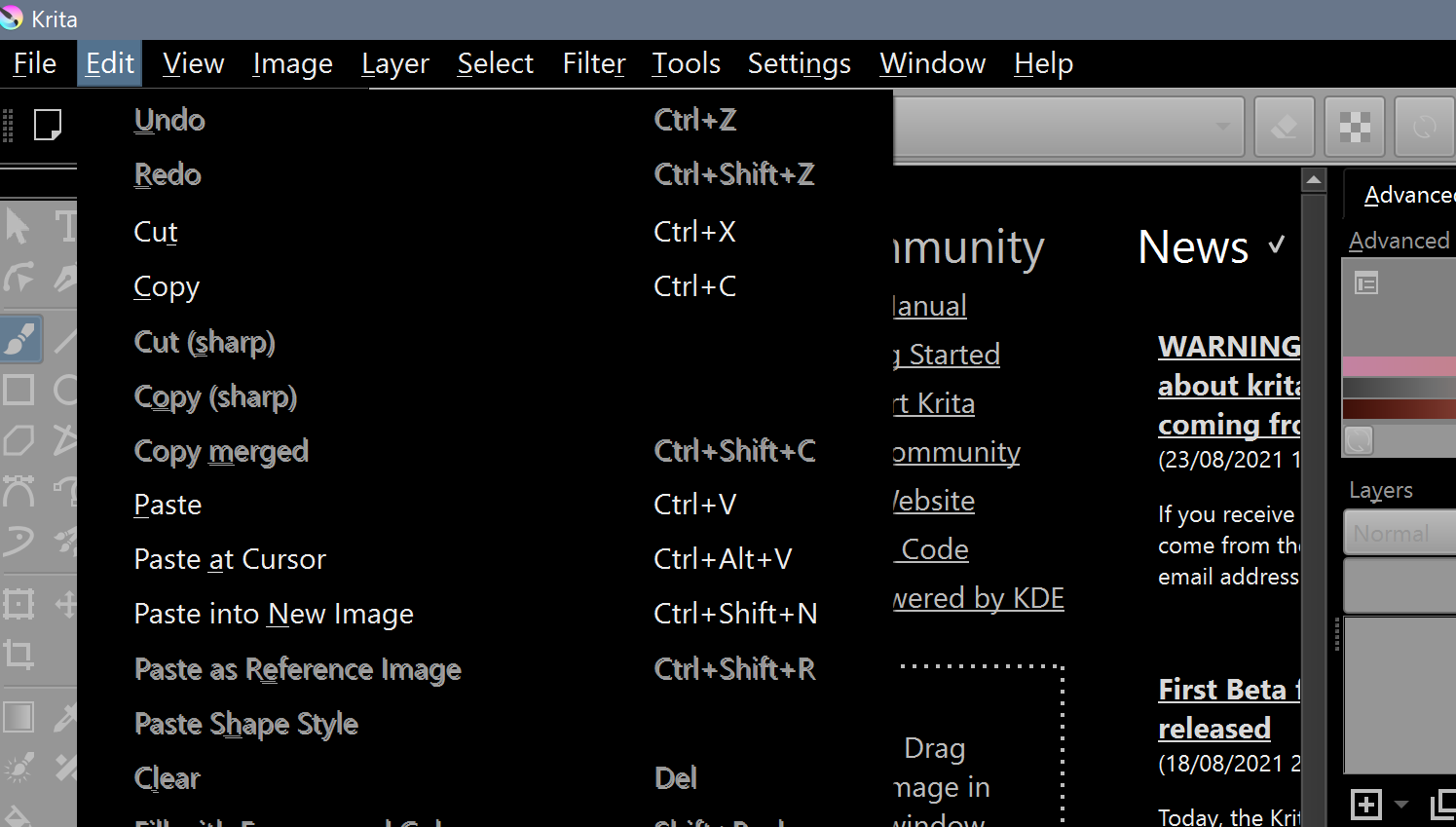
I have set the BackgroundNormal to #000000 and ForegroundNormal to #FFFFFF in [View] and [Window]. It seems to look fine, but the disabled items of the menu looks bad. Can I disable the shadow effect on the disabled items and use some other indicator like a different background (like grey) or a different foreground colour (like… grey), instead?
As pointed out by @TheTwo I have cut everything Krita don’t uses from the .colors file, your post remembered me that I need to make some high-contrast theme.
I don’t think it has anyway to do it, when Krita has to dark values (bellow 25, 25, 25) it makes somethings highcontrast and I didn’t see any parameter that can control it (maybe I missed something)
Anyway Here is a draft of high-contrast theme change it as much you want
My goal is make all menu items’ text are easily legible, but at the same time, easily figure out what are disabled. This is because, I want to know what menu items are there (even if they are not currently available), and know whether I can currenlty use it or not. This is not a weird requirement, isn’t it?
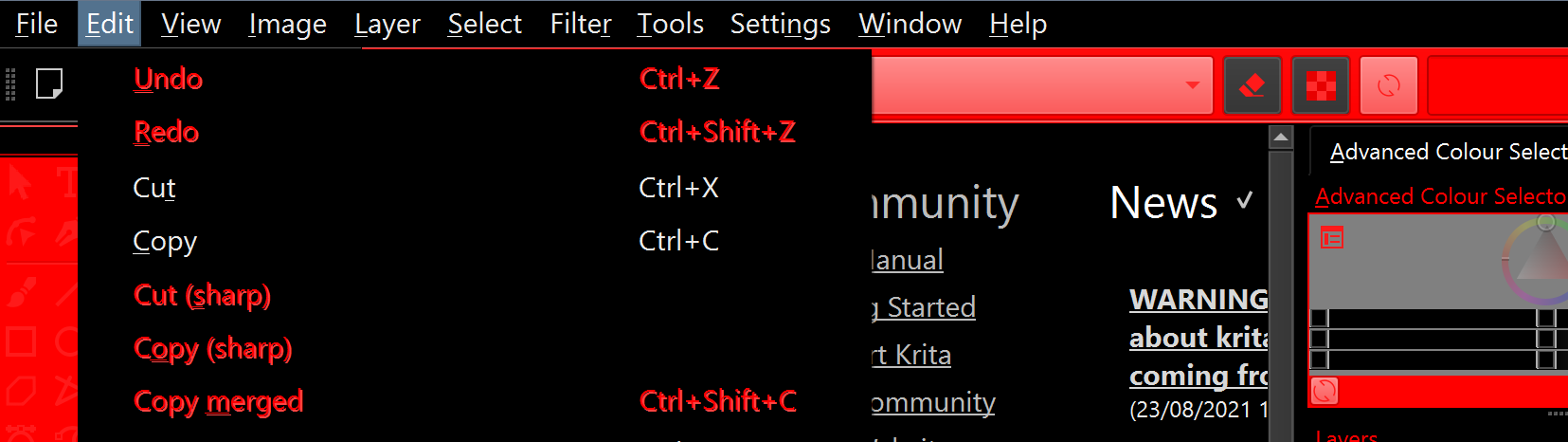
The [ColorEffects:Disabled] seems to sort-of affect the disabled menu, but I cannot figure out what those parameters mean. I have tested some values, but they seem to act in a weird logic. With the following values, it looks like this with, no document open:
I am guessing that there is no colour entry for disabled menu items’ text, but some sort of colour overlay is added upon all disabled items, including disabled toolbar’s background. And there is no way to disable the shadow effect (double text that makes it difficult to read) even with the contrast/intensity settings. I have tried changing them in a various way, but failed to remove the shadow. Actually there was one way to remove the shadow: using weird values that disabled the disabled effect entirely. That is, disabled menu items looked the same as enabled menu items. But that is not good.