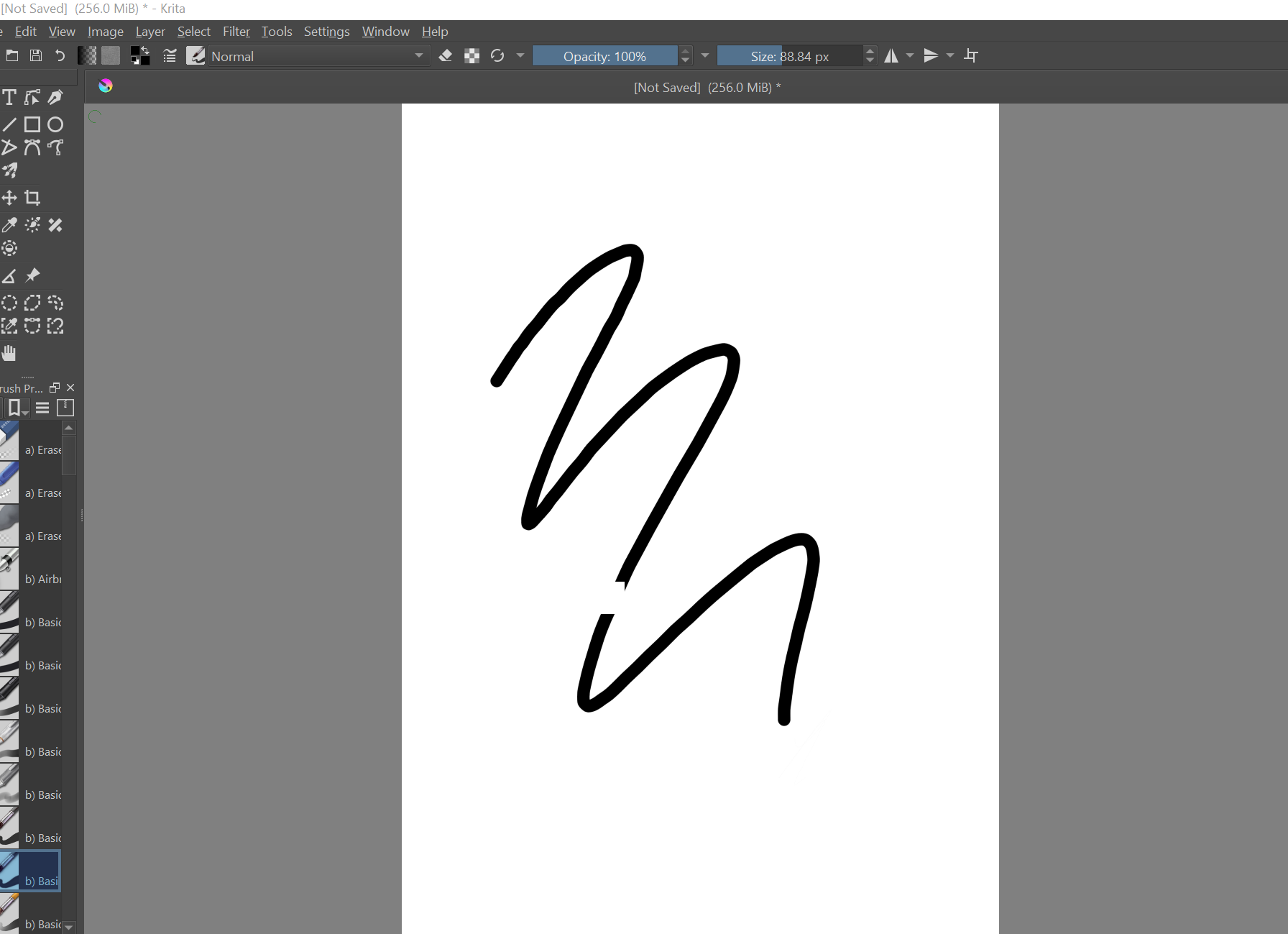
I’m actually running into the same issue here - wanting my brush strokes to end with a taper based on pressure - but I followed this video tutorial (above) and nothing helped. Does anyone have tips or am I out of luck? Super confused as to why nothing I try works. The skip in the line was me lightening my physical pen pressure.
Hi @stryxstruma
I just saw that you added your question at the end of a topic that really didn’t apply to your situation so I’ve moved your question into its own topic and gave it a descriptive title. Hopefully this will get you the help you are seeking.
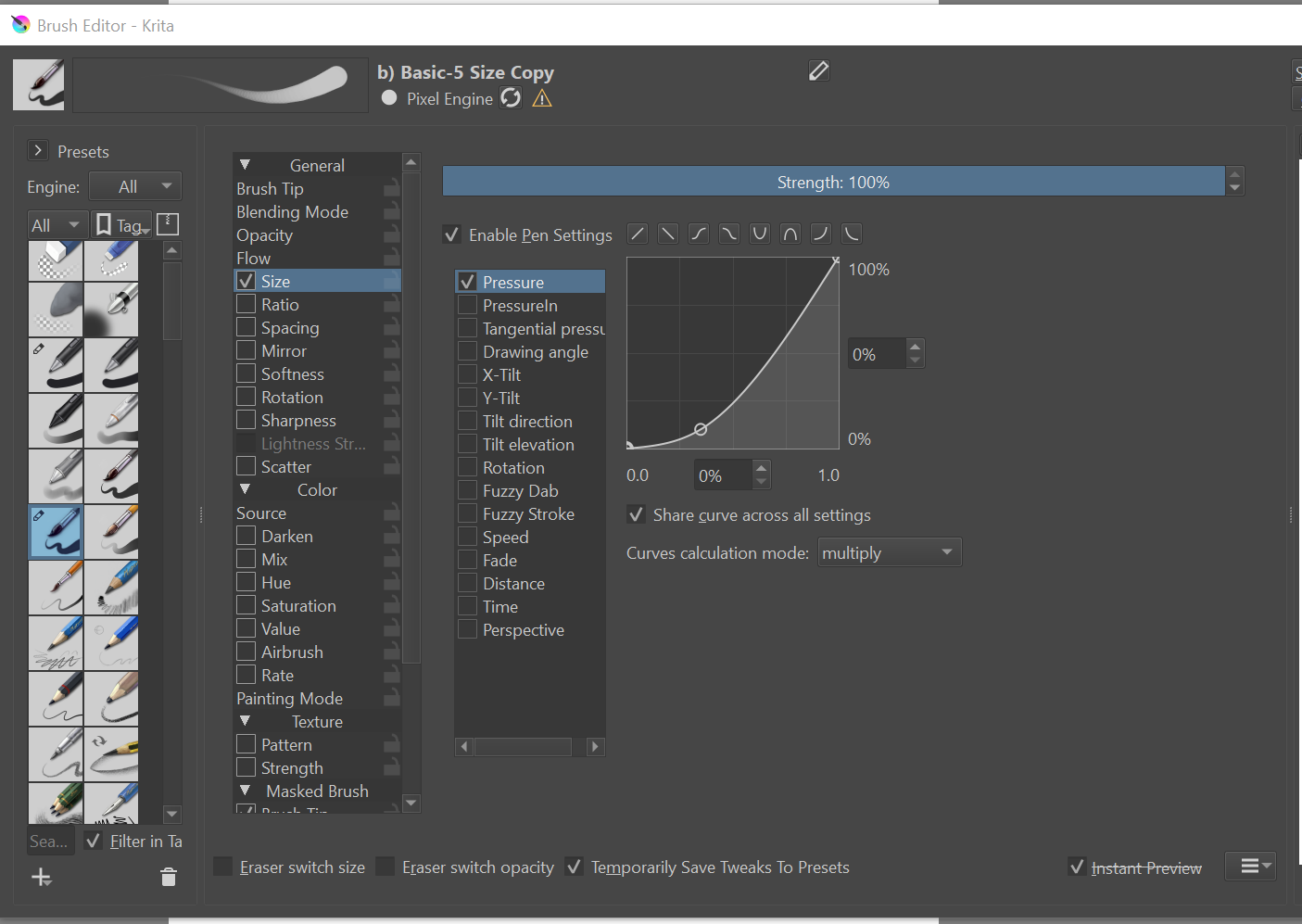
If you click the preset icon box above the grid that looks like a n, that should make it taper in the beginnig and end of the brush stroke.


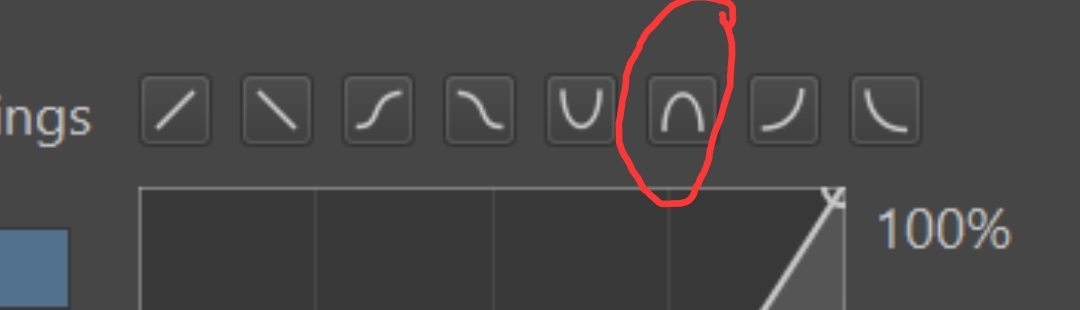
I’ve tried that ‘n’ curve and it’s not much help for me.
The only way I’ve found is like this:
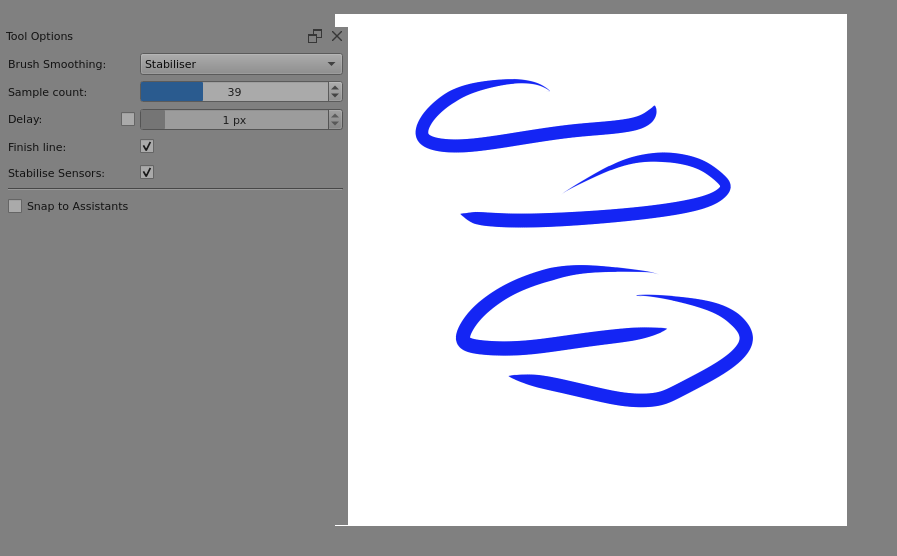
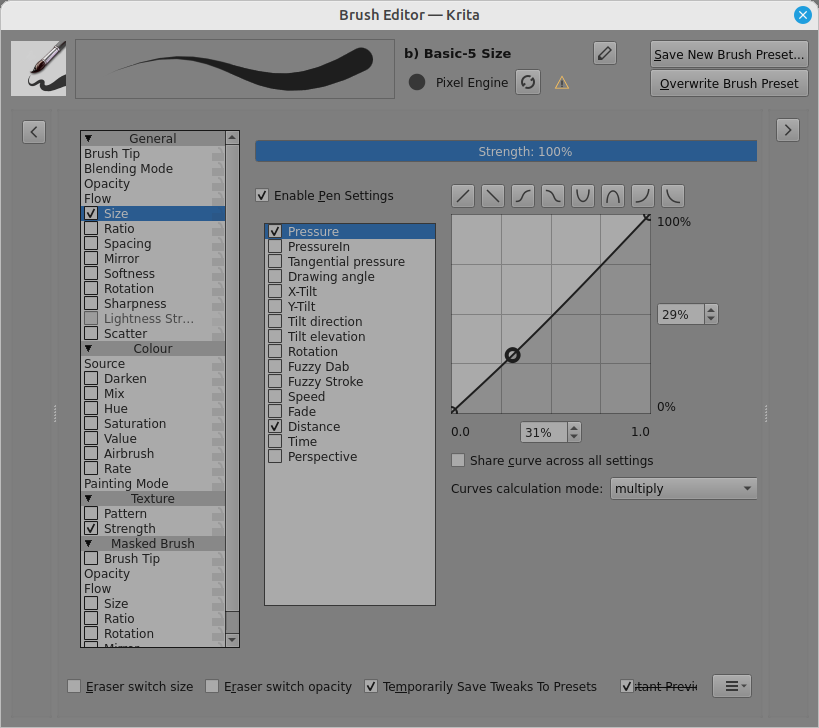
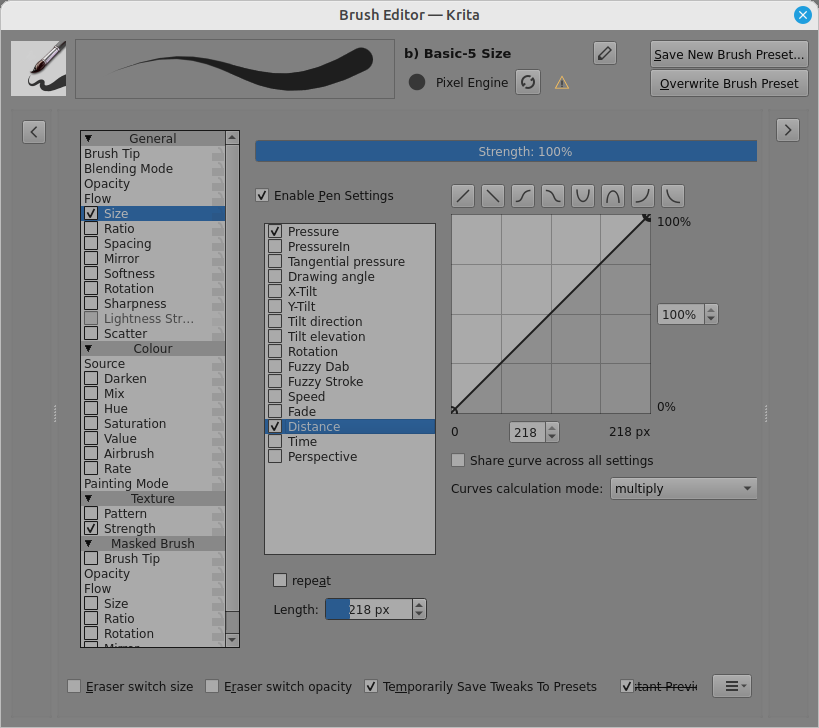
Change the Length value to vary the taper-in distance.
It takes a bit of experimentation and practice with hand pressure and you mustn’t try too hard to do manual control, just do a stroke with a quick but not rushed end-lift.
Even so, it’s not very good.
yes, sometimes the u icon works instead as the taper.
this was actually the only thing that helped, thanks! I’ve determined that since the tablet pen im using is not 100% compatible, I’m not able to get any input from pressure sensitivity at all. this seems to be the only workaround to that that ive found.