I never figured out how to properly use the Fill tool. Whenever I draw a section and fill it, it never fills the entire section, leaving just a little bit unfilled closest to the bordering lines. I didn’t use the fill tool much in the past, opting to just fill it by hand, or when I did use the fill tool, I would just go back and fill in the small bit, that it always missed, by hand.
I’m assuming there’s probably some setting I am missing, but Idk where that would be or what I’d be looking for. I’ve never had this problem with other applications, so I just assume the default settings must be off. Any thoughts? or is that how it’s supposed to be?
Check the Tool Options docker. It has options for any tool you use in Krita.
Oki?
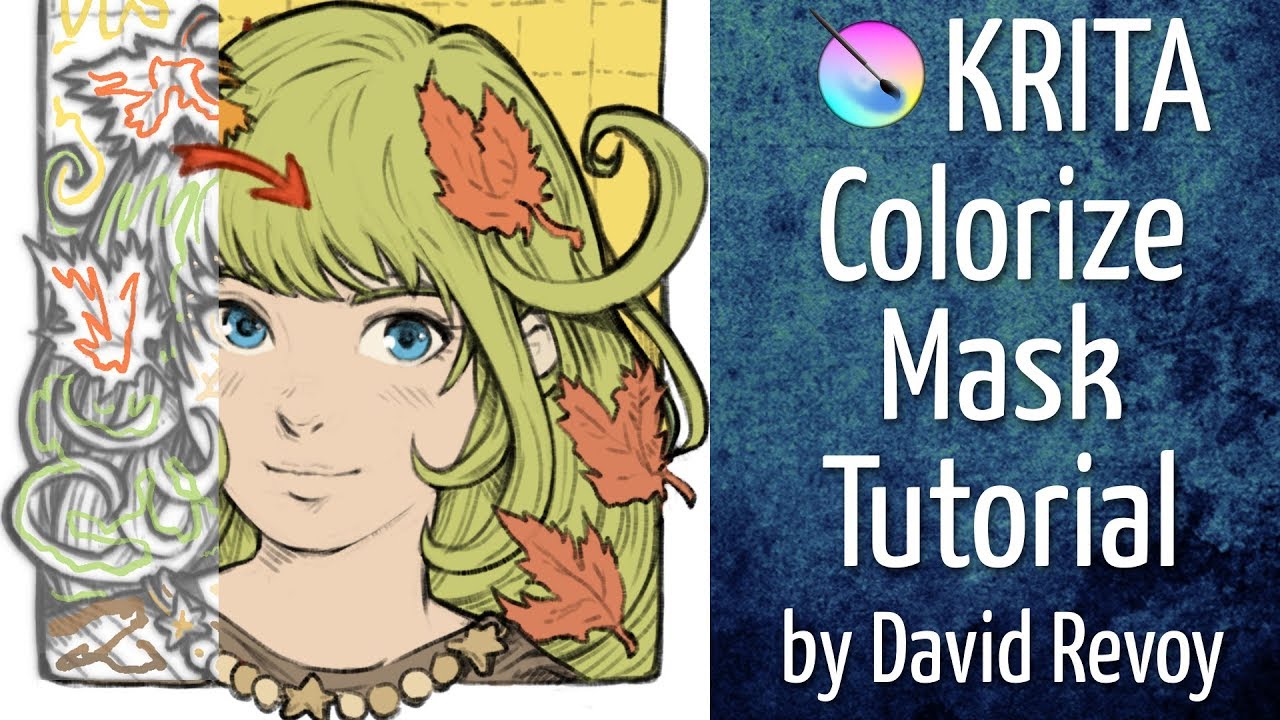
Another way to fill if you are colorizing is colorize mask (very powerful tool and in quite a few cases much simpler and honestly better tool than fill tool ;-))
Honestly I find the fill tool in krita one of the best i have used so far it’s really powerful, though I guess it can be confusing for most people. Your problem of leaving a border when filling is very common however krita has a setting dedicated to avoid that in the tool options for the tool.
Setting grow selection to 1 or 2 pixels is enough to fill in without having borders. Just make sure to uncheck fast mode as that sometimes messes up.
Other than that you have samples that are just crazy, being able to set it to all layers or just a certain color labeled layer is just really powerful.
I suggest you take a look into the manual as it lists all the settings.
That being said colorize mask is also very powerful, i use both in my workflow a lot.