I want the awesome watercolor templates (smart canvas templates for Krita) I used in windows, but now I moved to Linux Mint and can’t figure how to install them.
I can’t find any folder to put them in, like they say for the windows version. I’ve come to usr- local - share but I can’t find any krita folders. (And as you notice, I’m utterly stupid yet when it comes to linux).
I would prefer a method that does not involve terminal, but if terminal is the only way I am prepared to face my fears.
I’m on linux mint, installed it a week ago. I’ve downloaded the zip with templates that was linked to in another watercolor paper thread.
Edit: I opened the “manage resources” and found “open resource folders” where I found the template folder. But placing the watercolor template there did not work. Is there something else I should do?
(bonus question: when imprting brushes, do I need to put the brush pack in a certain folder or can I just place them wherever I’ll find them from Krita?)
I’d like to know the answer about templates too, lol, but can answer your bonus question … just open Settings, Manage Resource Libraries, then click on the Import button and can click through to wherever your brush bundle is at. Krita will then add the bundle, and you’ll see it in the list on the left. Good to then restart Krita/refresh brush presets.
No problem I like to put bundles in the same place (Downloads) every time, just to keep things simpler before back them up elsewhere, but it’s cool that with krita any folder would work, for sure.
ok so load/ open the template in krita. adjust - liek if you want a layer on top of it. if all is fine
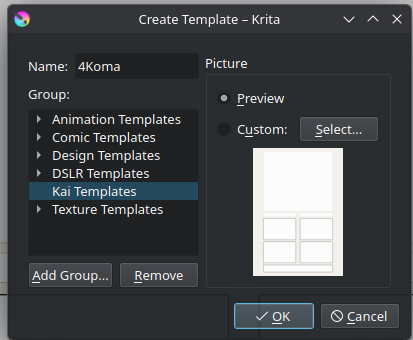
on File Menu → look for Create Template from image.
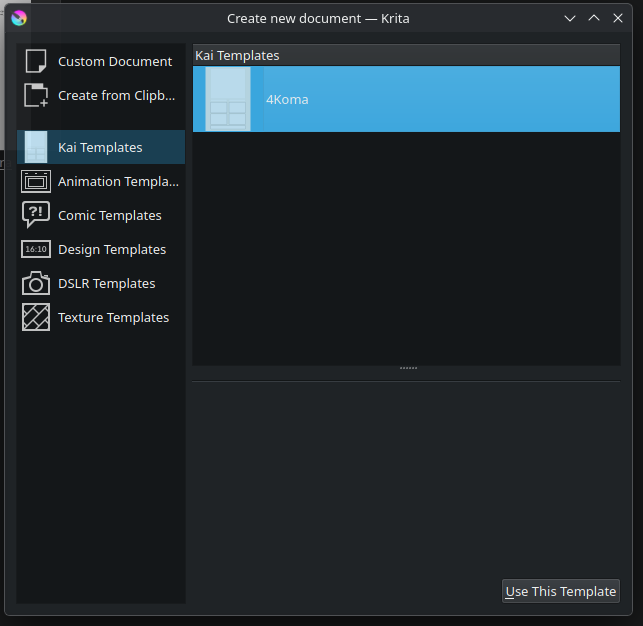
It gives you a dialog box with choices on where you want to group the template, you can make your own grouping, or leave it alone - the template will be just there not in group.
You might have forgotten to select your group once you add it. I made that mistake before.
I cant remember if you can transfer it.
but tbh one hack is to go on Settings → Manage Resource, Open Resource folder, All Templates are under Template folder. Open that and transfer the template.
The above action - is like so you dont need to really think about where it goes. ^-^
I see you are also asking about bundles.
if you import bundles via resource manager - it is saved int Resource Folder ^-^
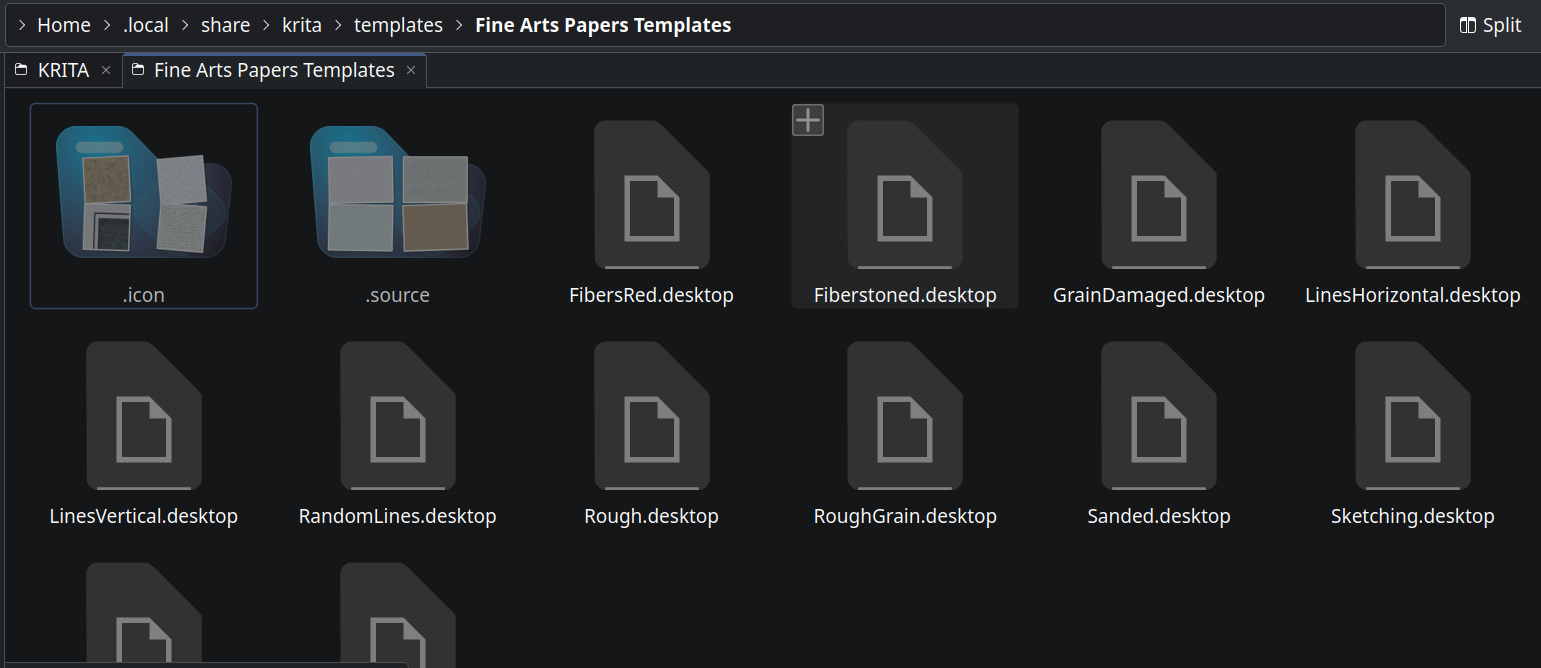
Wait, now I found the actual pack I used before, it’s .desktop instead of .kra so I can’t open it.
But that was able to be put in the template folder!
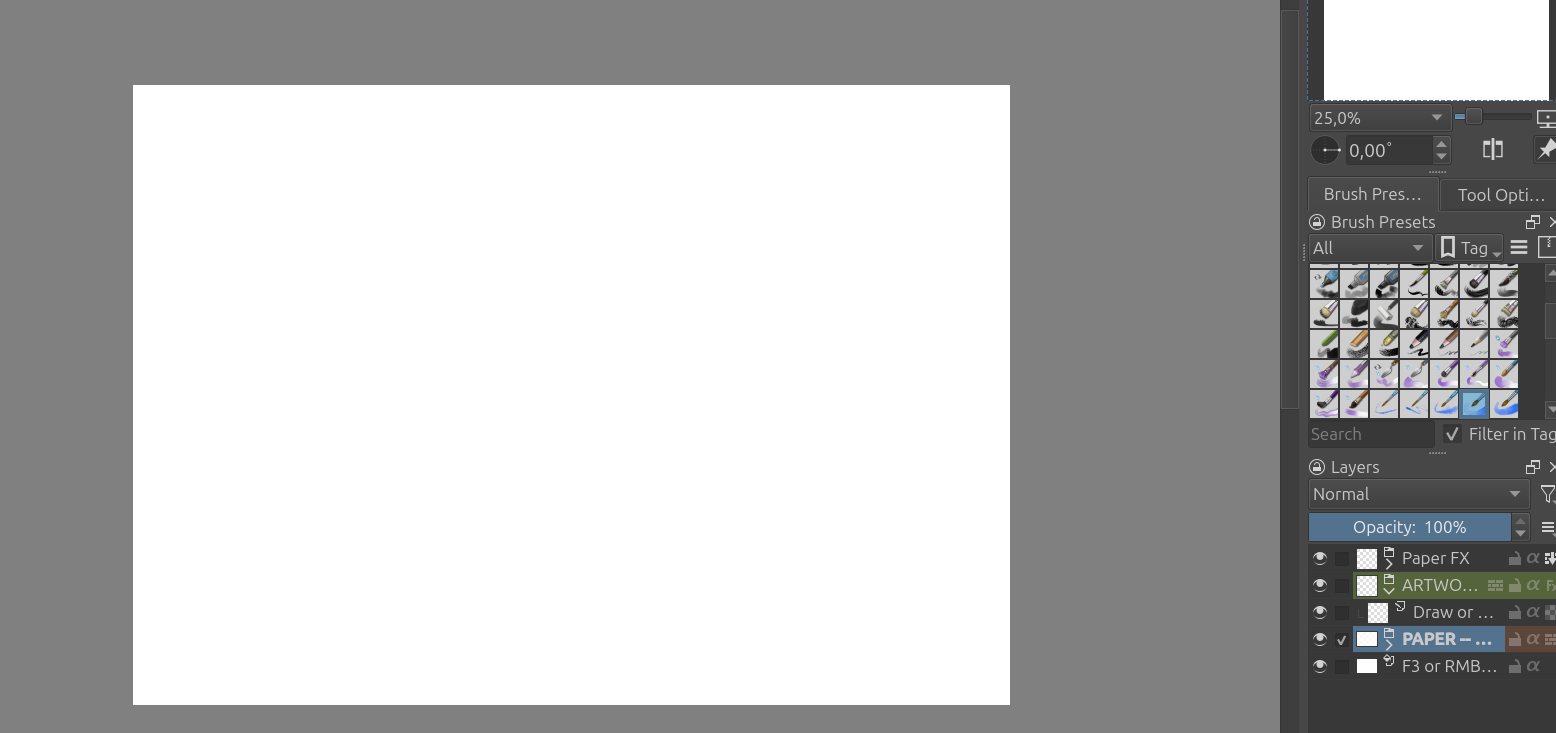
Except, when I use them, they open like expected; a file with differently color-coded layers. Except the canvas is still just.. white and smooth. No texture.
So it looks right in the “new image” window, it loads and then it doesn’t actually have any textures..
I downloaded another one named “.bundle”, put it in the templatres folder, and nothing changed in the “create new document” window, but now the textures load…
I know the “Fine Arts Paper Templates” are a folder, which includes a folder that is called “Source”, this is the .kra files. Having that whole folder where it is, should give you what you need. If I recall, you said elsewhere, you used the flatpak, so ignore my location. That is the location for appimages.
for the ,bundle , can you copy it and then on the copy change it to .zip.
Bundles are basically zip files iirc. so by changing it to .zip and extracting it - you might be able to find the .kra
 I hoped that would be the case, just wasn’t sure if I should put the bundle somewhere nice first.