Hey guys! I’m following the background tutorial of 斋藤直葵, in his tutorial,
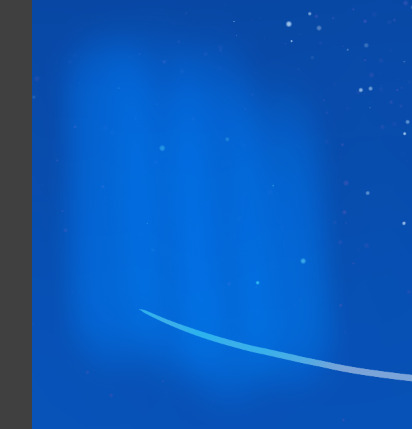
I find something hard to achieve and I’m looking for some help. In this moment in his tutorial, he’s drawing aurora. But I can’t do the same thing as him does.
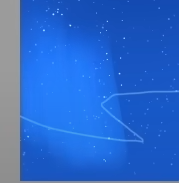
See the edge of his stroke is kind of sharp, but the two ends of his stroke are kind of soft.
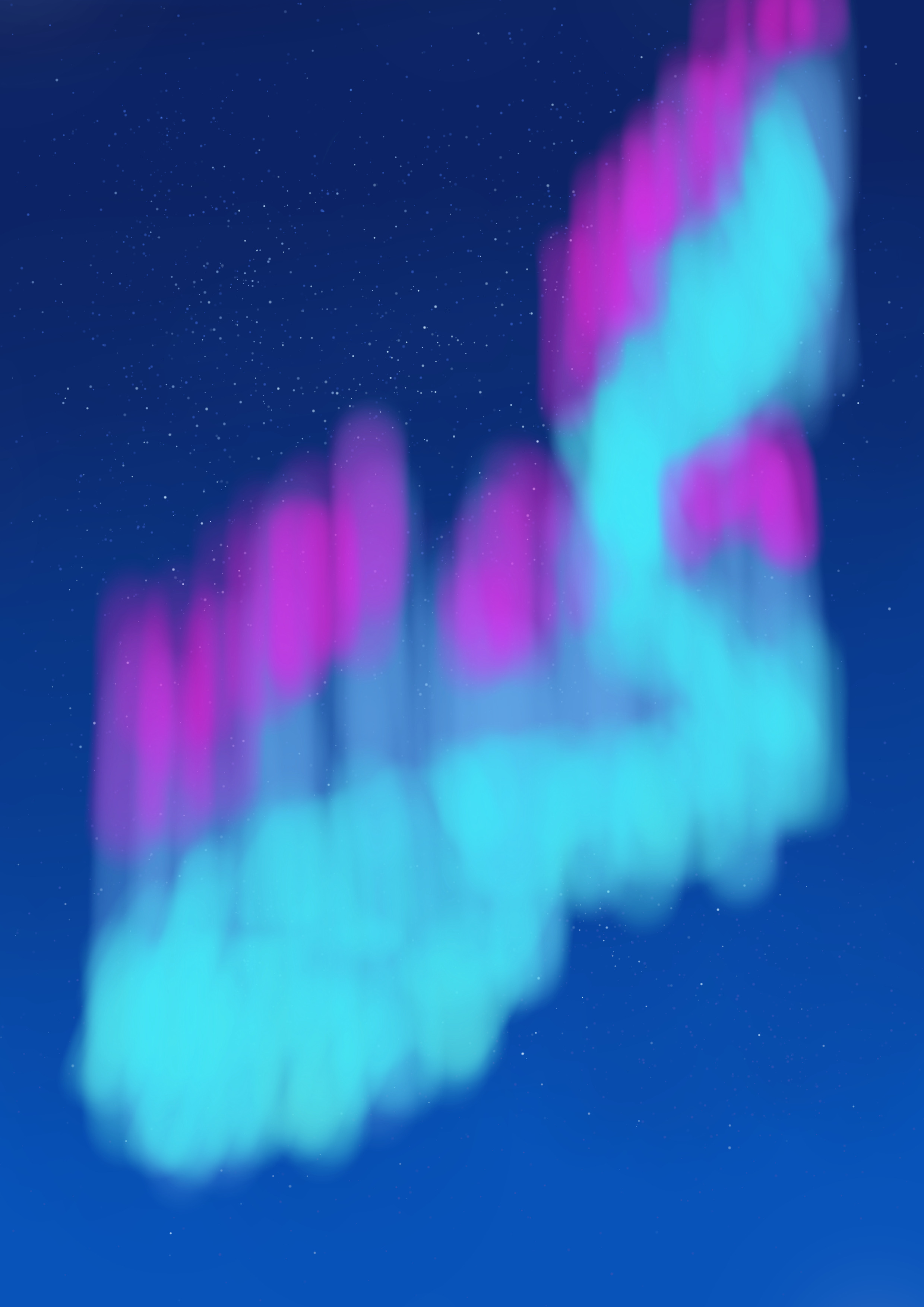
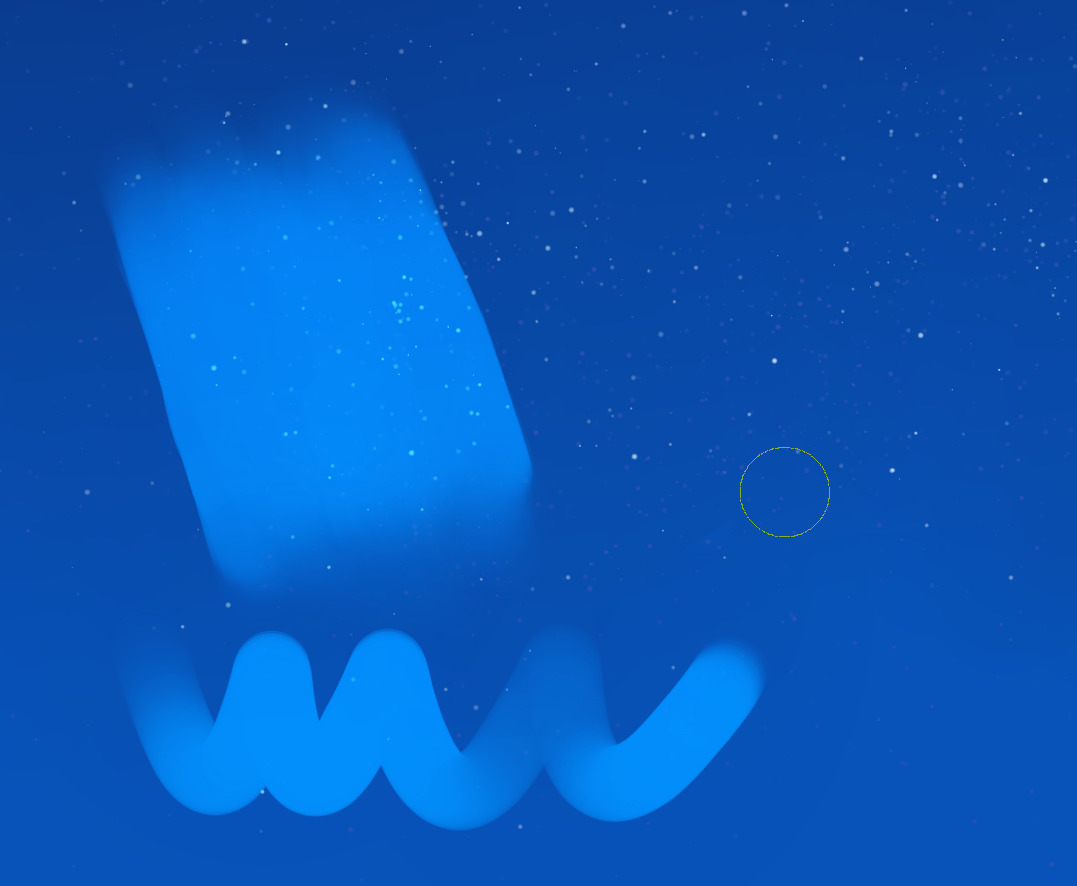
So it can’t be using airbrush, which will result in this:
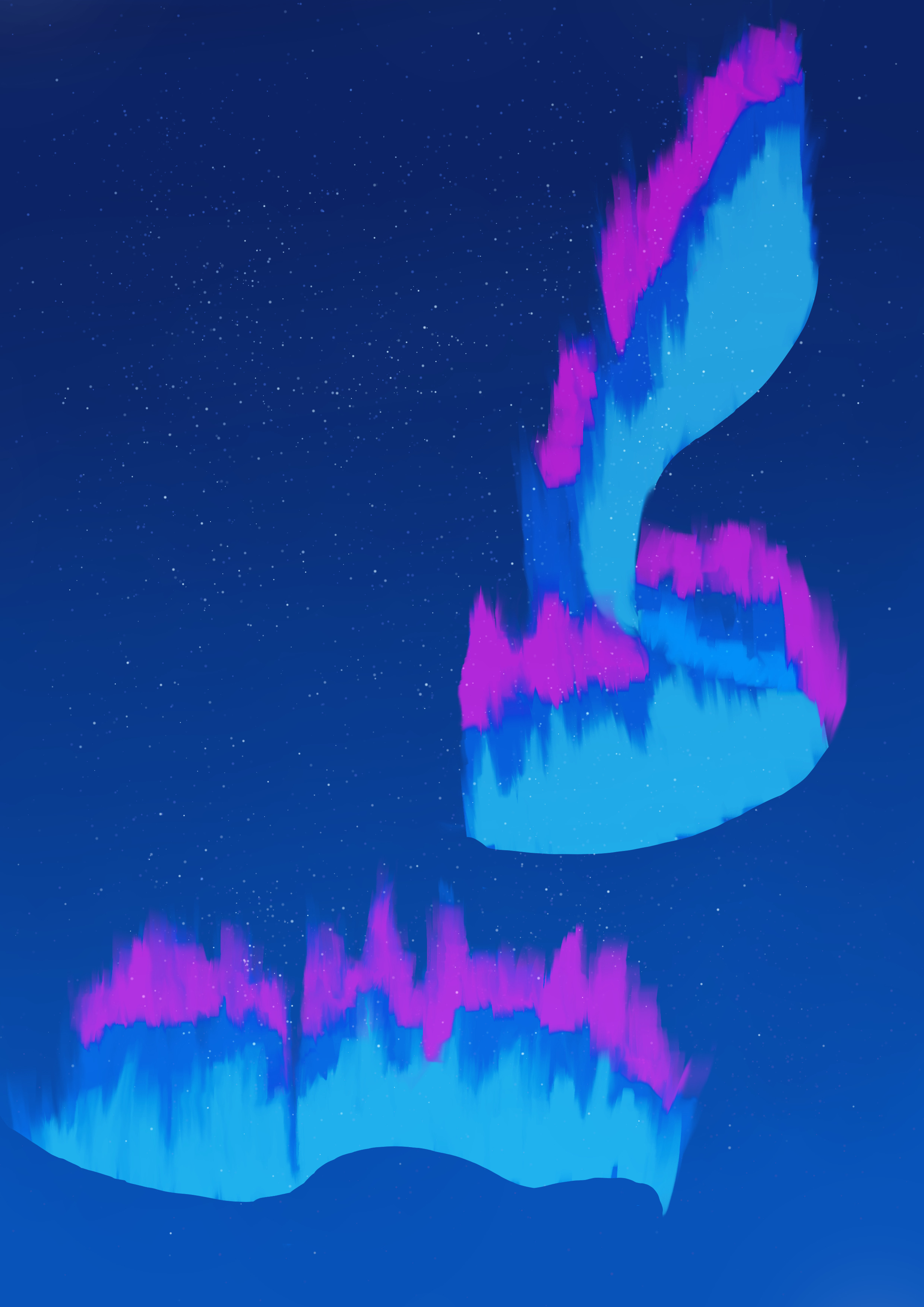
I find the Block mix tilt brush has similar characteristic, but when I use this brush, I didn’t get a smooth consistant color, when they overlap they will get weird.
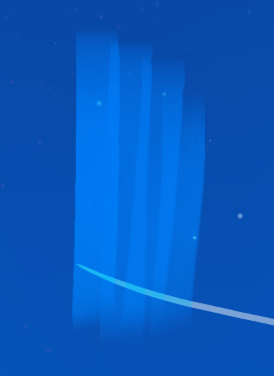
I’ve working for this effect for 5 or 6 hours and I’m not quite sure about is my brush settting gets wrong, or the painting techniques get wrong. What’s your opinion of this effect? How to achieve this? Thanks a lot! 
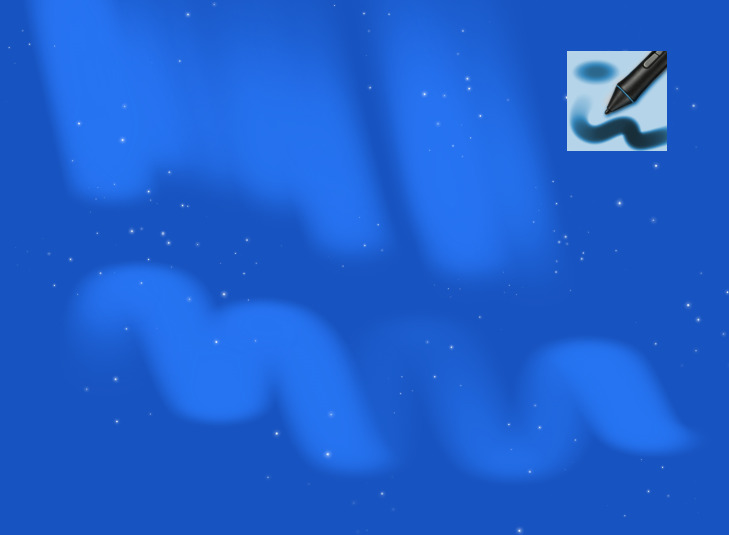
Maybe it’s someting wrong with the brush, I just tested using water color brush in SAI2 and get a similar result:
According to the document of Krita, the watercolor doesn’t seem to have the ability to merge and mix color. So is this achieved by using Color Smudge Brush Engine?
Krita 4 Preset Bundle Overview — Krita Manual 5.2.0 documentation
You definitely need a specific brush. You can also achieve a similar effect using a blending brush in krita (try the basic blender brush)
Hey, I made a brush for you:
https://www.peppercarrot.com/extras/temp/2024-05-03_Basic_Soft_-_experiment_for_KA.kpp
(Download the kpp file, then in Krita, Settings > Manage Resources, then ‘Import Resources’ button and find the kpp files. )
@abhifx You’re right, the brush does matter.
@Deevad Thanks for your brush! Although the brush has its edge soft, after trying your brush, I find the key of the problem: opacity.
Your brush will vary in opacity, and this is what makes it looks great when drawing in the sky. See what I get using verying opacity(especially low when using a light pressure) in i) Wet Circle, which will produce a sharp edge and soft ending.
The problem of Block mix tilt brush is that, it always 100% opacity and never changed, making a sharp, unnormal edge when overlapped. Even the unnormal edge is there, I’m using Color Smudge Engine, and I can draw a few more lines to get rid of it.
I was shocked by how opacity works. I’ll keep in mind this setting will give out a smooth, continous color.