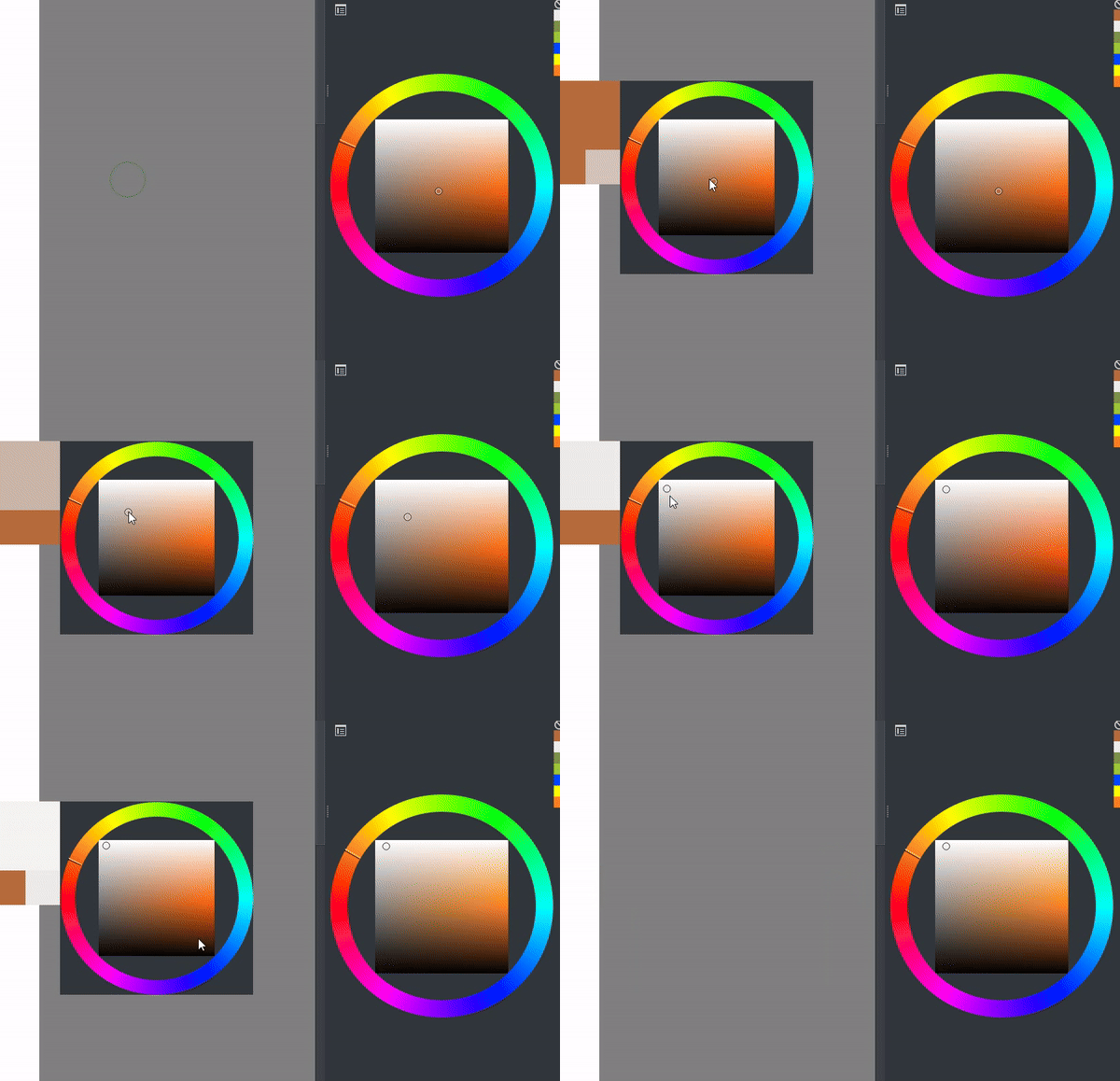
Hello,I love using the pop-up color selector,but color changes when selecting color from Zoom Selector.I will lose my current hue if selecting color from Zoom Selector.This problem happened when using the HSI color model type in color selector setting.Is there any way to solve the problem?
Hi @gfrdcyu – Welcome to the forum.
I’m trying to replicate the problem but I might not understand what is happening.
I’m using Windows 10, Krita 5.2.2. Which Krita version do you have? (Help > About Krita)
I have set the zoom selector to activate on mouse over. Can you copy/paste a screenshot of your settings like this one?
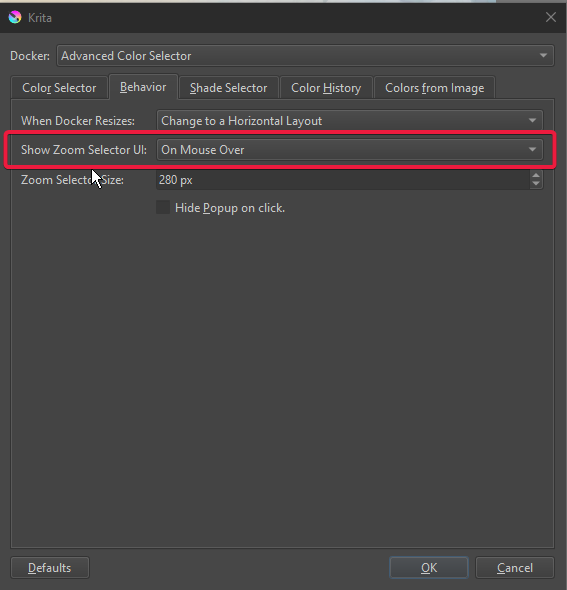
Thanks. I‘m using Windows 10, Krita 5.2.2. These are my color selector settings:
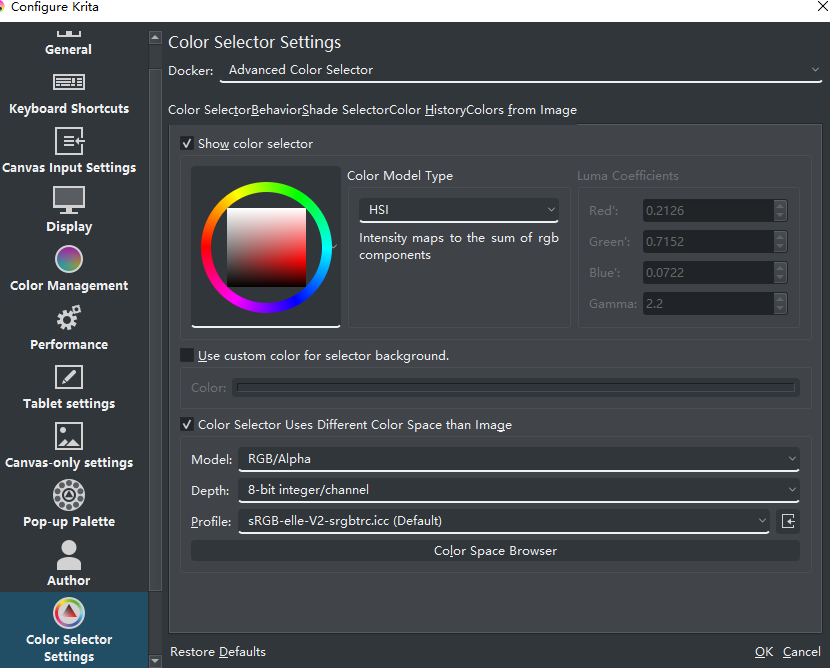
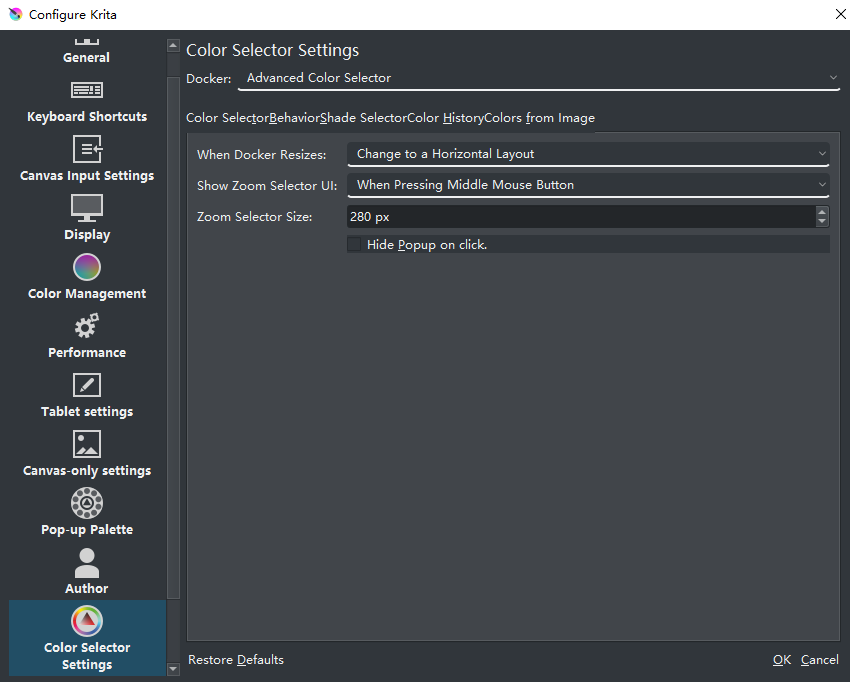
The problem is more obvious when saturation is low.
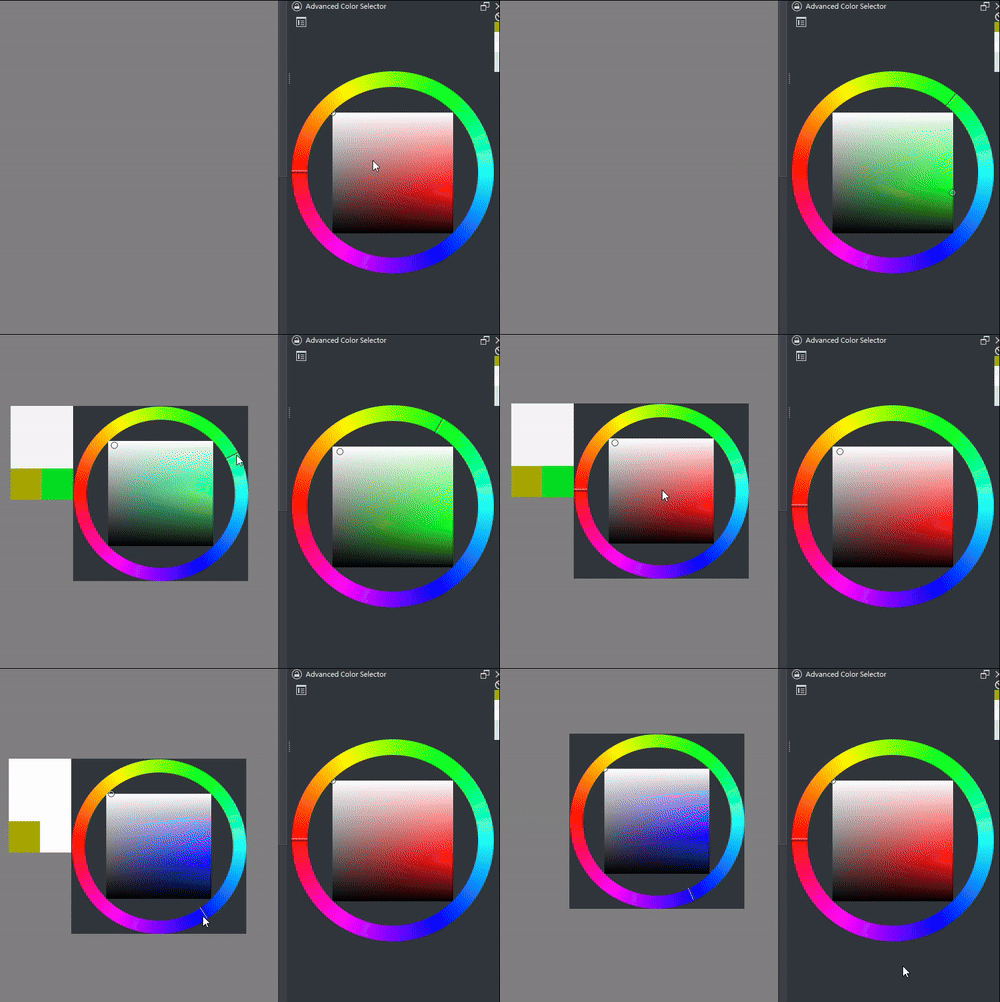
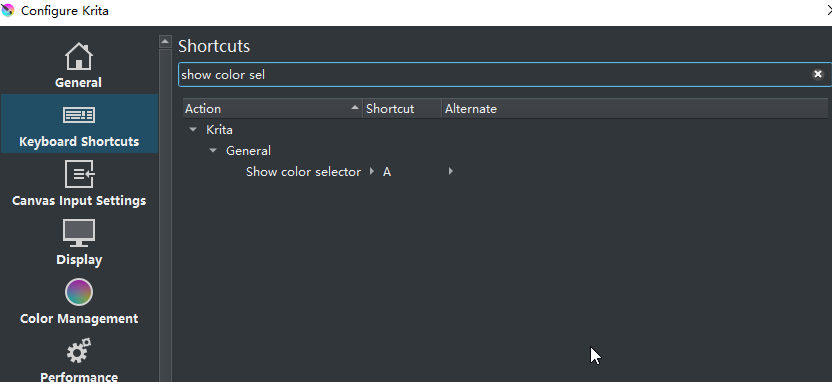
I use shortcut to have the pop-up Zoom selector but the problem also happened when show it on mouse over:
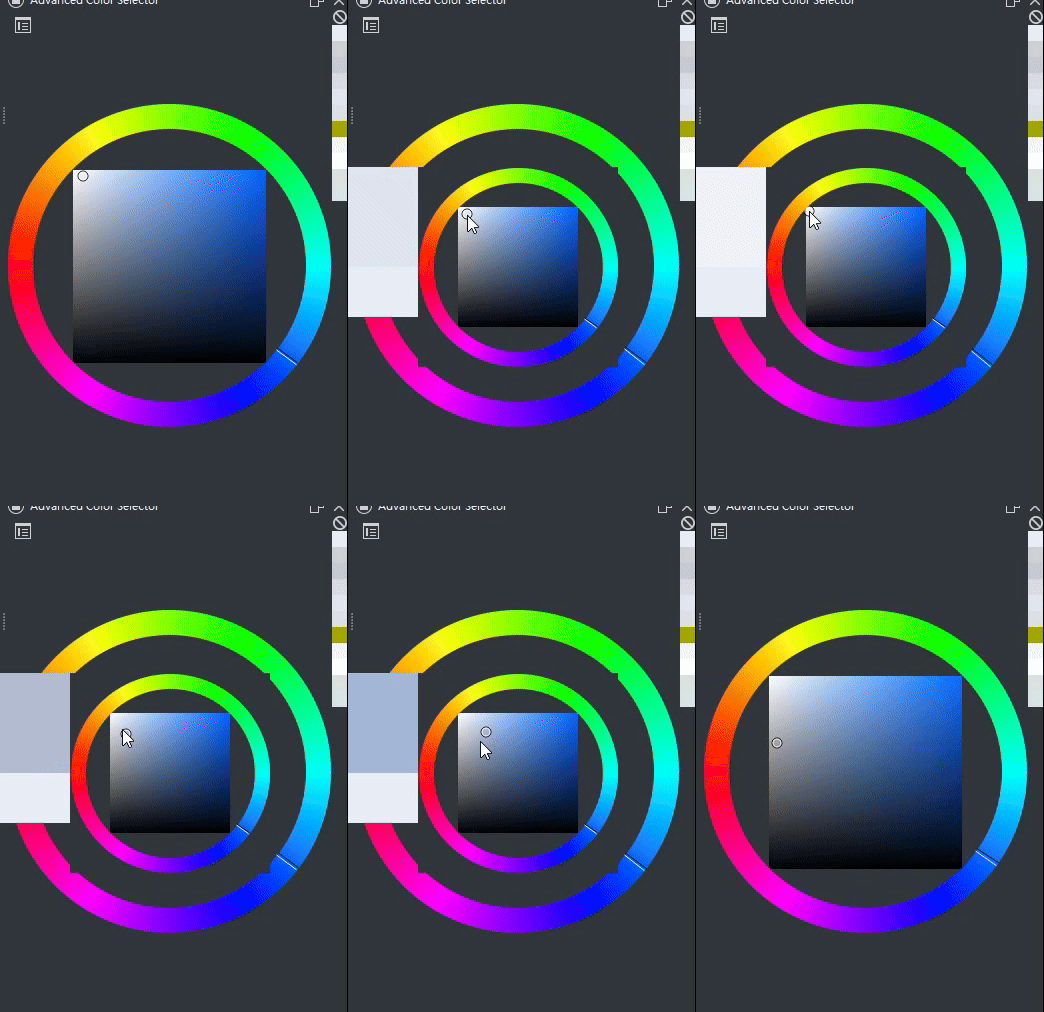
You made some helpful gifs but I’m missing the point.
I changed my settings to match yours (except that you’re using rgb for the color selector and a different color space for the image - I don’t know if that is relevant). Could you explain the problem using a few more words?
Or maybe someone else will see the issue right away…
That is just how color pickers work… Those two pickers are connected by the colour in the document and the document is RGB so that is what it reads when it converts back.
Knowing more about colour spaces would help understand that phenomenon.
You should check if the colour you set on the zoom picker is the same your recieving with the advanced colour picker but I don’t think it’s possible because of design principles. So you just have to trust it is not messing up. That or you hack the zoom picker to tell you what it has somehow.
1 Like
This topic was automatically closed 30 days after the last reply. New replies are no longer allowed.