My image is very tall and the reference images are always placed at the top, so i have to scroll all the way to the top and then drag the reference back to the bottom. Is there a way to change this?
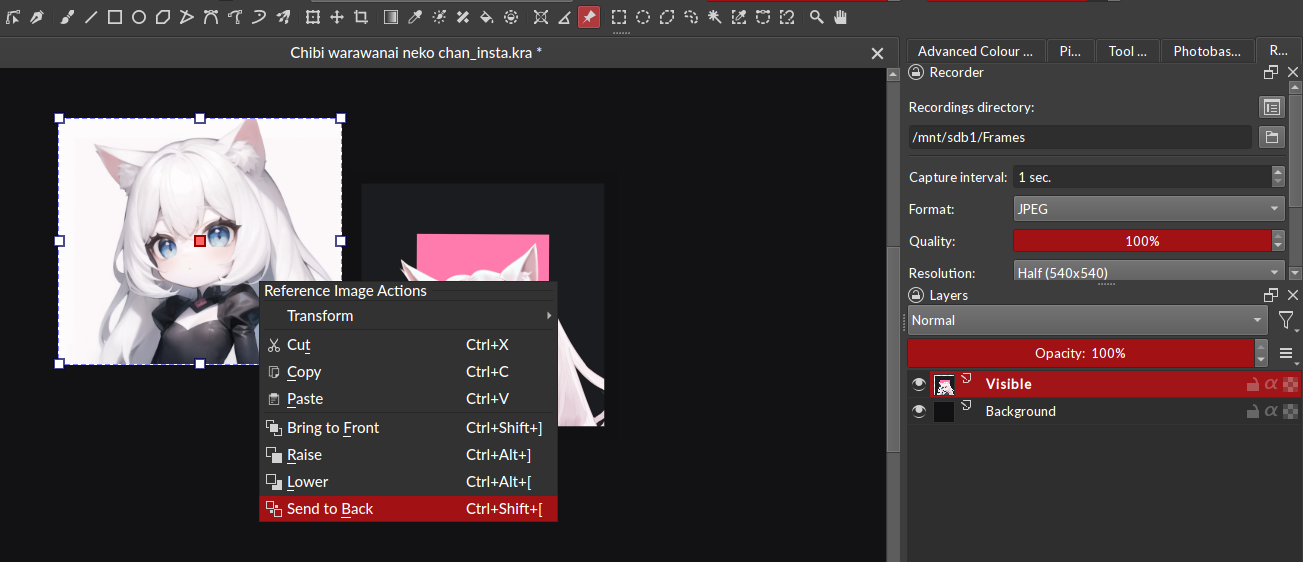
No, I mean at the top of the image. Not on top of the reference images. Like, higher to the top of the screen. X position, not Z position.
ooook I think I understand 
I need a printscreen to help you, please
Do you mean if you can set where the reference image is initially placed when you import it, rather than always appearing on the top left of the canvas, because your canvas is really tall and every time you import a new reference image you have to scroll up and fetch it to drag it lower? So you’re looking for a way to have it import lower down, or at a set position of your choice, rather than always at the very top of the canvas?
I don’t know if this can be done - it doesn’t mention it as a feature in the Krita reference manual anyway; only that once the reference is on the screen you can drag it about to where you want. I know that I’ve worked on larger canvases and imported really small reference images and had to zoom right out and go hunting for them to resize and place where I need them.
Maybe this helps:
If you import your reference-images via drag and drop, then the pic is placed where you drop it, only importing via dialog places it in the top-left corner.
Michelist