Turned off Background Layer, used “Select All” and “Delete”, used store alpha transparency
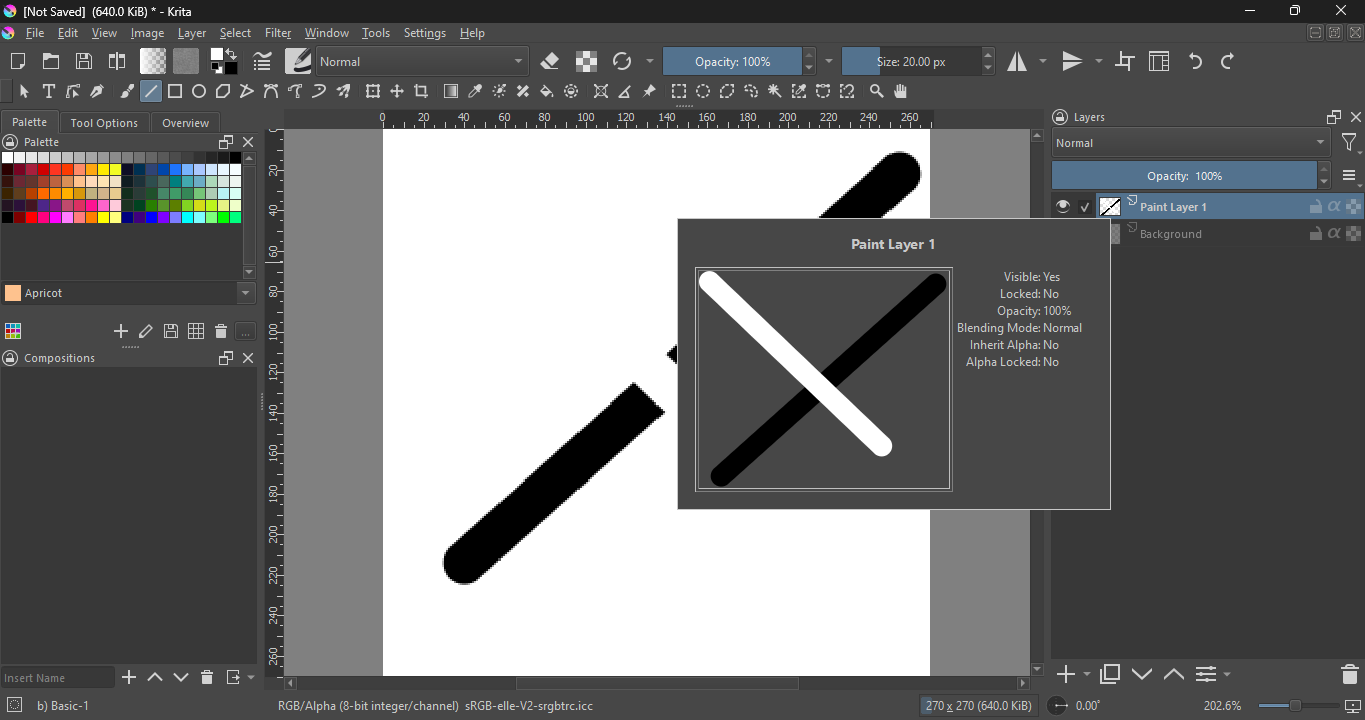

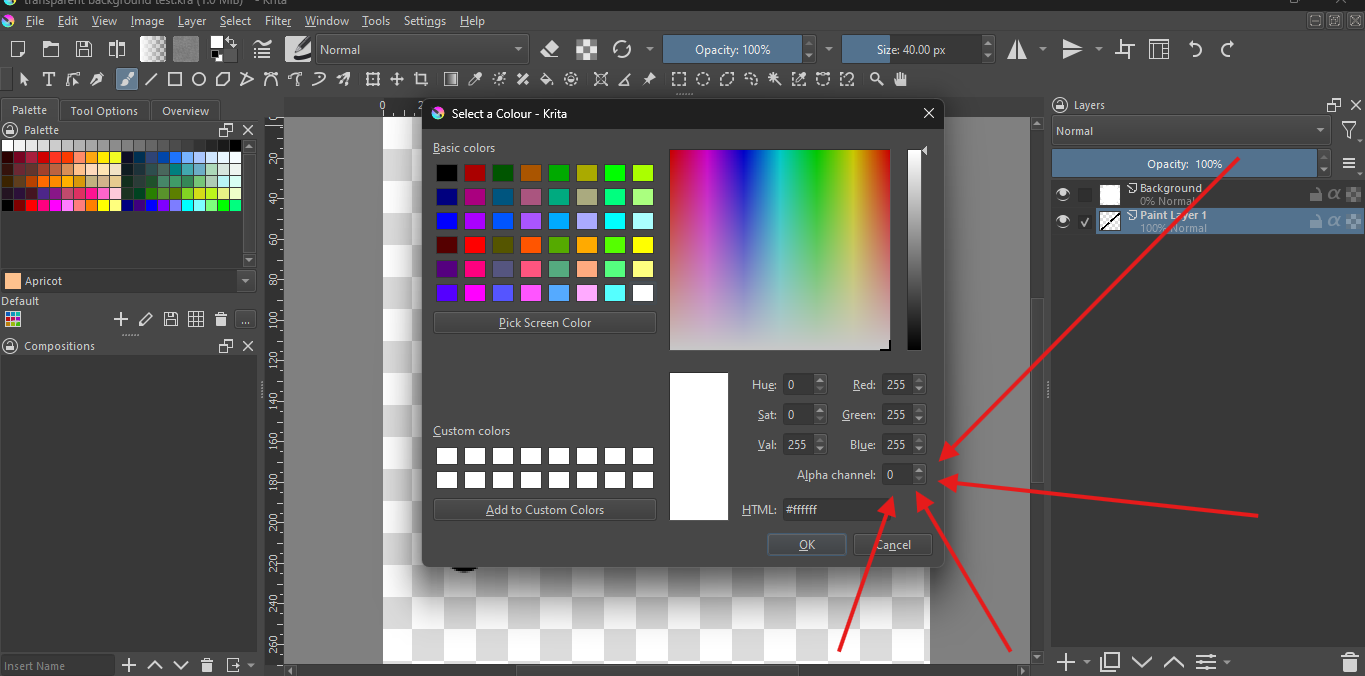
From what I understand what your issue was and your solution seems to do, you could have simply clicked the little  icon left to the “Background” layer (Or deleted it altogether if you don’t need it anyway).
i did both of those before posting for help. this is why i made a new post because none of the ones i saw relating to this helped me.
Select all + delete doesn’t delete the layer though. It doesn’t even delete the content, depending on how you did it. The backspace key (also often referred to as delete) fills the layer with the currently active background color, the delete key (del) will empty the layer, for a fill layer type of layer this will fill the layer with color too (the color set for the fill layer, for the background layer that is normally white). And depending on how the selection was made the delete is maybe not even applied to the layer you would think of. The best way to really completely delete a layer is by removing it from the layer stack entirely by selecting it in the layers docker (by simply clicking on it) and then press the button with the little trash can icon at the bottom of the layers docker.
This topic was automatically closed 4 days after the last reply. New replies are no longer allowed.