Type of device* : tablet
Brand and version of the device: Samsung S6 Like
System** : Android
How to change selection mode of the select tools to add/remove/new on Android?
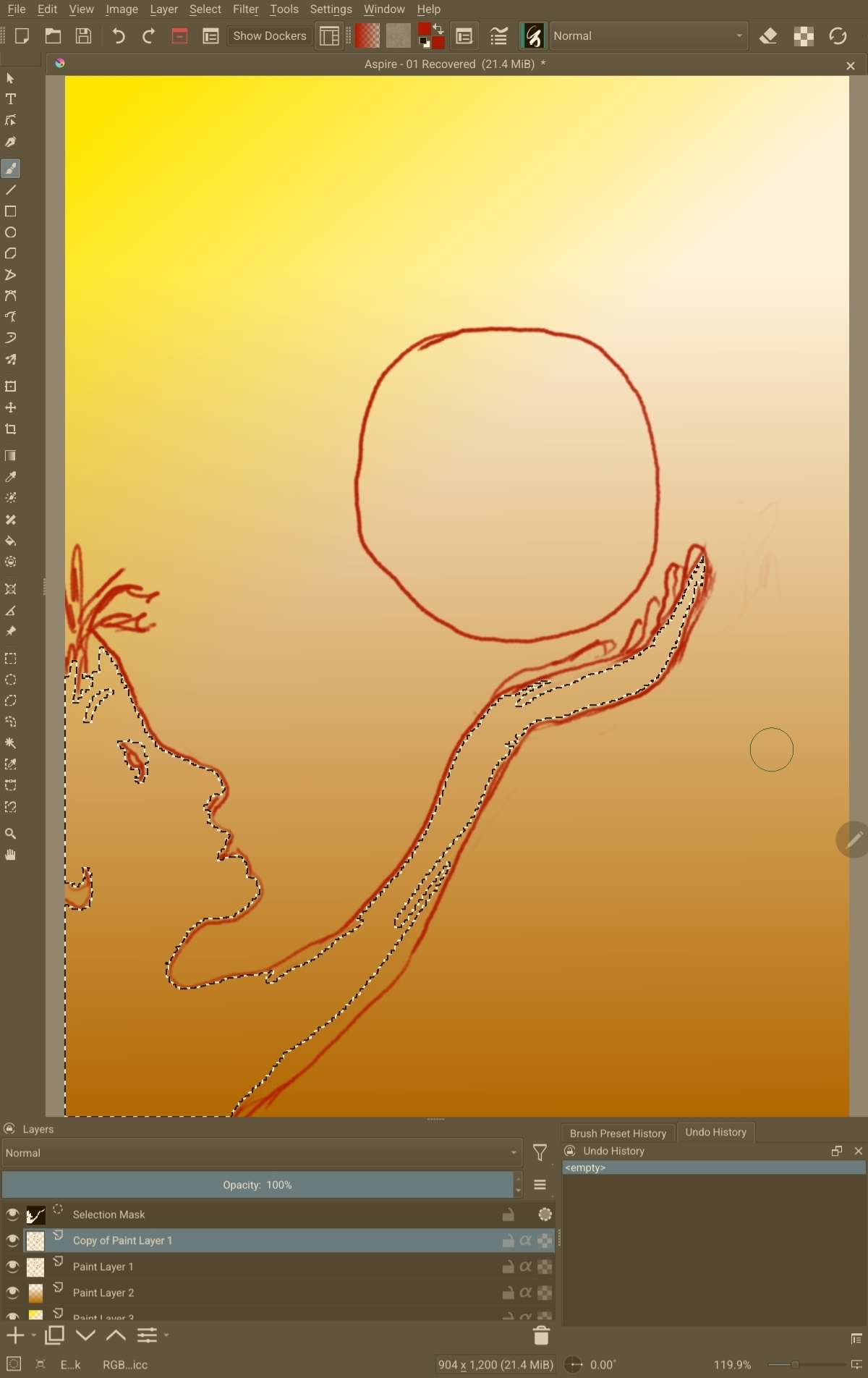
edit: add screenshot of my layout
Type of device* : tablet
Brand and version of the device: Samsung S6 Like
System** : Android
How to change selection mode of the select tools to add/remove/new on Android?
edit: add screenshot of my layout
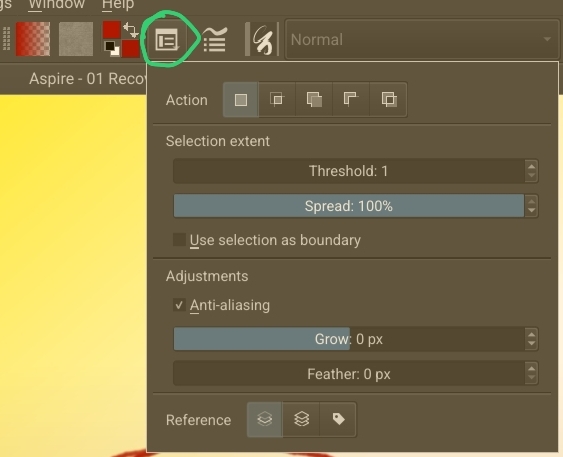
It’s in Tool Options. Looks like you have the icon for it right next to the foreground/background colours.
Open Tool Options and then change the mode according to your needs. It will stay in whichever mode you choose until the next time you change it.(EDIT: Tool Options is also available as a docker if you prefer.)
Did that help?
Extra tip: I also like to add the deselect icon to the toolbar on Android. It’s easier than navigating to Select > Deselect.
Thank you! Yes, the icon to right of foreground, background shows the selection mode toggles. I don’t see a Docker panel for it though. (not a real problem at the moment ).
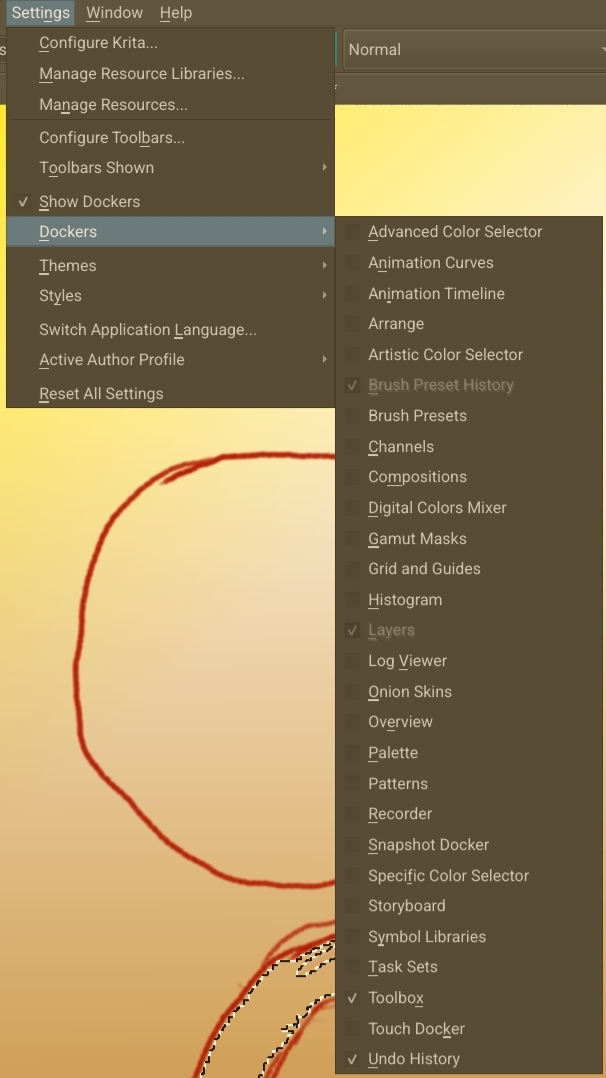
When you first open Krita, Tool Options is a docker. Inside Configure Krita we’re able to change Tool Options to a menu item instead. You probably did that a long time ago and don’t remember (I hardly remember all the changes I’ve done). You can turn it back into a docker if you want to.
Oh yes, thanks for that, I found it again. Yes I rmust have done that.
It risk of confusing the thread, in v4 I remember being able to change UI font size. Is that still possible?
I don’t have Krita running right now, but is it this?
https://georgik.rocks/how-to-increase-font-size-of-krita-on-windows/
Yes! Thank you so much. My eyes aren’t what they used to be, and even though I’d looked at that settings screen a few times I missed that part.
This topic was automatically closed 4 days after the last reply. New replies are no longer allowed.