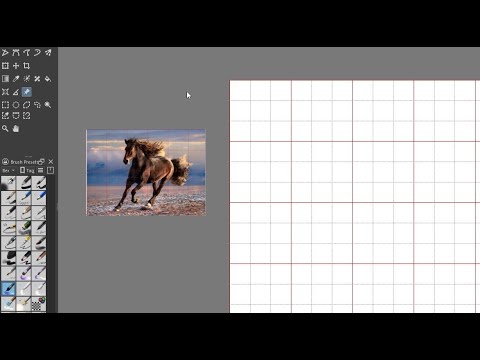
Somebody asked me once to do a tutorial on how they might put a grid over their reference picture that matches the grid on the canvas - even when zoomed in and out.
The question was put forth to a Facebook group and a few people said it couldn’t be done (as a general feature). So I found this work-around and am sharing it incase anyone finds it useful.
Although - if it turns out there IS an easy way to plop a matching grid onto a reference picture without all the steps I took, do let me know and I can do a new tutorial on that!
I just knew someone would come along with a simpler/more effective way. Thank you very much!
Plus, I didn’t know Krita did it’s own canvas screenshots with ‘copy visible’. Very useful!
Yeah I use the copy visible and paste as reference shortcut a lot. Often times when I am working on a big image and I want to refer some portion of the image from some other region I copy it and paste as reference. saves lot of time that is otherwise spent on panning around.
Aah yes the grid is not a vector object. I forgot that @Sketchy is using the grid and not lines created by vector. That is why I wrote under the grid.
Copy visible is copy merged I mixed up the term.
In case of using the grid a screenshot is good and not copy merged. May be you can screenshot by drawing a rectangle like in KDE plasma and paste it directly from clipboard as a reference