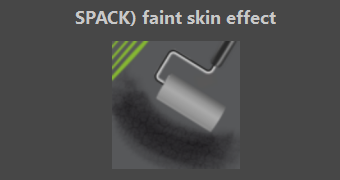
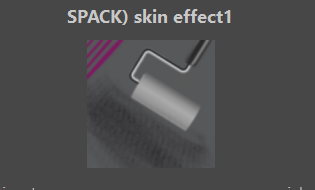
Human skin bundle

hopefully one or two brush is useful to someone
https://www.dropbox.com/s/g79o8fj12vskli5/SPACK_human_skin_pack_BDL.bundle?dl=0

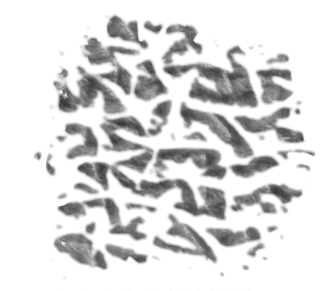
one brush pattern i got from here:
Skin Pattern 1.0 by Sed-rah-Stock on DeviantArt
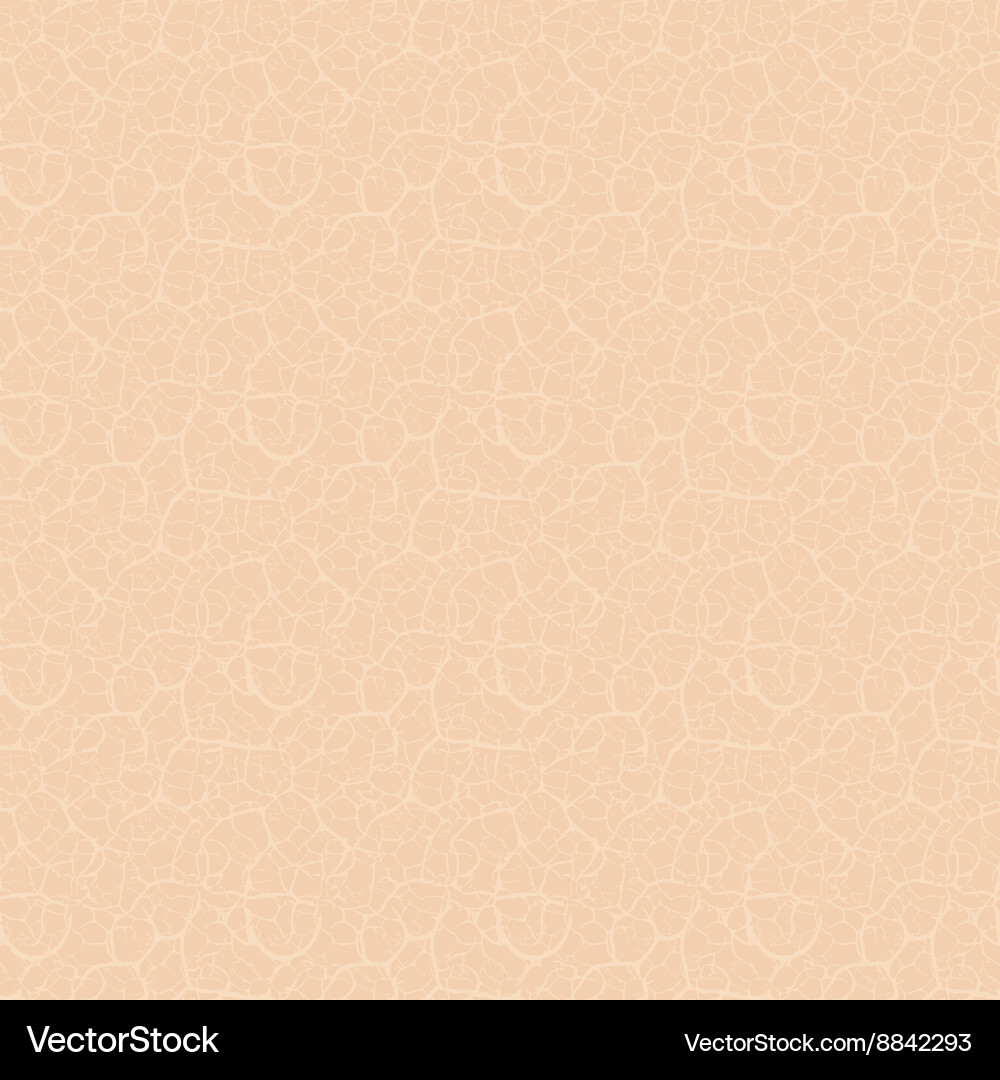
the other i got from vector stock:
human-skin-texture-seamless-pattern-vector-8842293.jpg (1000×1080) (vectorstock.com)

adjust pattern scale to your desire of course. one brush i like to shift the pattern too so that it fills more on additional strokes

two others that may be worth trying:

made this texture too, should be seamless

25 Likes

Thanks, and enjoy
edge rect-shape-02
maybe try it with this brush tip. good along edges hard side adding definition then fades into skin pattern

she describers her technique with such brush tip

3 Likes

also Geometric mean blend mode and GMIC gradient contrast can be very useful as well.

1 Like


test1 of skin brush tip
test2 of skin brush tip

i used this brush with the above brush tips, using lightnessmap on the tip but then reducing the lightmap contrast.

4 Likes

I know this post was a year ago but I can’t find the special bundle of brushes for skin and pores. Is that something you can post again? Your help is much appreciated.

I don’t know what are you searching for, any link on this topic works, for the one from Deviant Art you have to click there:

The one from Vector-Stock can be directly downloaded from here via right-click on the link and choosing “Save target under” (or similar meaning, depends on your browser) and you have to cut off this →

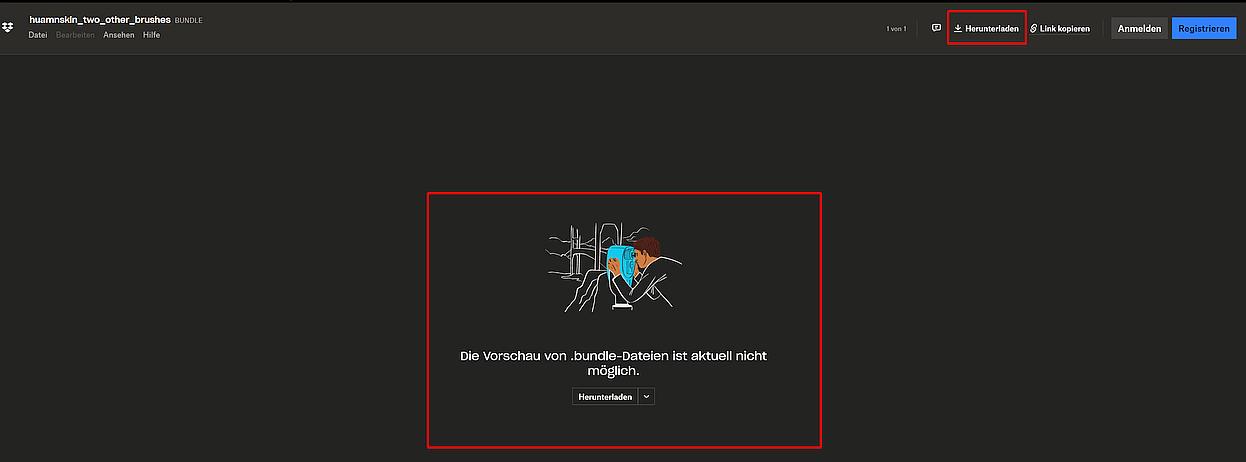
And the links to Dropbox lead you to a page where you can download the linked content via two buttons on that site:

BUT, if you use these links, the download starts directly (just modify the last 0 from the above links and exchange them with 1) →

https://www.dropbox.com/s/g79o8fj12vskli5/SPACK_human_skin_pack_BDL.bundle?dl=1

https://www.dropbox.com/s/213pz1ttya7pnk8/huamnskin_two_other_brushes.bundle?dl=1

BTW, the OneDrive-Link leads to a site similar to the Dropbox-Sites, okay, the color differs and the top button is on the left…

Michelist

1 Like

Thank you, I now have the brushes.

1 Like

Hi, I’m having a problem with those three brushes. When I try to use them, Krita quits :frowning: . I use Krita on Windows.

@Paulo, I’ve tested this with the brushes you show, but for me Krita does not crash using Windows 10 Pro and Krita 5.2.11 to which you should update first in the case you haven’t so far.
If you are up-to-date, you can try if rebuilding your resource database will solve this for you, but the chance is 50/50 that it solves your issue.
If you need help with deleting the resource database, then please create a new topic in our support area sub category General Questions, where you ask for help rebuilding the resource database.


Michelist