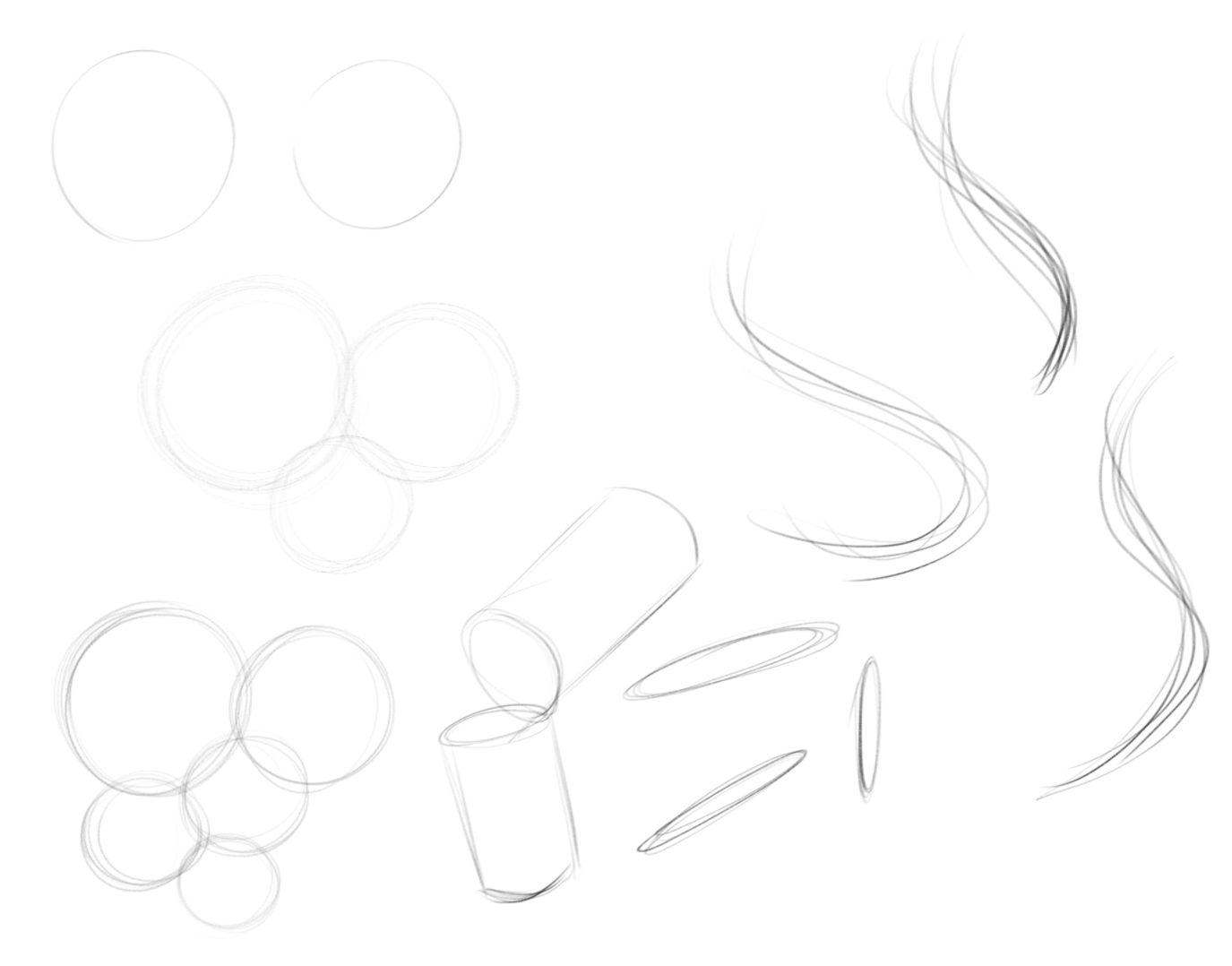
I for one, cannot draw round objects like circles, ovals, oblongs, ellipses etc, much less in perspective
And I think the tools present to instantly make circles and ellipses aren’t exactly adequate for making the shapes of more complex objects like body parts
How do i compensate? I am really not sure how to practice this stuff, I can’t draw even on regular paper
It’s mostly practice, honestly. I do daily warm-ups practising basic shapes and strokes. If you want a bit more guidance, check out the drawabox course, it might be what you’re looking for.
I’ll look for something similar on Udemy, I may have bought something like it
If you have difficulty drawing a circle, make a square first and divide it using lines and diagonals, as shown on this page from a manual by Andrew Loomis.
Okay, thanks
I’m trying a method involving mainly using my arm or elbow instead of my fingers
I am getting things roundish, but the longer I go, the less round it becomes. Hurts my arm too.
Also I am not sure how to get even a perfect square without a ruler.
Try Professor Fábio Vicente’s Exercises. This is his first class. I did these exercises for a few months, along with a few others… and my stroke improved a lot! On my blog, I talk about it, see here.
Can’t read spanish unfortunately
Also, weird, but trying out drawing circles on my graphics tablet is harder than on paper
For some reason it won’t even form the semi-circles I made on paper
Only works with the tool
I am not sure why my circles are more like oblongs or ovals, it’s like the Graphics tablet doesn’t deal with such rotations
Your graphics tablet probably has a different aspect ratio to your computer screen.
So if you draw a perfect physical circle on the tablet, it will make an ellipse on the canvas.
You can usually adjust the active area of a tablet so that the active are aspect ratio is the same as the monitor.
Or, you can look at the canvas while drawing to give visual feedback to enable you to control your hand. Do not look at the tablet or your hand.
The texts are not in Spanish but in Portuguese. Just use Google to translate, like here.
Now…if you can trace well and the graphics tablet doesn’t respond accordingly, then the problem is with the tablet. It would be necessary to see if the drivers are OK. Does your tablet support pen tilt? Mine doesn’t have…
Circles can be drawn but it comes with a lot of practising. But even then, you can never draw a perfect circle because you’re not a machine. And if you manage to have 1 or 2 perfect circles, you’re just lucky. When doing art (generally speaking), people don’t aim to have a perfect circle and there are tools available both digitally and traditionally if you need perfect circles for architecture works or mechanical parts in your art. Even though a perfect circle can never be drawn, we still should aim for it in our training because it teaches us how to use our hand and arm. But don’t be discouraged if you can’t draw a perfect circle. There are many great artists out there who will tell you that they can’t draw a perfect circle. Think about it. If I want a perfect circle, I would use a tool that will help me produce a perfect circle. But if I want a circle with personalities and life, I will draw it myself and I don’t want it to be perfect and artificial.
Simple shapes and forms are good training sessions and when you’re just starting out, it’s better to practice simple shapes and forms traditionally. That way you have more and better control without the technical obstacle being in the way. Right now you’re wrestling with software/hardware, and you might think that to be a better artist is to master the hardware/software but that is not the case. Once you have a better control of your hand and arm, it’s then easier to switch to doing it digitally. This doesn’t mean that you can’t start off your art journey doing everything digitally straight from the start. Anything is possible! But do keep in mind the challenges that come with doing everything digitally right away.
These days I practice and do everything digitally. But recently I’m starting to think of switching to basic pen and ink for practice. Anyway, here’s a simple test done with a digital tablet. The top-left was done with one stroke.
If you can draw a cube, sphere, cylinder, and curvy lines with personalities and flexibility then you’re ready to draw. The rest is just THEORY and FUNDAMENTALS in action from that point onward.
1 Like
Not sure about this pen tilt, I am still new to using Krita and Kamvas even after all these months, lots i don’t know
Also, i can’t draw perfect circles or basic shapes even on paper unfortunately
Thanks
I started with Aseprite before Krita and traditional art
I’d admittedly just go with those tools, but I can’t exactly make them symmetrical to one another
So I can’t make cylinders because the circles are off or too small or too big, nor connect em properly
Or even know to make them in perspective
I can only really draw straight or rectangular objects in perspective tbh
(Also, sorry for no reply. Currently new account, was not allowed to comment for 24 hours, then I forgot as I was busy doing other things)
The pen tilt does not depend on the graphics program but on your graphics tablet: if your tablet supports it, the program will respond if you tilt the pen. If your table doesn’t have it, certain strokes that depend on the pen’s inclination will not be interpreted by the program.
Let’s go back to the beginning: if you can’t draw circular shapes on paper, it’s ideal for you to practice the exercises I indicated. If you practice one sheet a day, every day, after a few months, results usually start to show.
1 Like
Okay, guess I can keep on doing that
Takes a long while to get the feel right