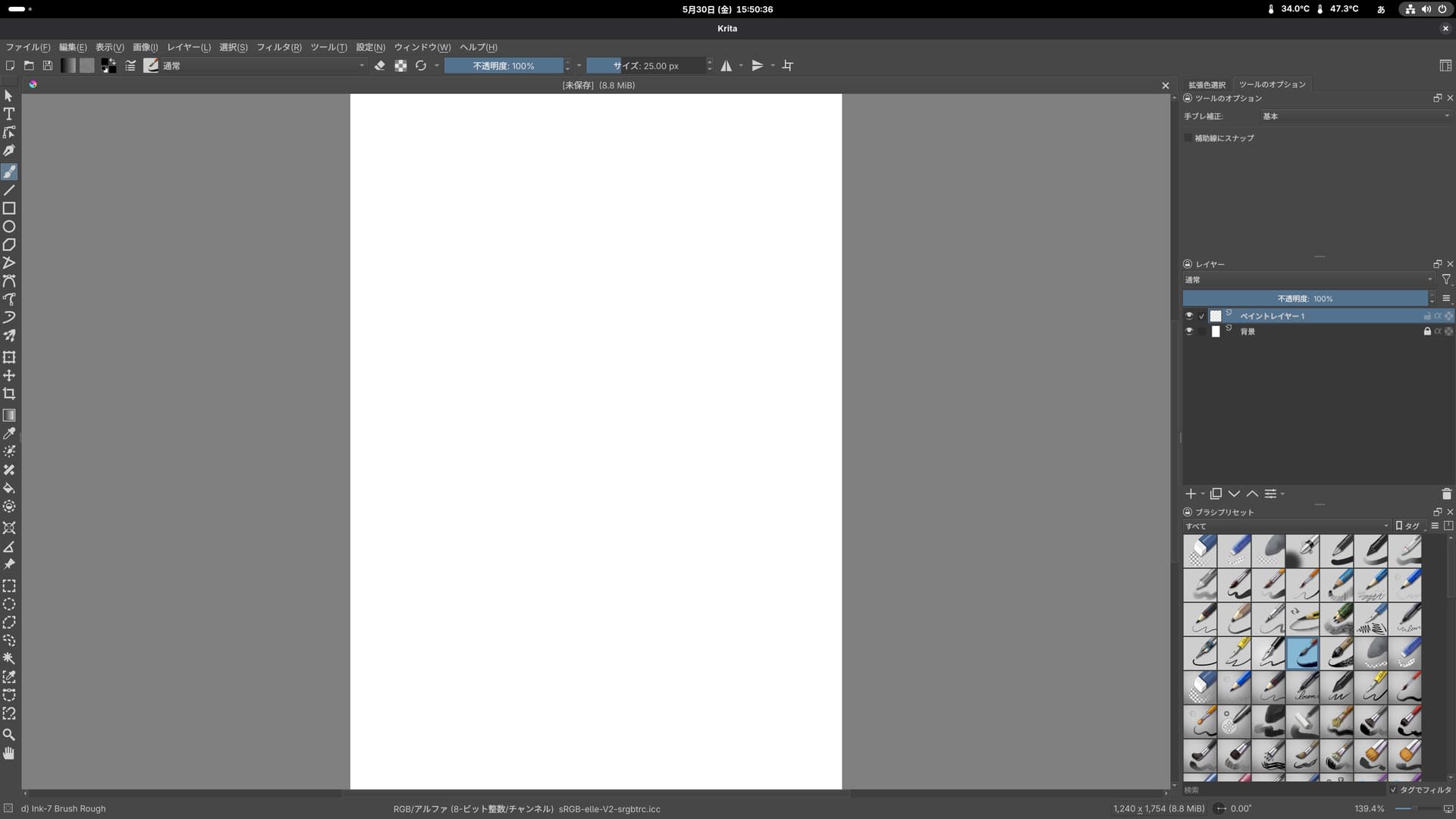
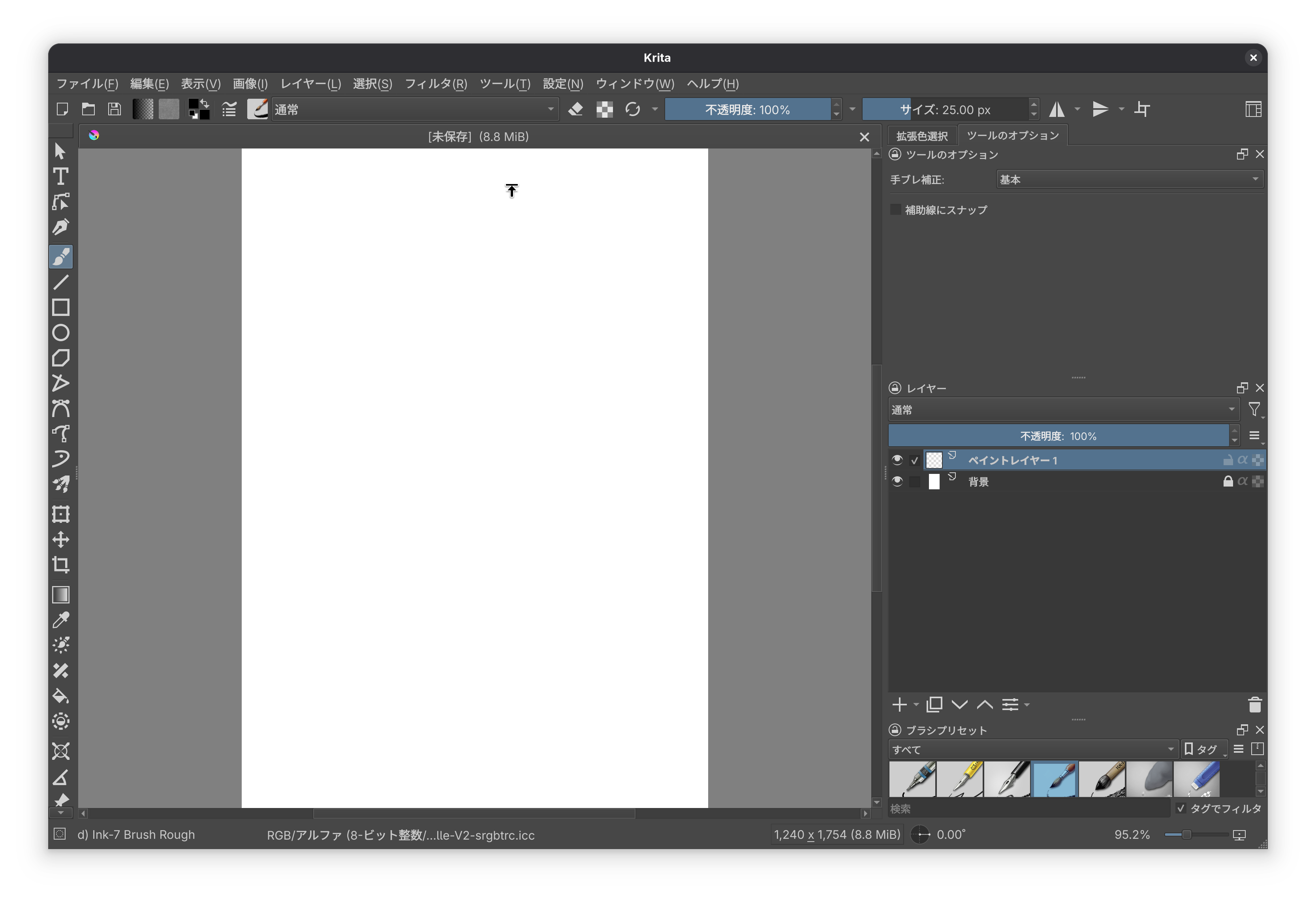
This may be a bug.
When I create a new document, I can’t draw in the center of the document.
The cursor changes from a circle (pen) to an arrow.
Krita version 5.2.9
Environment:
Fedora Linux 42 (Workstation Edition)
This may be a bug.
When I create a new document, I can’t draw in the center of the document.
The cursor changes from a circle (pen) to an arrow.
Krita version 5.2.9
Environment:
Fedora Linux 42 (Workstation Edition)
What type of arrow, like the mouse pointer arrow? Fedora gets mentioned a lot recently making problems with Krita and other non-native Wayland programs. Are you using the official AppImage or Fedoras own packages?
I changed the topics title to something more meaningful, so people can immediately see what it is about.
This occurs in both the AppImage and rpm versions.
The arrow type is the standard system cursor.
Are you drawing with a mouse or a graphics tablet? Is there another window open behind Krita?
I’m using a Wacom pen tablet.
I also have various applications running in the background, such as a web browser and email client.
PS:
This problem seems to be related to the window size, and it was fixed when I reduced Krita from full screen to half size.
Sorry, the cursor isn’t visible.
I was wondering if the window manager somehow did recognize another window that is floating behind the Krita window or something and then changing the cursor. I really have no clue about this one. Also don’t have a Fedora system to test this with, mine is Manjaro but also with Wayland (gives me other issues but pointing and drawing are not affected for me).
Maybe someone else can help.
Thank you!
I wondered if you perhaps have display scaling active in Fedora’s display settings. I read that this can cause issues (although it did not for me).
I am indeed using display scaling mode.
But I had the same problem even when I set the scaling to 100%.
Maybe the problem is that I’m using a 4K display.
Thank you very much.
I have 2 4k displays (one of which is my Wacom Cintiq) and a WQHD one connected at the same time without not much of an issue. I wondered if the tablet mapping could be messed up in some way (perhaps a calibration does help) but honestly I doubt it because this would not explain why it’s only happening in full size mode and it usually also makes the cursor stop working in an entire area, not changing behaviors, and it would also not affect just a single application (I don’t think the current Wayland graphics tablet driver does support application profiles yet). It’s such a strange issue. One thing what I once had that was kinda similar (but not in the middle) was when in the display settings my monitors areas would overlap.
What does happen when you open the tablet tester in Krita and drag it into the affect area. Does it happen no matter if you use the moues or the pen?
Thank you for your repeated replies.
This occurs when the window size is set to the full screen width, but does not occur when it is set to half the screen width.
Also, the tablet tester works without any problems with both the mouse and pen.
In the affected area too? Like when you drag it to that part of Krita where the cursor stops working? Just to be safe and rule this out: can you open Fedora’s graphics tablet settings and calibrate the tablet again?
I tried changing various settings, but it didn’t solve the issue.
However, the issue only occurs when creating a new document, so once I save it the issue doesn’t occur, so it’s not really a big deal.
Sorry for the trouble, and thank you for your help.
A bug report similar to this was just opened, also on Fedora GNOME: 505017 – "invisible window" prevents focus on the canvas
It says “since a few days”, so it sounds like some system update caused it?
That may be true.
It’s true that there were times when the window would not appear.
Thank you.
I wonder if it could be the splash screen not being properly disposed, since it sits right in the middle. Is it possible to start Krita without splash screen?
By running Krita with --nosplash.
But the other thread says the Configure dialog has this problem, and this thread says it only happens with a new document, so the New Document dialog probably causes it.