Hi , i downloaded krita today and I’m still learning how to use it, but when i try to make a drawing or even a line , the line doesn’t appear. Can anyone help me ?
 Hello @misahtinha and welcome to the forum!
Please help us to help you and tell us which operating system you use and name the version of Krita you have downloaded and also from where you have downloaded it.
To your issue, you do not happen to paint in white on a white canvas?
Or are you painting with a mouse or your finger on your trackpad and use a pressure-sensitive brush, then this won’t work because a mouse has only 100% pressure and most trackpads too, to check this please use the brush b) Basic-1 it is not pressure dependent.
If that was not your issue, then please upload a screenshot of your complete Krita window, including everything, even the title bar and the status bar, so do not cut off parts of Krita in that screenshot.
I hope I did not write anything grossly wrong here because I’m very tired and have to sleep now for a while, so please take your time to answer and wait what other users, or me can then do for you.
Michelist
1 Like
Hello michelista , I use an old notebook, it has Windows 7, 6 GB of RAM and a 64-bit operating system , I downloaded krita from the official website. It is in the version 5.2.2
I’ve already tried using the graphics tablet and I’ve also tried using the notebook’s mouse, neither works, I’ve checked the color of the brush and nothing.
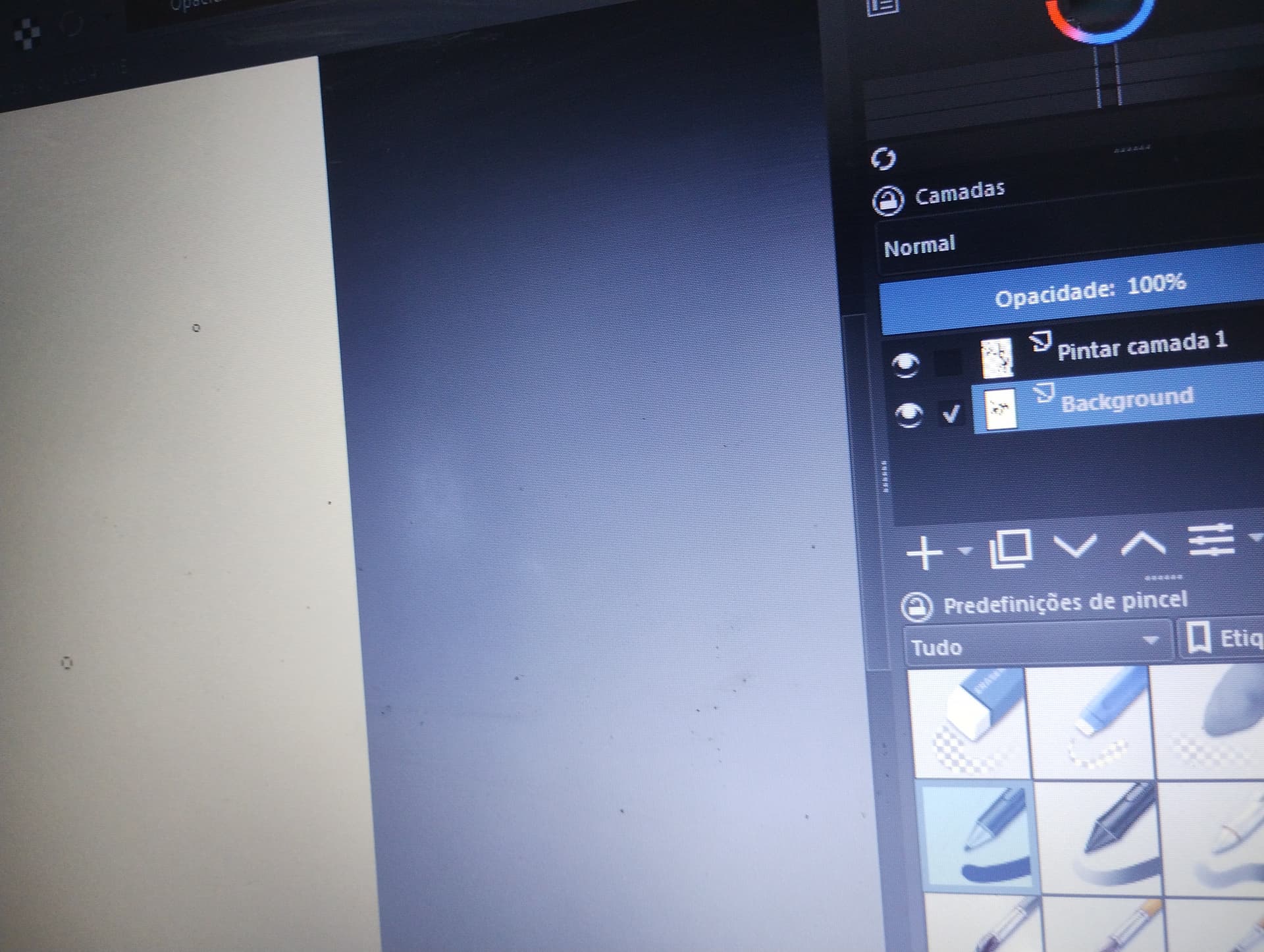
Everything I draw appears tiny on the layer, but on the large screen the main one doesn’t appear at all so you can’t see what I’m doing.
Hello @misahtinha and welcome to the forum
If you mention someone’s name, you should put the ‘@’ character in front of it so that they will be notified that they have been mentioned.
You’ve posted a photograph of a small part of your computer monitor.
What is needed and what is much better is to take a screenshot.
You can make a screenshot using Shift+PrtSc then paste it into krita using Edit → Paste into New Image.
Having said that, looking at your photograph, it seems that you have the Background layer selected and so are drawing on it.
You have a layer (Pintar camada 1) above the Background layer and that seems to have fully painted content. Because of that, you can’t see the content of the Background layer on the canvas. The content of the Background layer is being covered by the content of ‘Pintar camada 1’.
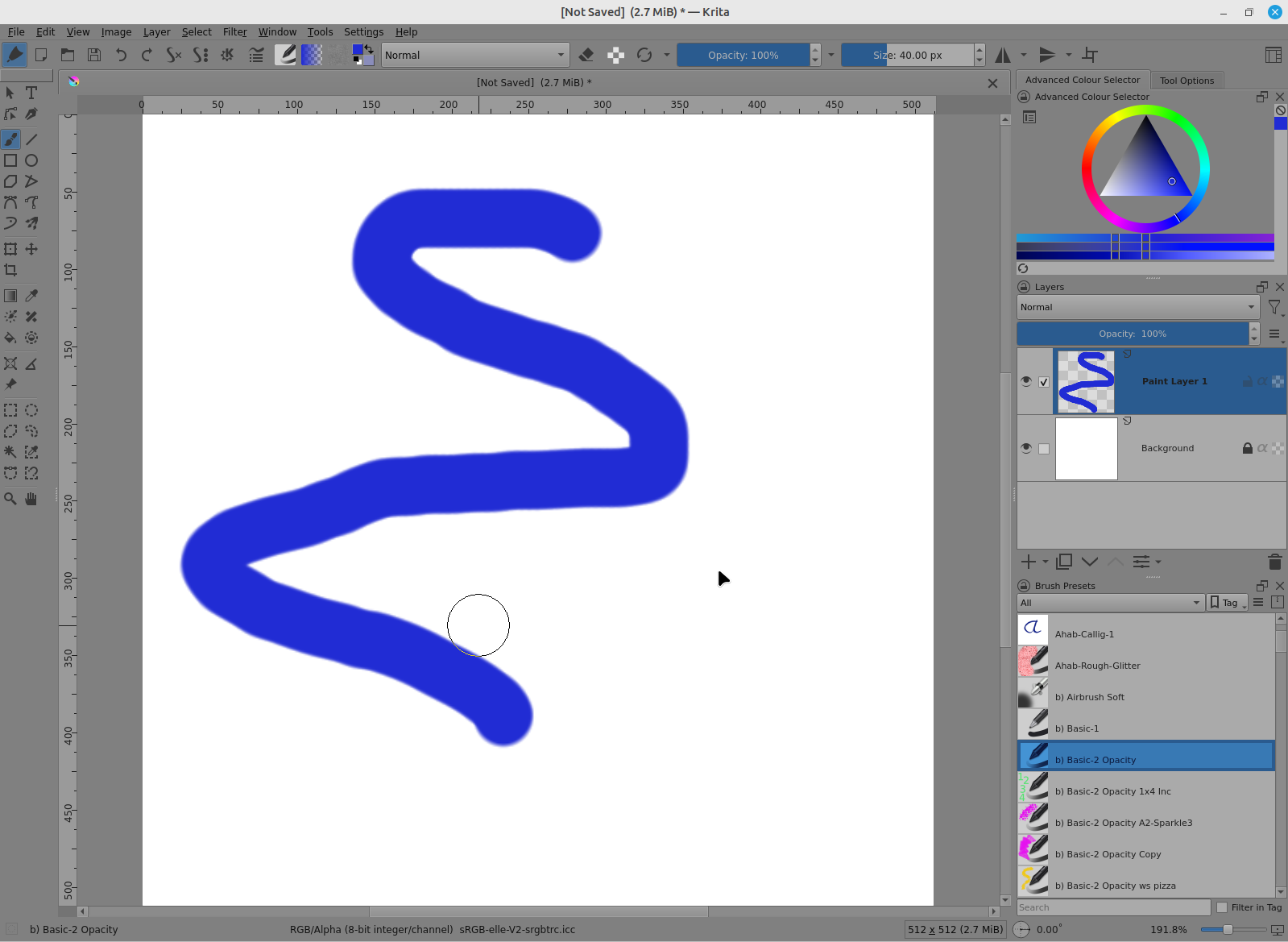
It is normal practice to leave the Background layer white and paint on a transparent layer above the Background layer. This arrangement is provided to you when you make a new image and the Background layer is usually locked to prevent you from painting on it:
Edit:Add: I’ve changed the category of your topic. Please choose an appropriate category for your topics.
2 Likes

@AhabGreybeard as you can see in the image, even thought i draw on the top layer , it doesn’t appear. No matter which layer i draw on , i’ve already looked at the color , changed the color , the type of brush and nothing.
can you tell us what is currently selecting in settings->configure Krita->display? In this case, my best guess is there’s something odd going on with the canvas graphics acceleration, so it might be worth it to switch between angle and opengl.
Hi guys, I would like to thank all of you who sent messages in an attempt to help me, I have already managed to resolve the problem. The problem was a box that was selected in graphical acceleration on the canvas, I just removed the selection and then it returned to normal.
4 Likes
This topic was automatically closed 4 days after the last reply. New replies are no longer allowed.