Type of device* : display veikk
Brand and version of the device: VK1200
System** : Windows 11
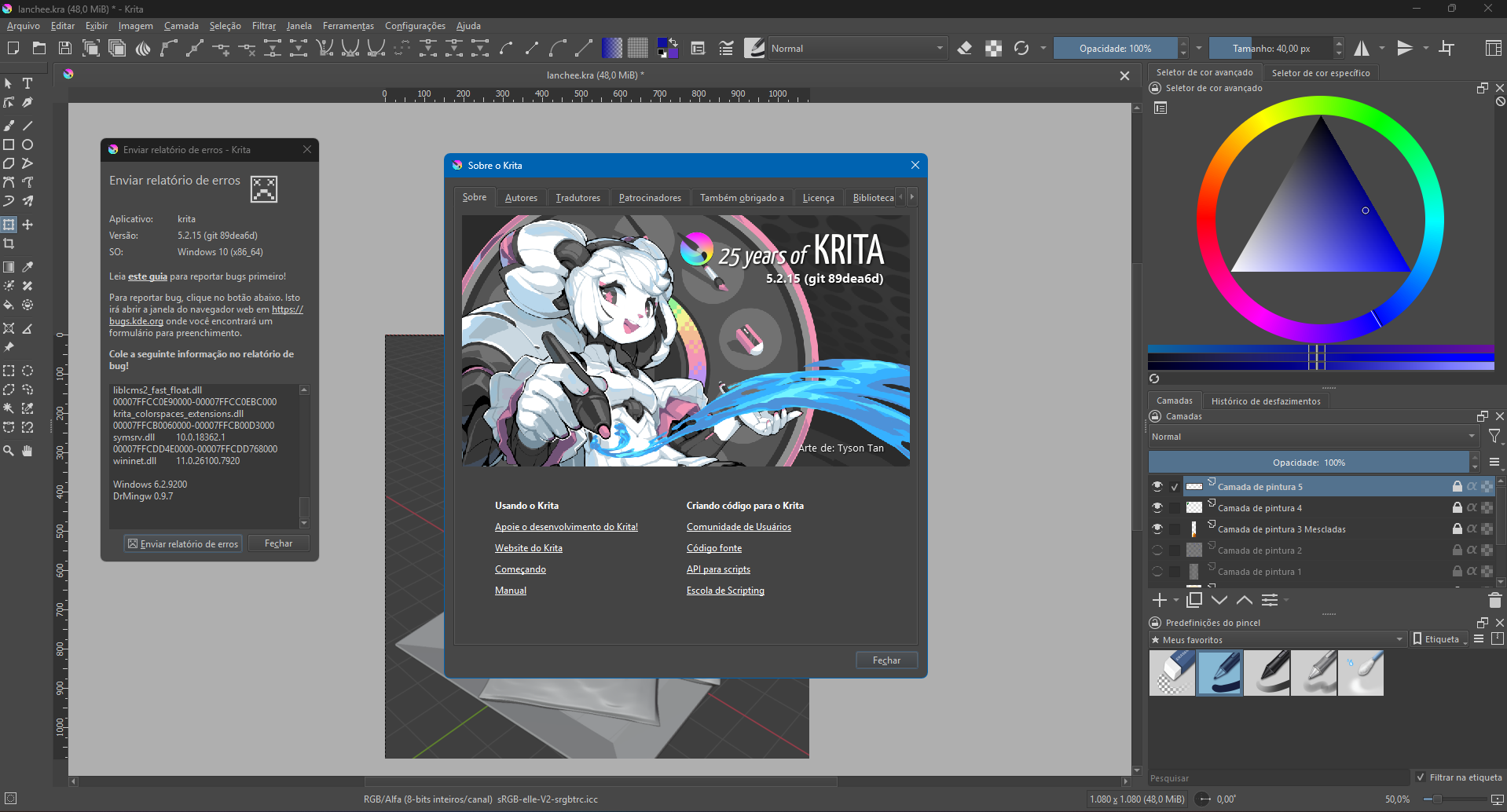
Krita Version: 5.2.15 (git 89dea6d)
Description of the issue (you can include screenshots):
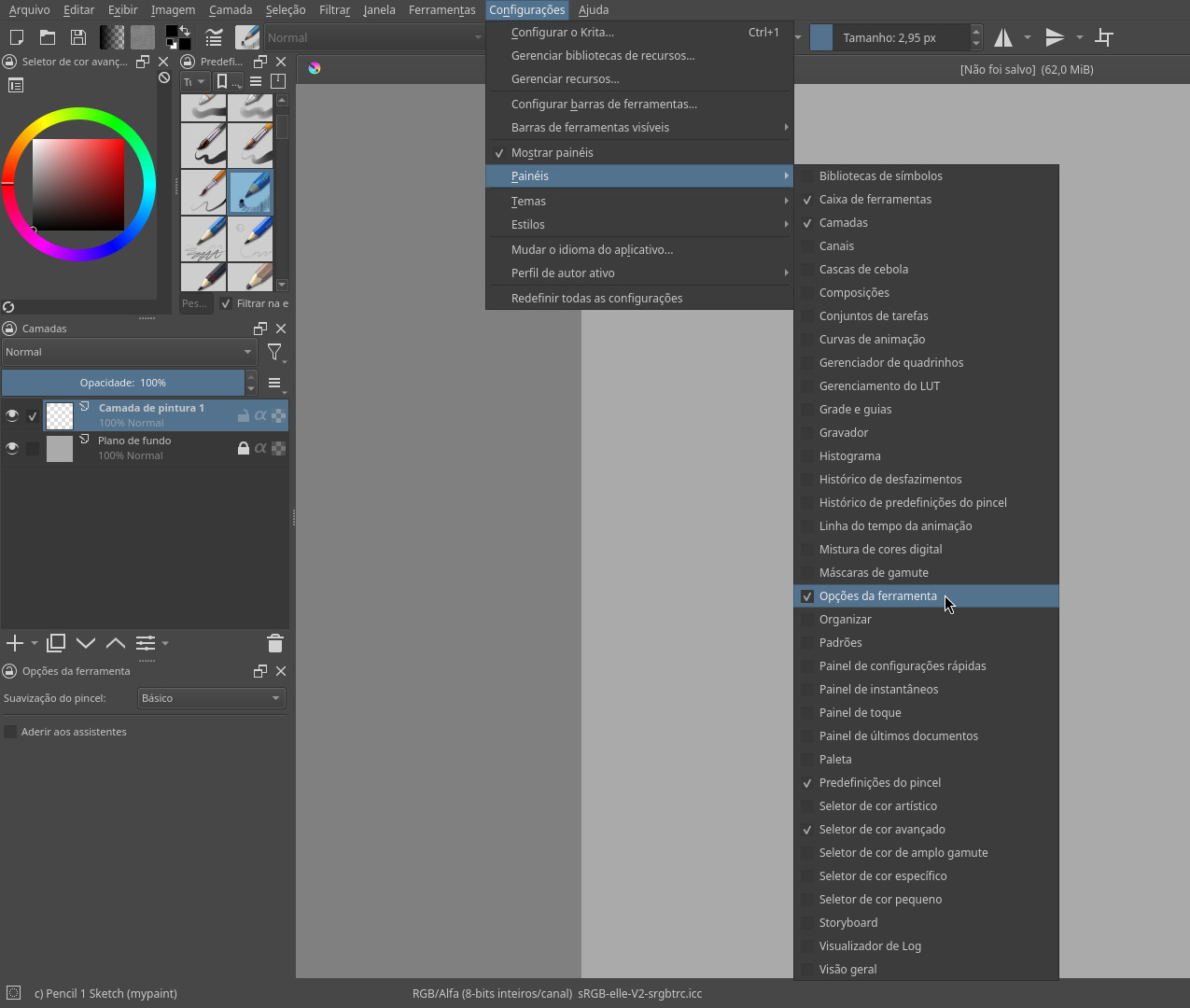
I want to manipulate perspective and other transformation tools in my drawing, but I can only use the Free Transform. From what I’ve researched, a ‘tool options’ tab should appear when I click on the tool, but it doesn’t show up anywhere. I even tried adding point options in the top area (I thought it would be related), but I can’t change those either. Can you help me, please?!
In Krita, Tool Options is available as a docker or as an icon in your toolbar. I can see that you opted to have it display in the toolbar which means you cannot locate it as a docker any longer (unless you reverse your decision in Configure Krita).
It is immediately to the left of the brush editor icon in your screenshot.