Greetings everybody.
Excuse me, but, what exactly is wrong with Krita’s image downloader?
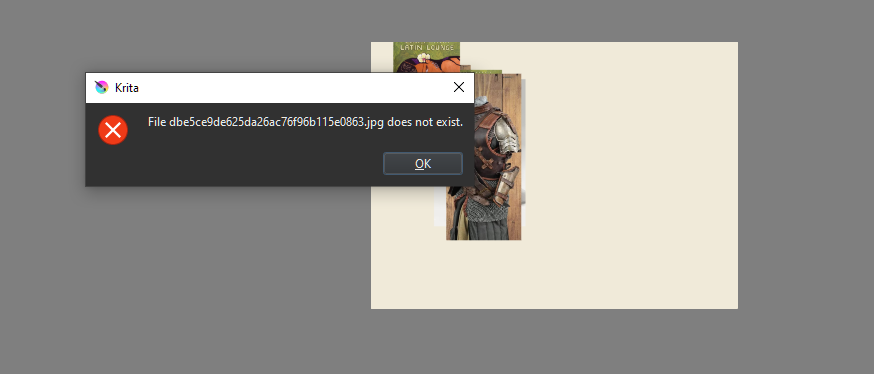
When you browse the web, then drag n drop a picture opened from your browser tab directly in Krita,
the app asks about downloading the picture. But once downloading finishes, it says failed to download, picture doesn’t exist. Eeeh ?
And it happens with the stable version only. Not the stable plus version.
I’m not sure this is normal.
I dont think it is normal.
I just drag drop some reference earlier and they proceed well. [5.1.5]  definitely should not be happening to you.
in that regards my internet is fast at this time of the night. might need to test on slow connection hour.
it’s a mystery what is happening there.
Nothing. This functionality is provided through your OS, it is a “simple” drag and drop-action, but that it fails on your side is a mystery. Or do you work with different user-accounts? For example, your browser runs in a limited rights account, for security reasons, and Krita uses another user-account, then it is not possible to drag and drop.
Michelist
The funny thing is, with some URLs, it works, while for others it doesn’t.
Also my internet connection is fast!
The download only took a second and went from 0 to 100% under my eyes.
Sometimes there are programming tricks used on some websites. Go to this address¹ and click on the picture in the upper left, it will open an overlay with additional pictures. Try to drag the upper pic to Krita, it should not work, but if you choose one of the small pics below you’ll see that they can be dragged out of the browser to Krita or elsewhere on your desktop. That has not to do with Krita, but with the website and Windows, respective with the OS’s in general.
Michelist
¹ Various - Latin Lounge | Releases | Discogs
can you give examples of URL or websites. Would be nice to check and try it - to help root out he possible issue.
With the stable version(5.1.5) , not a single website link seems to work.
However when I use the stable plus version(5.1.3 here, git 6e7d3ee), it works fine, without issue.
@Michelist I’m sorry but I must think that you’re wrong. The image from the links, as long as they work, should make it possible to download the pictures without any issue even if it goes from browser to app. I just made a test, and any image in the overlay of pictures gets downloaded fine in Krita if I use a drag n drop case. This only works in the stable plus version however for some reason. And it’s very weird. I suspect that something unnoticeable is done by accident at compilation time to prevent some Krita features to work properly on Windows with the official stable version. Or it’s just a possible bug.
@kaichi1342
Here are some links for the test.
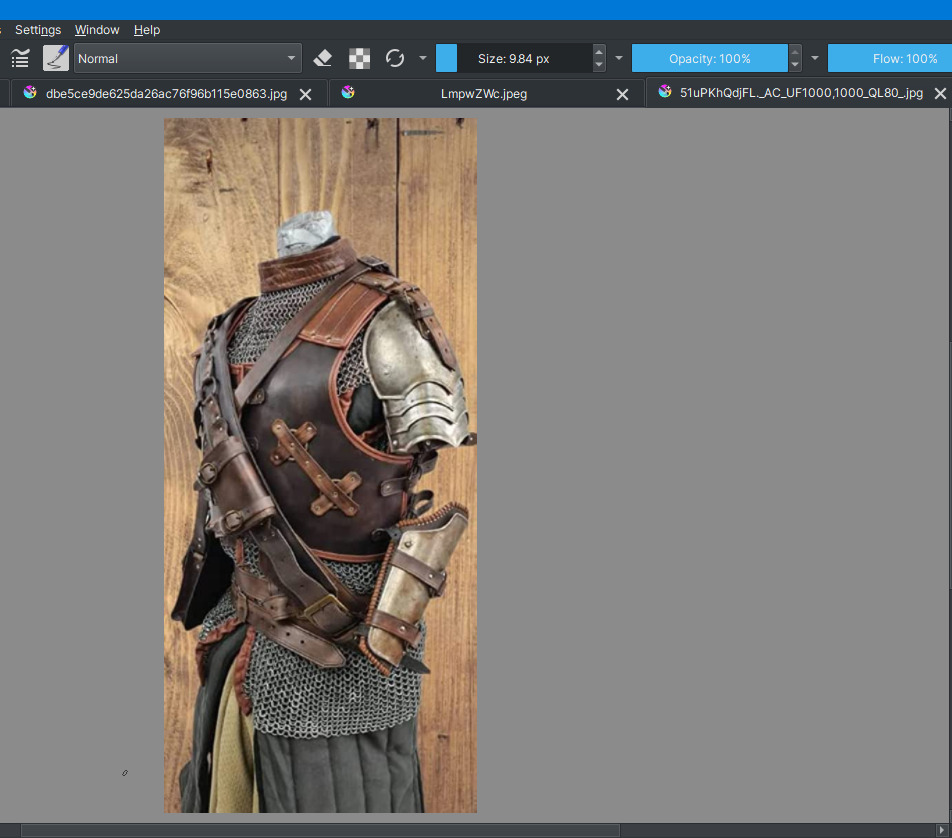
(https://i.pinimg.com/550x/db/e5/ce/dbe5ce9de625da26ac76f96b115e0863.jpg)
Here’s a screen cap of Krita stable plus version 5.1.3.
As you can see, the pictures are downloaded and opened fine on my side.
If I switch to just the official stable version, it doesn’t work and thus makes no sense.
Why is that though?
From your link, I could drag the image into Krita and every other application that allows drag & drop. That is so crazy!
Windows is a crutch! From the site I linked, I can only drag the images from the bottom row of the linked page into my applications. But I can’t paste the enlarged image of the one above it into an application from Firefox, Chrome, or Opera. Windows is glorious junk!

Michelist
Logically, if the older stable plus version works(5.1.3), then there’s no reason for the newer and stable 5.1.5 version to not work with the same use case.
So instead of Windows, it’s probably that something is wrong on the side of the application. But what exactly could it be?
at first i was like why am I not reproducing it?
I opened the link and drag it and it worked fine.
then i tried just dragging the link [ not opening straight up draging the link and … boom it appeared]
I have pretty fast net.
But why does my 5.1.5 import your linked picture? Crazy!
Michelist
By the way, try to open it in a new document from the contextual options menu after you drag n drop.
I think i manage to consistently do it. [It also happen if open to new layer, open to new document]
@Michelist try this
highlight the url at the top. It doesnt matter if from twit, pinterest etc…
drag that url to canvas > New Layer or New document
Yes, then this will appear.
So perhaps in some image its only the url that loads?
but I do expect it to load, since the download thing appear. Why ask to download if it wont download?
Then Krita asks me if I want to download the image, and when I confirm it is downloaded and displayed. I’m telling you, Windows is a magic bag, every time you reach into the box you get a new surprise!
Michelist
Please click “yes” and show us what happens after that if you don’t mind.
After you do it, we’ll compare the version of our Windows OS too. For the sake of possible information on the issue.
Double check your Krita version too by clicking Help → “About Krita” .
October 2022, or 22H2, fresh installed two weeks ago, and it loads the pic as I wrote. Build 19045.2546.
Michelist
On my side
Krita : 5.1.3(git 6e7d3ee)
OS : Windows 10 Pro 22H2 (Build 19045.2130)
Import fails with the use case in Krita 5.1.5 official stable version.
On my side Krita : 5.1.5 official build
Windows 10 Pro 21H2 10.0.19044
@Michelist @kaichi1342
NEW UPDATE!!
So I tried another level of verification and so, I downloaded the portable version of the stable and official Krita 5.1.5.
I made the test with the same use cases again, and everything worked fine for the imports.
This goes to show that there’s indeed an issue with the OS, and this issue is one that could happen only with how you install your application. Honestly, I don’t know what I did wrong with the installation of my version of Krita.
But anyway. No issue with the import if you use the portable version of Krita.
@Michelist , it seems that you were actually right. And not wrong.
Well, I was already aware of that. I see what is happening in front of my eyes, and I have several years of service experience when it comes to Windows, earlier in the profession there was still money for it and since I am retired I have the PC’s in the family and circle of friends free of charge “may” care for. “Can you look what is wrong with my PC?” has cost me endless weekends. But as you can see, I can’t stop it, it is a way to stay agile in my brain, to not get rusty.
Michelist