I just tested the nightly.
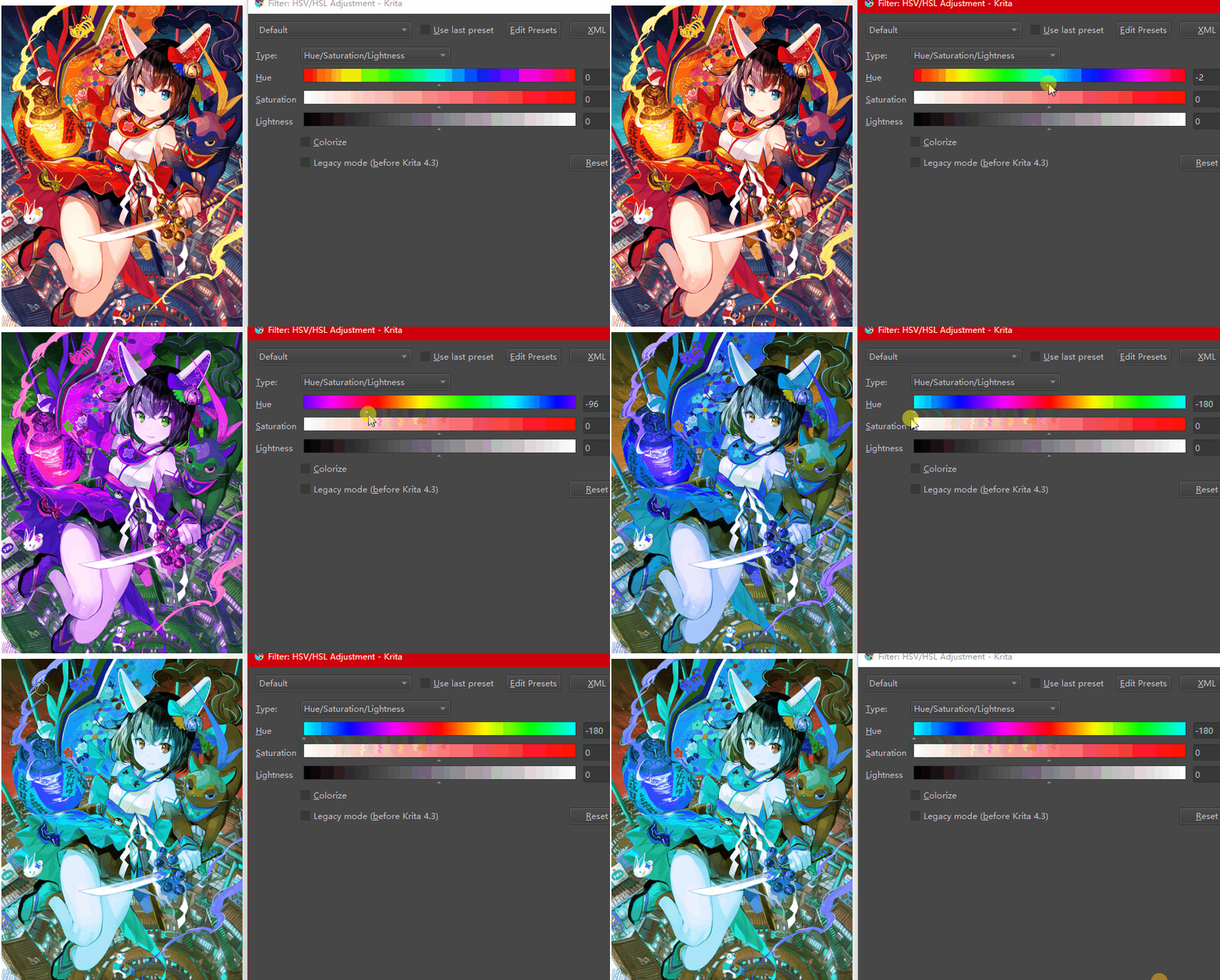
Why does the hue rotate lolol this is double confusing. 

Please make it fixed if you’re gonna make it an aesthetic indicator. Everything else works fine and good.
I just tested the nightly.
Why does the hue rotate lolol this is double confusing.
Please make it fixed if you’re gonna make it an aesthetic indicator. Everything else works fine and good.
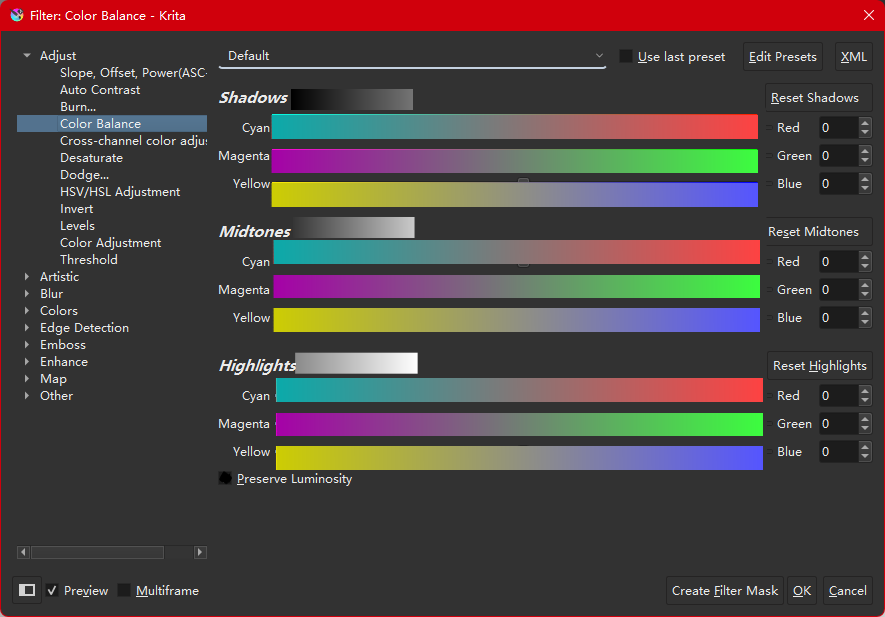
It’s doing well in my tests so far. Looking forward to the “color banlance” color slider and other HSX color pickers!
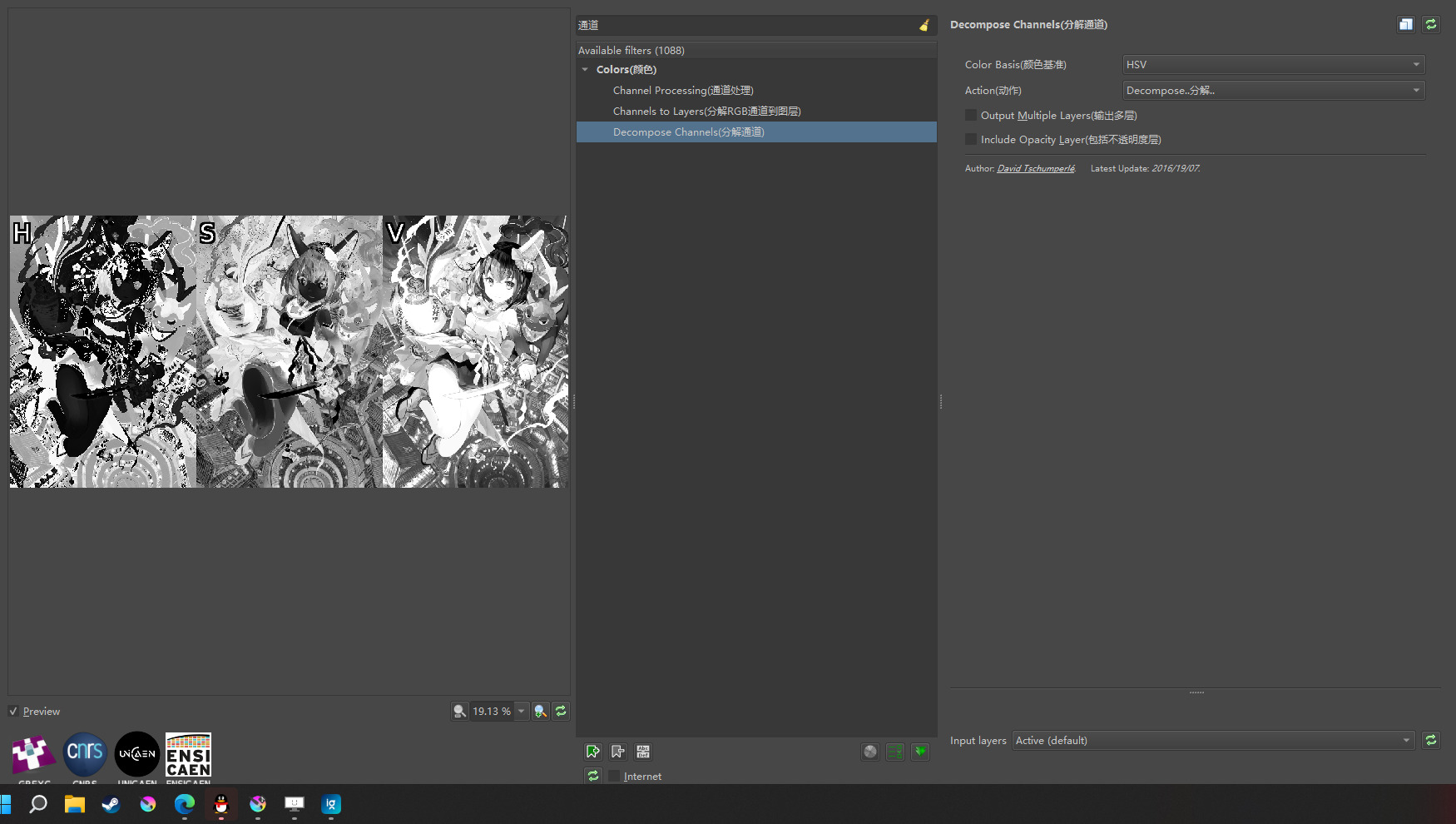
I think this represents a change in the “hue” channel. The following is the HSV channel obtained in GMIC. Black to white and hue bar are a mapping relationship.
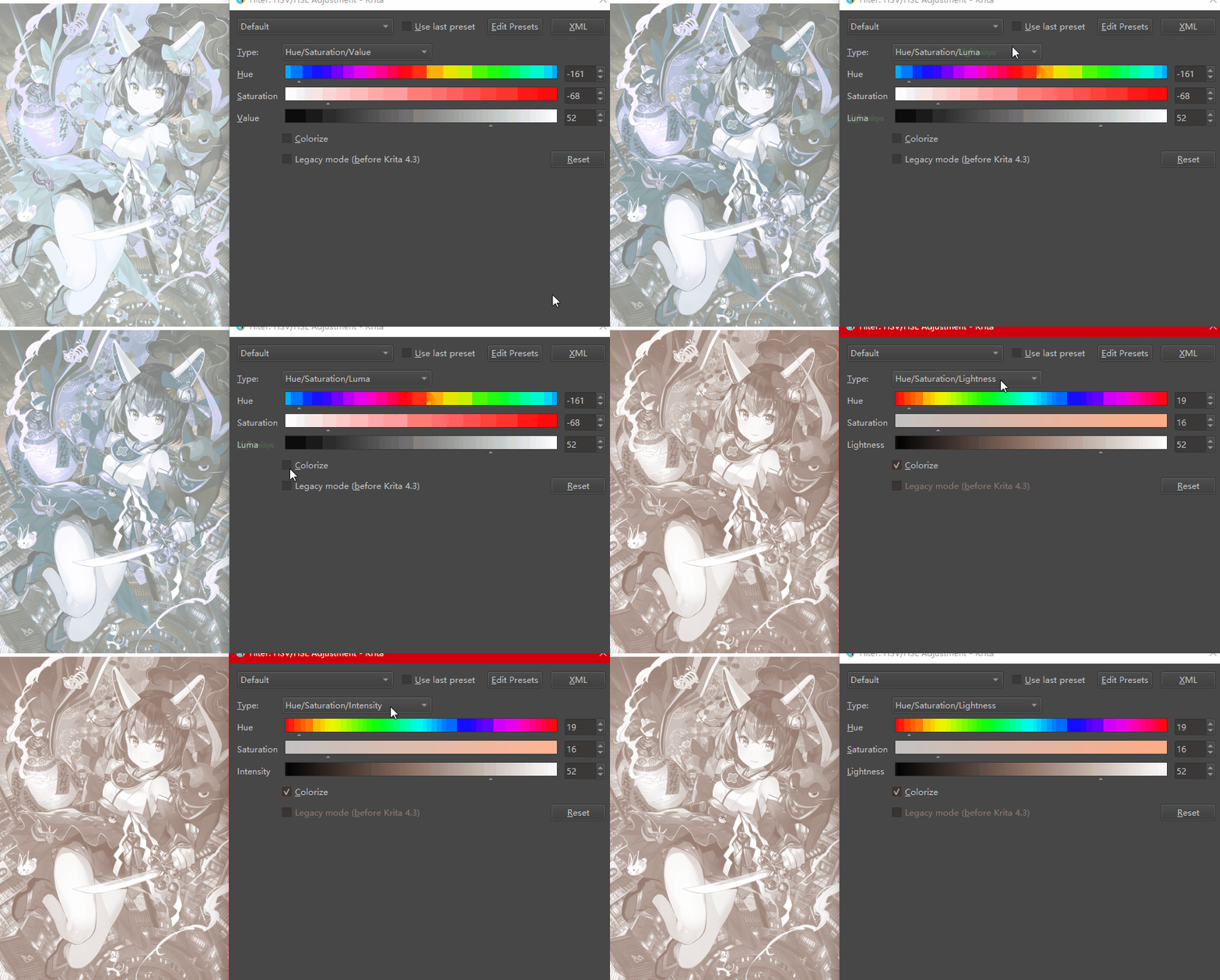
That’s not what I mean. After this update, the problem is more obvious: after turning on “colorize”, switch to HSV / HSL / HSI / HSY, the color slider is changing, but the picture is not!
If there is only one mode, we should add “only XX mode” after “colorize”. And set the only correct color slider. Unless someone plans to add new modes later.
I thought it did but even with knowing that it was still really confusing to me and only distracting when I try to focus on the color changes at the canvas. As Lynx3d mentioned too, I(and probably the most users too) always go by the preview on canvas. I recommend making the looks of the silder fixed. We all know that ‘it changes the hue’ anyway.
Oh I see the sliders also seem non responsive also to the HSX changes. I might give myself the trouble to go to Linux to test this too. I am growing not optimistic about these.
P.S. - Yeah the rotation thing is weird to think about it I did not get it. the sliders display is unresponsive as expected when changing color space still. The Filter operation did not seem to bad with LAB, I liked it. my question is if you apply the filter too many times can you actually return to the original image or colors will be lost? that is my real question.
After checking the code, I can confirm that “colorize” does not have different types, it only implements HSL and ignores that setting.
On top of that, I’m afraid its way to desaturate the input first is only correct for linear RGB. It’s the same issue that the desaturate filter in BT.709 mode has, the result will not match what you get from converting sRGB to Gray/Alpha although you’d expect that.
So should we change all sliders to HSL or wait for HSV / HSI / HSY mode? (I don’t think it’s possible for developers to miss them. Maybe HSL is the only universal option like triangular color pickers)
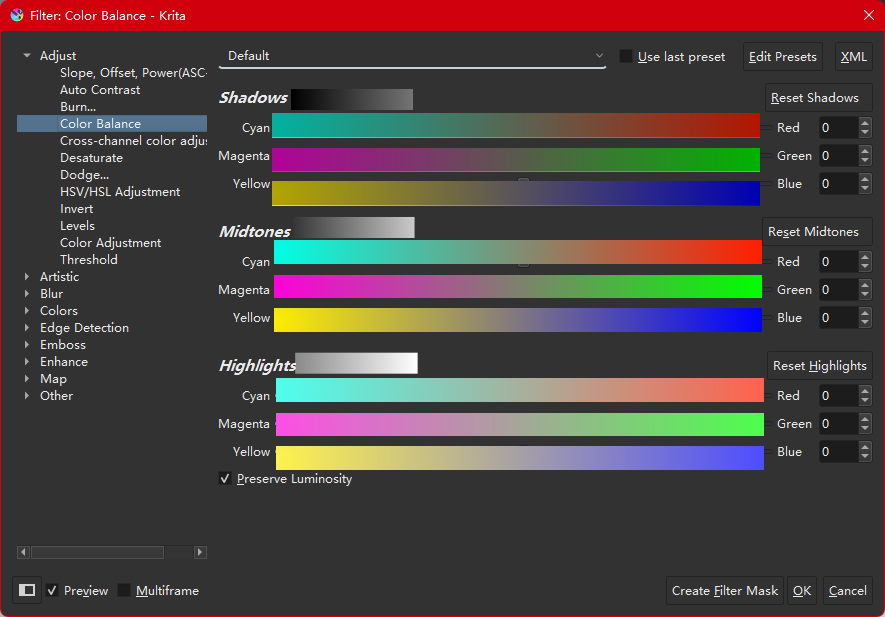
I made a hypothetical design for “color balance”:
First, a gradient of the modification range is displayed above.
(0-117) (53-202) (138-255)
This design does not affect the trend of color change, and increases the hint of light and dark
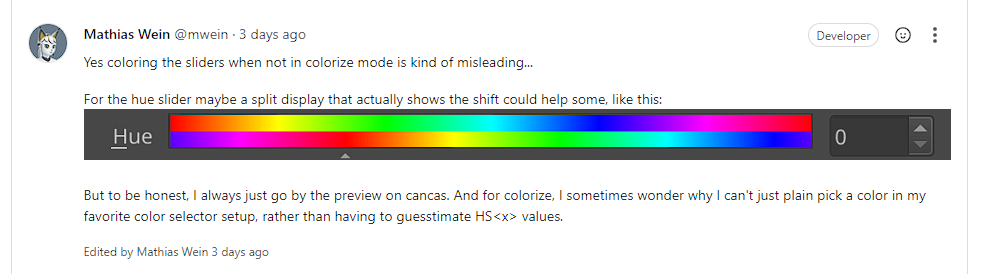
After using it for a long time with nightly builds I’d really really like the hue slider aesthetic to be fixed(in terms of not moving). Because(for instance) its center is always by default at blue, but not every layers and paintings that’s about to be color-adjusted is dominantly blue. I think it gives users an extra indication which is confusing.
The Hue slider colour scheme only seems to be useful and meaningful when the Colourise option is enabled. Then it’s static and has meaning.
If the Colourise option is disabled, I can’t understand what the meaning of the colours is and the changing/sliding action is simply confusing.
I think it’s good to have the colored slider(even when the Colorise is off). It helps you to see the amount of color shift you’re about to apply based on the color wheel. I just don’t like that fact that it’s rotating/moving.
I agree. Even though the color the slider has selected isn’t the color the image is, when shifting hue without colorize, I get a better sense of how far to move the slider.
For instance if my layer is red, and I want it to be orange, I’ll move the slider from blue to purple.
That being said, I’m in favor of the gradient being static at all times. I saw gifs of it moving around as you move the slider and that seems needlessly confusing. It should be static for colorize and static for relative.