Sup guys, how are you?
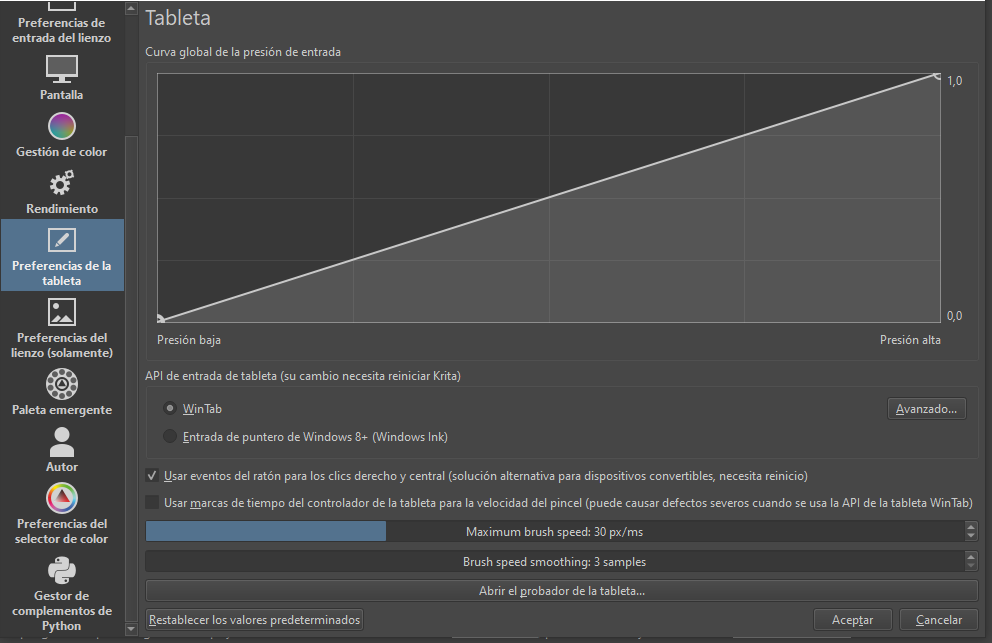
I’m using Krita for 2 years ago. But never I used with a Tablet, I bought the Huion h640p the last month, and I can’t use Krita correctly like windows (I mean, I can’t use the first button in the digital pencil), I tried installing [digimend-kernel-drivers v9] but that doesn’t work, and I tried the official Linux driver .deb and also that doesn’t work.
But the issue is with Krita, I got the app also in steam and the problem persist. The first button just works in the Desktop Environment
OS: Kubuntu 24.10
DE:KDE Plasma
Kernel:6.0
mint 21.1 runs really wekk with my huion 22 kamvas.
I don’t know anything about kubuntu, though. in mint, you can type in the menu search menu, ‘wacom’ and that brings up “graphics Tablet” everything works well now from mint 20.
You can map buttons, and map the monitor and adjust settings.
I don’t know that I am much help since you are on a different distro, I am sorry.
I’ve changed the title of your topic to make it more specific and attract the attention of people who may have experience of this arrangement.
Where did you get it from?
Have you tried the appimage from here?: Krita Desktop | Krita (Download it and give it execution permission.)
What does it do?
@Hoppa_Joel That may depend on the Desktop Environment.
I have a recent installation of LM 21.1 with the MATE DE and it just has the usual linux wacom drivers and xsetwacom.
oh okay, yes I have only been using Linux a couple years now. I picked Linux Mint Cinnamon ( I like mint and I like cinnnamon, so it sounded good to me hehe ) So I’ve only worked in this distro. with version 20, it was a struggle, but 21 there was more features for graphics tablet display settings.
on 20, I had to run a small program to get the pen to orient to my drawing monitor, but on 21, when you go to the settings you now can select the monitor and lock it in, and had things for button assignments too.
@afrolino02 It would be very helpful, especially for yourself, if you answered all the questions that I asked before.
I doubt that. Correct setting of the large number of options in the tablet driver utility and correct settings of the small number of options in krita is needed.
This is a Huion on Linux thing but I know nothing of that arrangement.