I keep accidentally creating copies of my layers when I don’t want to. It’s not detrimental and nothing is destroyed, but it is annoying when I realize I’ve been working on a copied layer and have to delete the original. It always says “copy if layer x”, so I know it’s not a brand new layer.
I thought maybe it was my pen accidentally dragging the layers and making a copy, but I’ve tried to recreate that and nothing has happened, even when I press the pen buttons. I think it happens when I swap between layers, but I don’t think it’s because I’m accidentally touching the copy layer button based on how frequent it is. Apparently there’s no hotkey for copying layers either, so I’m a bit stumped on how I keep doing it.
 Hello @orixlion, and welcome to the forum!
It seems that you are using a different program than Krita, since at least a large part of the 17 copies of Krita (from version ~2.8.5 to 6.0.x) I’m running on my machine know the keyboard shortcut Duplicate Layer or Mask which usually is preassigned with Ctrl+J. 
But in the case that you use any chat app, especially WeChat and QQ from Tencent, and Discord are known disturbers, you should try if closing them completely, so terminating them from memory not minimizing to tray, will stop this unwanted behavior. If it stops this happening, you’ll have to decide what you want to do, painting or chatting.
By the way, it can’t be ruled out that there are maybe more such problematic apps in between, since they usually strive to offer similar features and be “up to date” to not lose their base of users.
Michelist
The only app open is google chrome, krita, and the Huion Tablet app. I’m running the 5.2.6 version. I tried to be more aware of how it happens, and whilst I never see it exactly, it’s always when I switch layer with my pen. I’m not pressing any buttons (none of them are linked to ctrl + j anyway), so I think it might just be my pen movements but I don’t know if that’s a feature in krita.
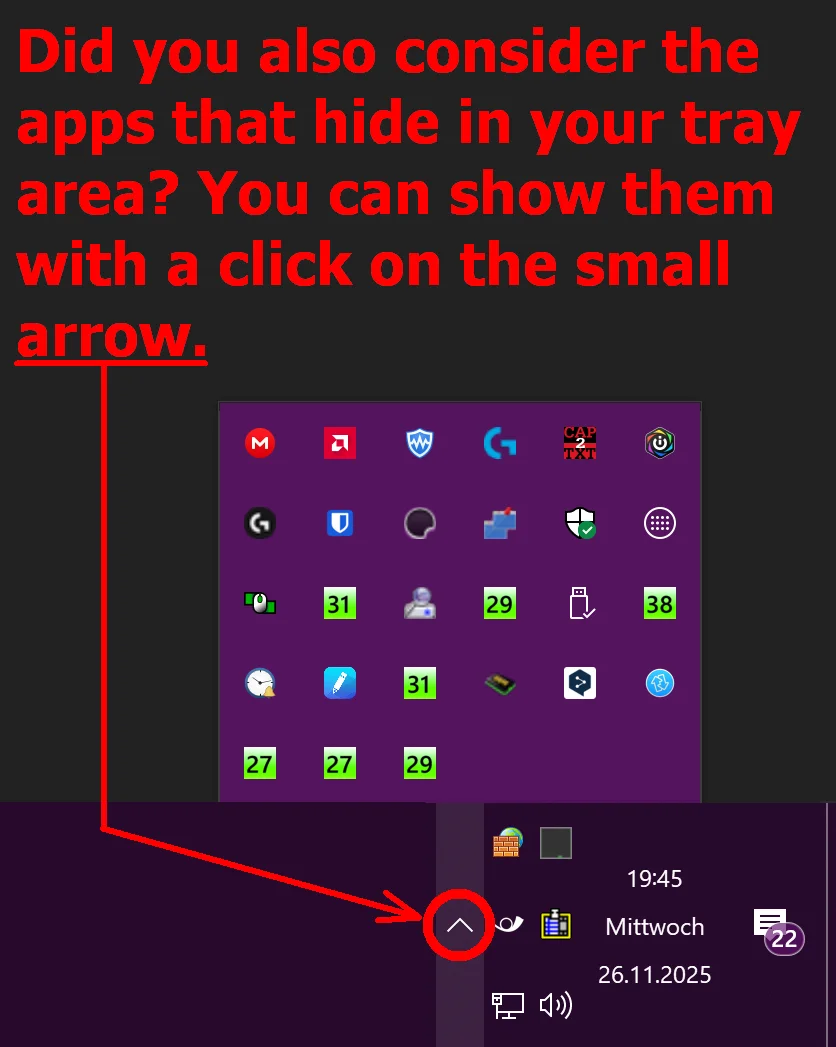
Did you also consider the apps hidden in your tray area?
Michelist
Yes, nothing unusual or any extra apps.
Pretty sure you’re accidentally dragging layers from the layer list on the canvas. Which is arguably a bug that Drawpile had as well. I put it into the bugtracker and will see about fixing it: https://bugs.kde.org/show_bug.cgi?id=512771
It’s fixed and will be in Krita 5.2.14 and 5.3.0. If you really do want to drag layers onto their own canvas, you can hold Ctrl to explicitly allow it.